Self-hosted · A separate companion for Immich
Watch your memories again, in films you can make your own.
Choose photos and videos from your Immich library. Review and change the cut, then render an MP4 with titles and music.
One container is enough to start. A GPU and a text model are optional.
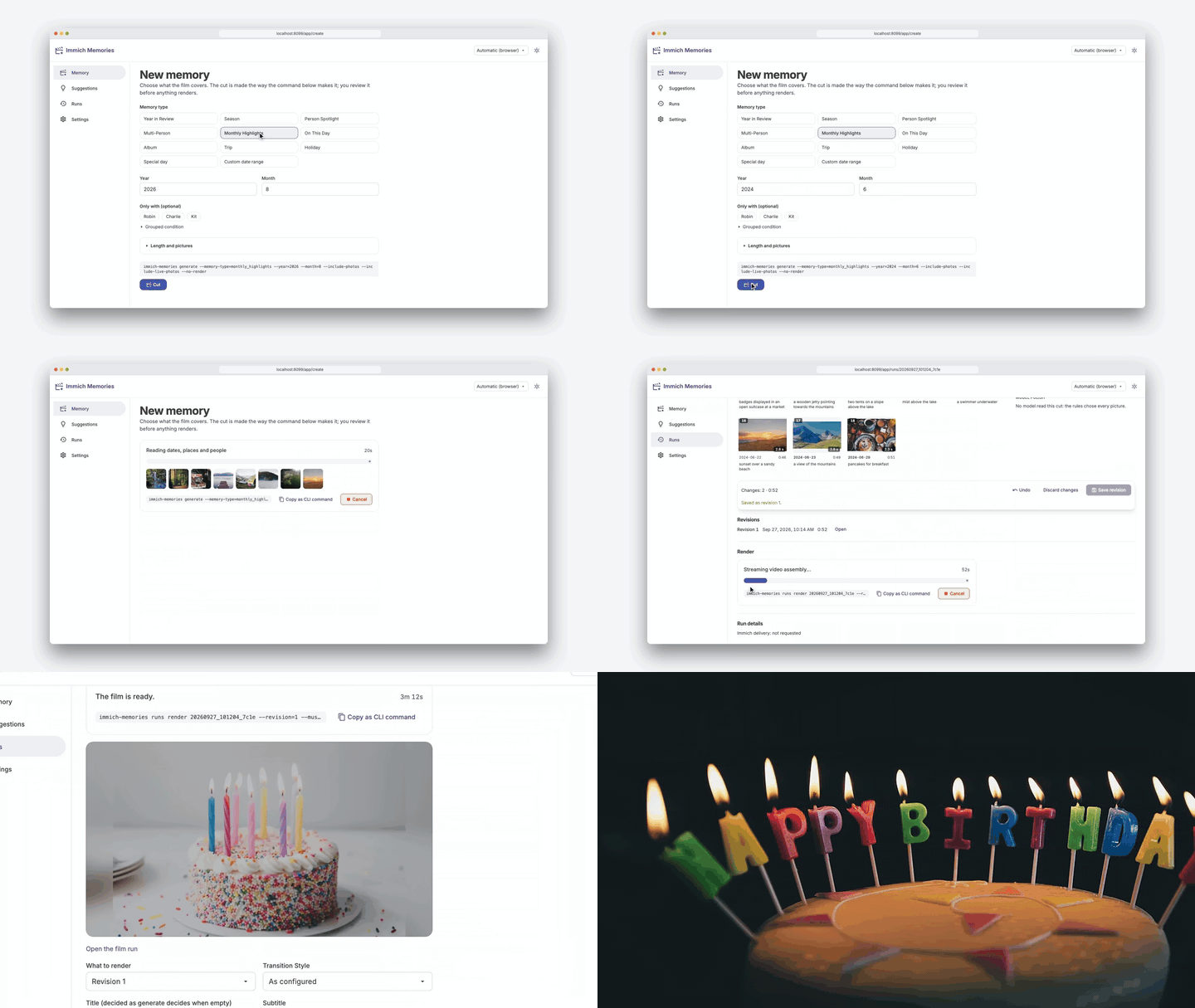
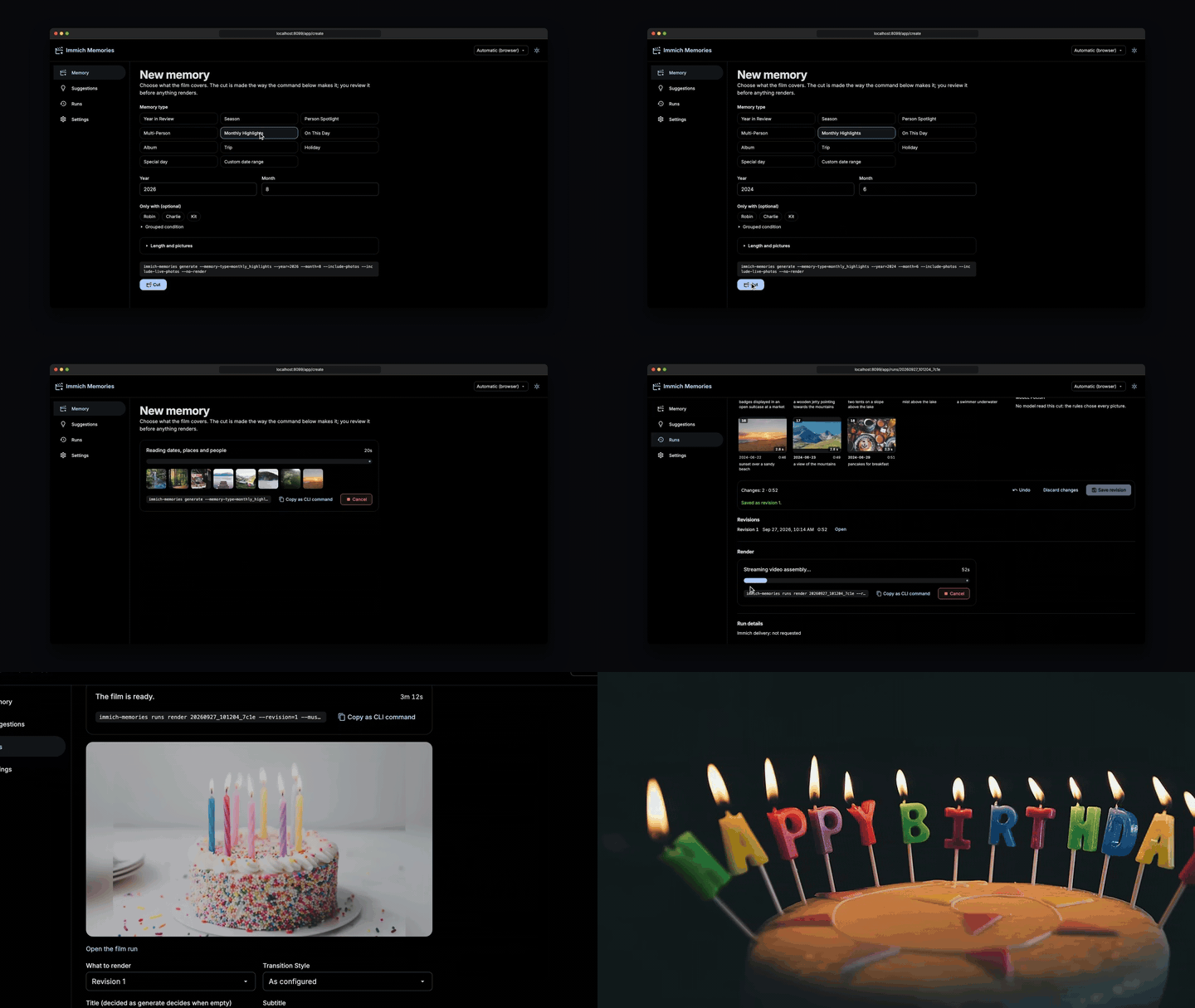
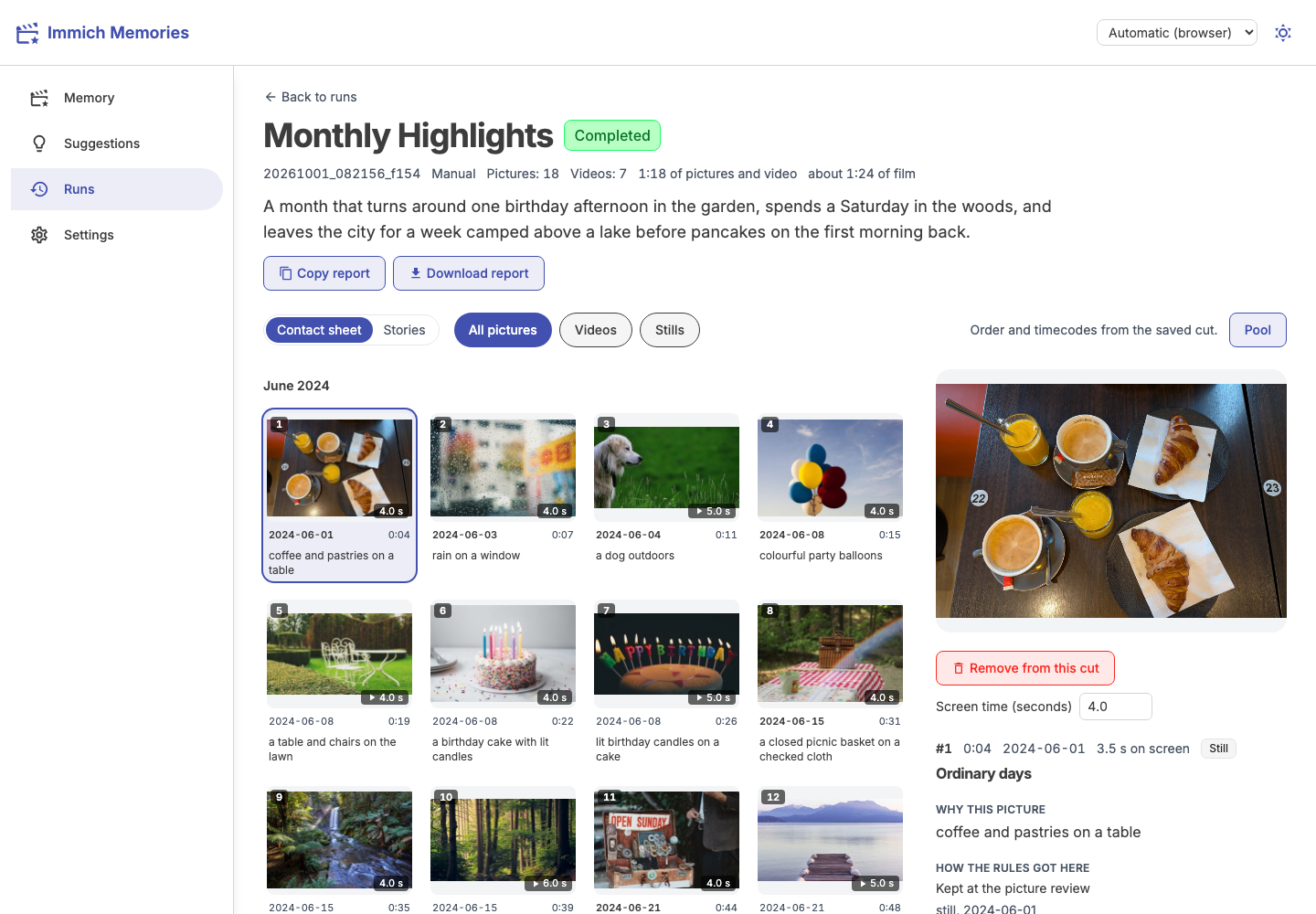
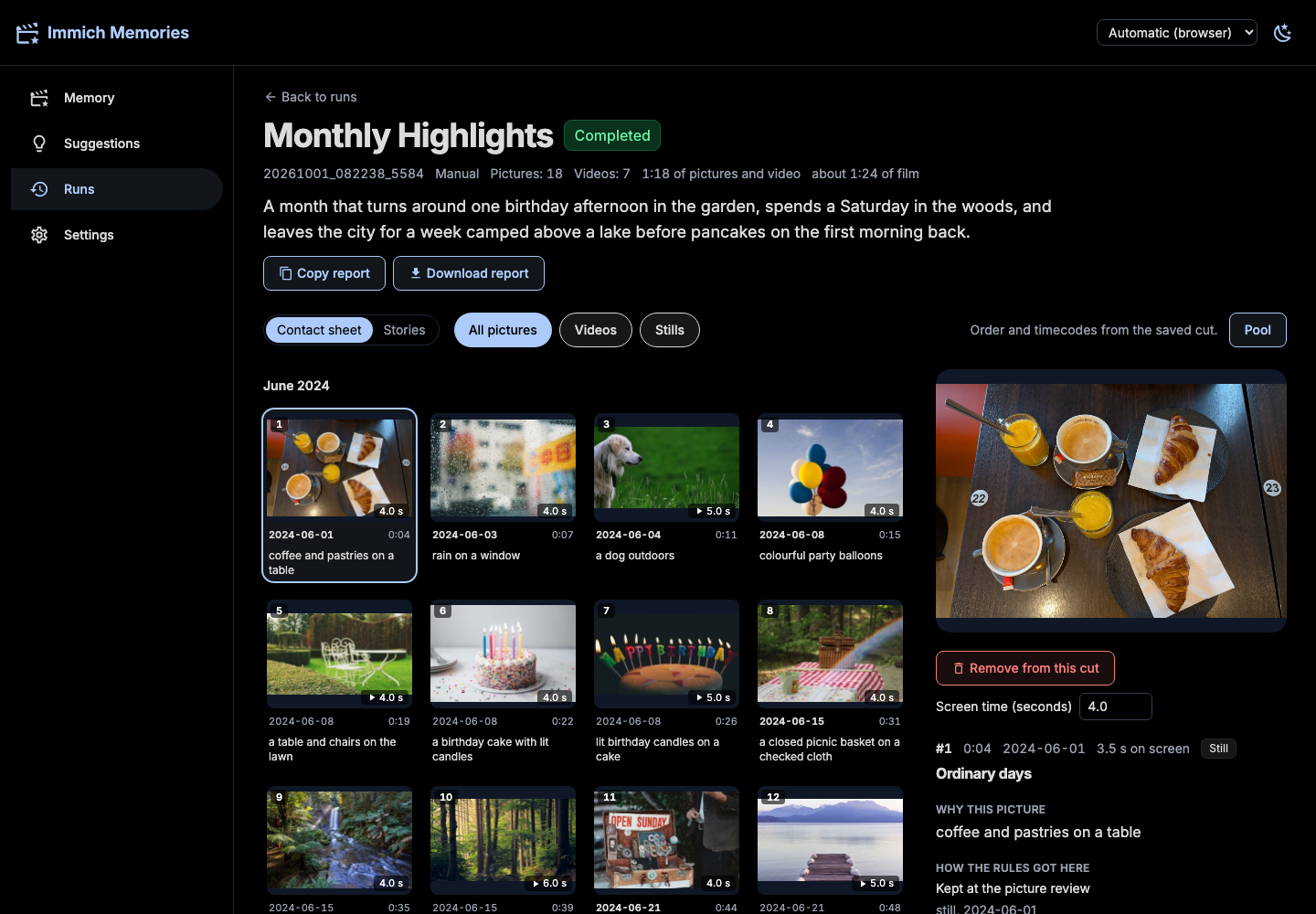
Play the demo with music · Watch a trip film
CC0 stock pictures. Credits
Start with what you need
Make your first film
Install, connect Immich, and try 20–50 pictures. Review the cut before rendering.
Quick start →After your first filmGet a better cut
Fix a missing person, change the length, swap a shot or choose the music.
Improve a film →For operatorsRun it your way
Storage, authentication, networking and optional services. The details live here.
Operate and configure →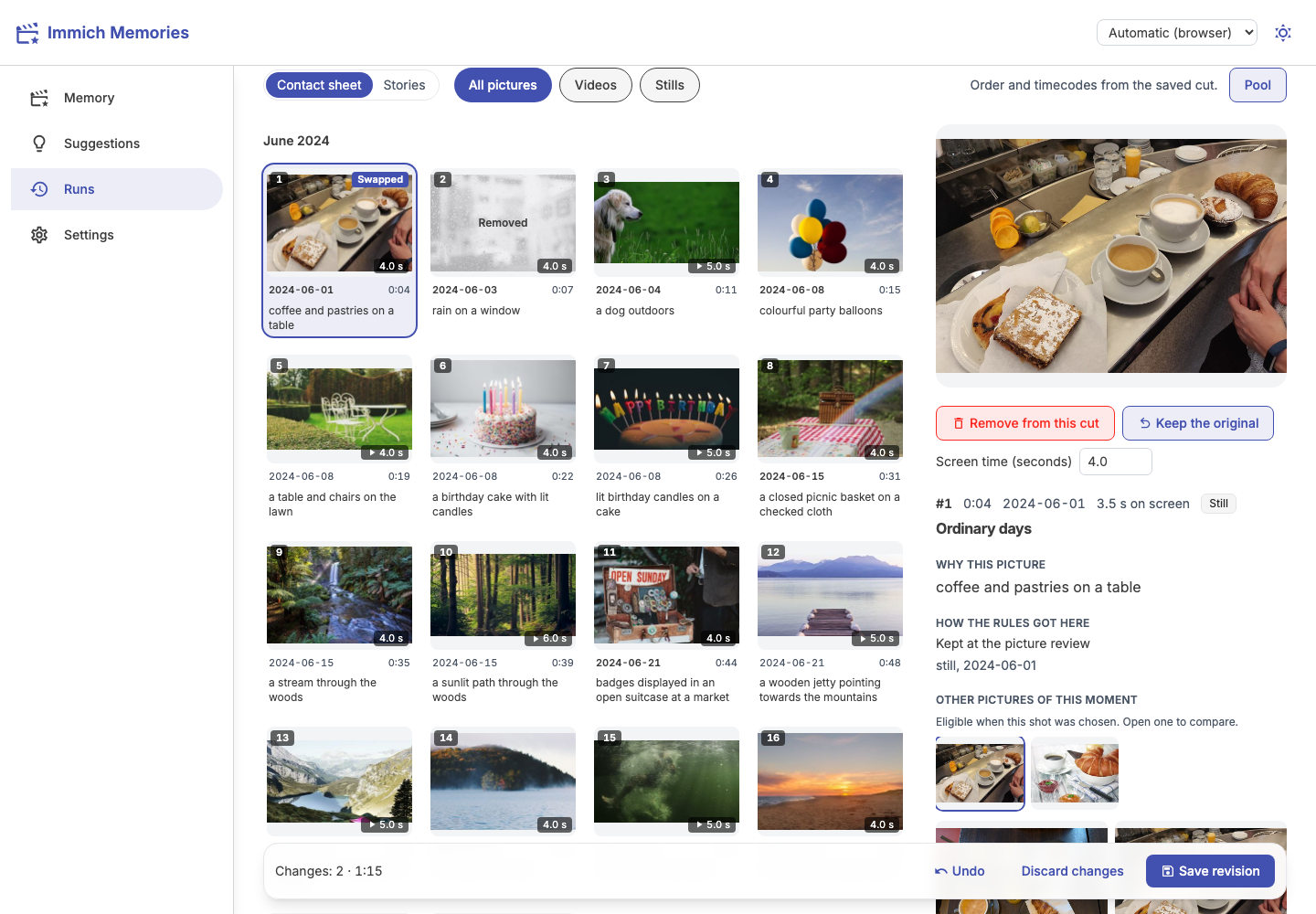
You get the final say
Keep the moments. Change the rest.
The app groups pictures into moments, picks shots that tell the story, and keeps them in time order. You see the cut before anything renders.
Remove a shot, trim a video or swap a picture. The film renders from the revision you reviewed.
See the first-film walkthrough →A container next to Immich
You need a reachable Immich server, its read-only API key, Docker Compose v2, two CPU cores, 4 GiB for this app in addition to Immich, and 25 GB for app data plus images and output.
Cold setup downloads the image and models, then prepares your selected pictures. A real month can take hours on a NAS. Start with 20–50 pictures and a 30-second film;follow each phase here.
The quick start supplies the Compose file and walks you through the connection. Once configured:
docker compose up -d
docker compose exec immich-memories immich-memories models fetch
docker compose exec immich-memories immich-memories preflight
Then open http://localhost:8080. For a remote host, follow the access instructions in the quick start.
Your originals stay yours
A default film talks to your Immich server. No telemetry. Uploading the finished film back to Immich is opt-in.
Maps and external model services need separate configuration.
See what leaves your network →Add more when you need it
Start with the default cut. Add captions, model refinement or faster rendering later.
Optional upgrades →