The web UI
/ is one page with three states: the brief, the cut in progress, and the story the cut
produced. It reads like immich-memories generate: one memory type, that type's parameters, one
duration, one button. The sidebar has Memory, Suggestions, Runs, Media pool and
Settings; Options and Export open from the cut itself.
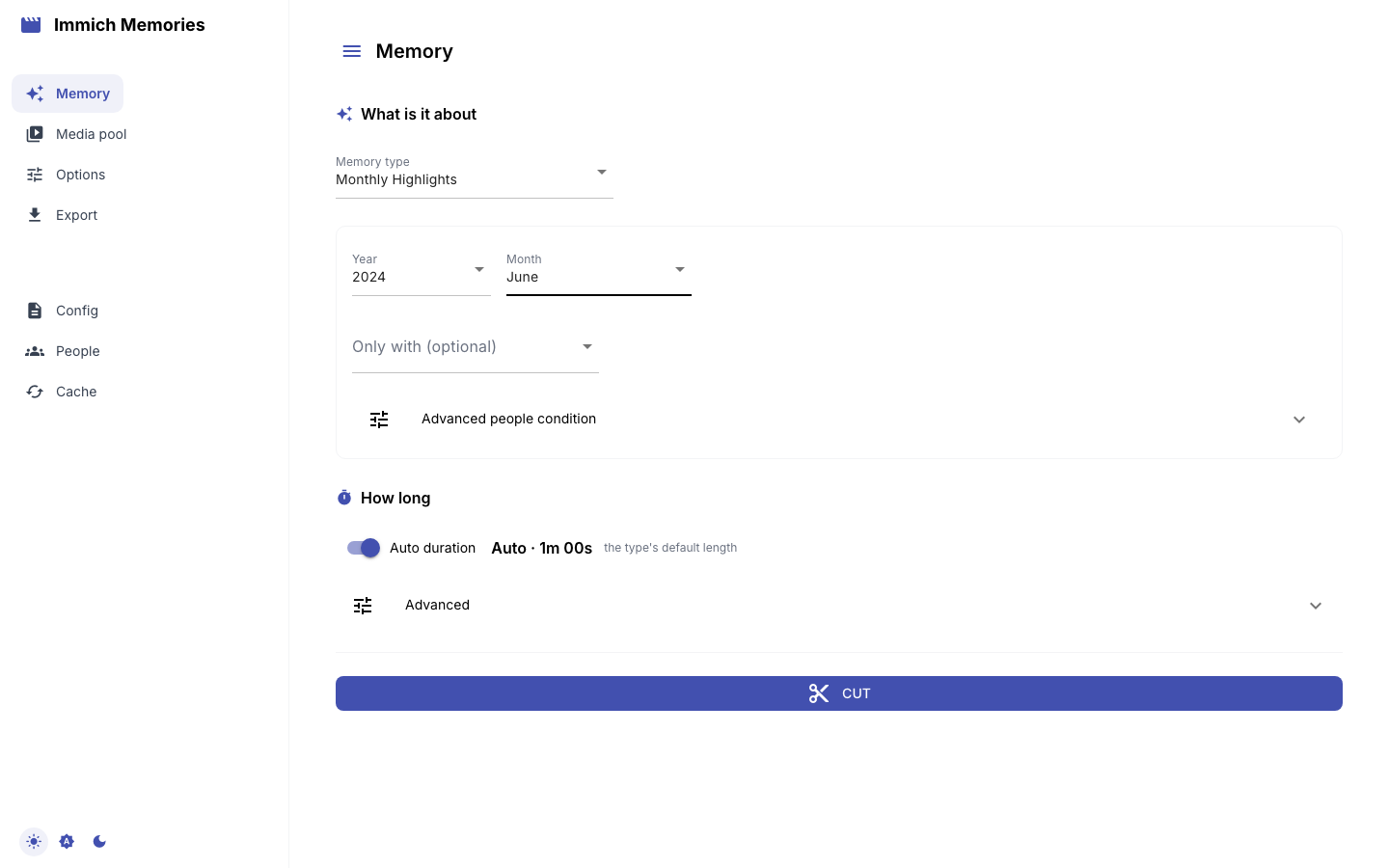
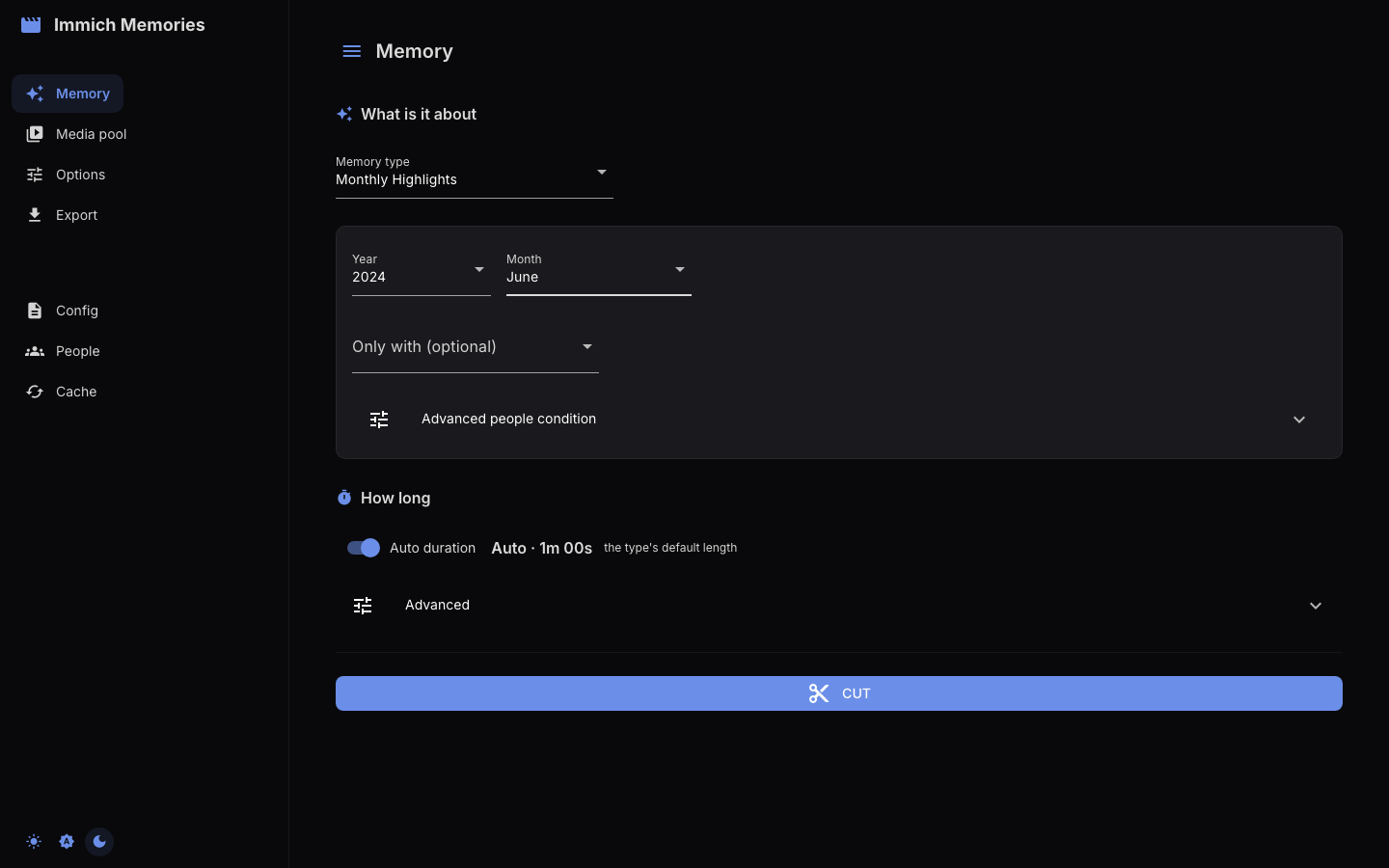
The brief
The brief appears once Immich has answered. With credentials in config.yaml or the environment the
page connects on its own; otherwise only the connection panel shows until Test Connection
succeeds.
Memory type offers exactly what generate --memory-type accepts, in the same order, plus
Custom date range, which the CLI spells as --start/--end. Duration is one line: with
Auto duration on it shows the type's own answer ("Auto · 1m 00s" for a month) and where the
number comes from, and turning the switch off lets you type an exact target. The target is the
complete video, titles and transition overlap included.
Memory types and their parameters
| Type | Parameters shown | Default target |
|---|---|---|
| Year in Review | Year, Only with | 10 min |
| Season | Year, Season, Hemisphere, Only with | 2 min 15 s |
| Person Spotlight | Year (or "All Time"), Person, checkbox "Birthday to birthday" | 10 min |
| Multi-Person | Year, People (select 2+), Together / Any of these people | 10 min |
| Monthly Highlights | Year, Month, Only with | 1 min |
| On This Day | Only with (otherwise today's date across previous years) | 45 s |
| Album | "Album" from your Immich albums | auto: 4 s per item, bounded 30 s to 10 min |
| Trip | Year, then "Select a trip" from the trips detected in your GPS data | auto: 30 s + 10 s per active day, bounded 60 to 300 s |
| Holiday | Holiday, Most recent year, Years to span (2-10), Only with | 1 min |
| Surprise me | "Pick a day" from the days discover-days found | auto: 30 s + 6 s per active hour, bounded 60 to 180 s |
| Custom date range | date range tabs and person filter | about 10 min per year of range |
Four do something the picker does not show:
- Trip: discovery reaches a month either side of the selected year, so a trip across New Year keeps its full dates, and only trips overlapping that year are offered. It detects from videos only, so a trip you only photographed has to be cut from the CLI.
- On This Day and Holiday do not cover one continuous period. Each builds a separate window per year and the page fetches every one.
- Album is its own pool, so it carries no person filter, and the title defaults to the album's name.
- Surprise me offers only the days
discover-dayswrote to~/.immich-memories/special-days.json, anniversaries first and labelled "10 years ago: A long evening out". With no catalogue the page says which file it looked for and which command builds one; it will not offer a random day.
Custom date range has three tabs: Year (then Calendar Year or From Birthday), Duration (1 to 24 months or years from a starting date) and Custom Range. The resulting range and its length in days show under the tabs.
People
Every person picker is populated from Immich's face recognition, so only named faces are offered. Person Spotlight takes one, Multi-Person takes two or more, and every other type covering a period carries an optional Only with picker.
Two names or more raise one question and one toggle answers it. Together keeps only the pictures
holding everyone named, which is what repeating --person does; Any of these people keeps
anything holding one of them, which is --person-match or. A Grouped people condition under
Advanced people condition says what the toggle cannot: quoted names with AND, OR and parentheses,
the CLI's --people-expression. It opens by itself when a condition is already set, so a filter is
never narrowing a memory with nothing on screen saying so. Typing a condition replaces what the
picker and toggle say; touching either clears the condition.
Three types carry no person filter: Album (the album decides), Trip (its window is taken whole) and Surprise me (the occasion, not its guest list).
Advanced
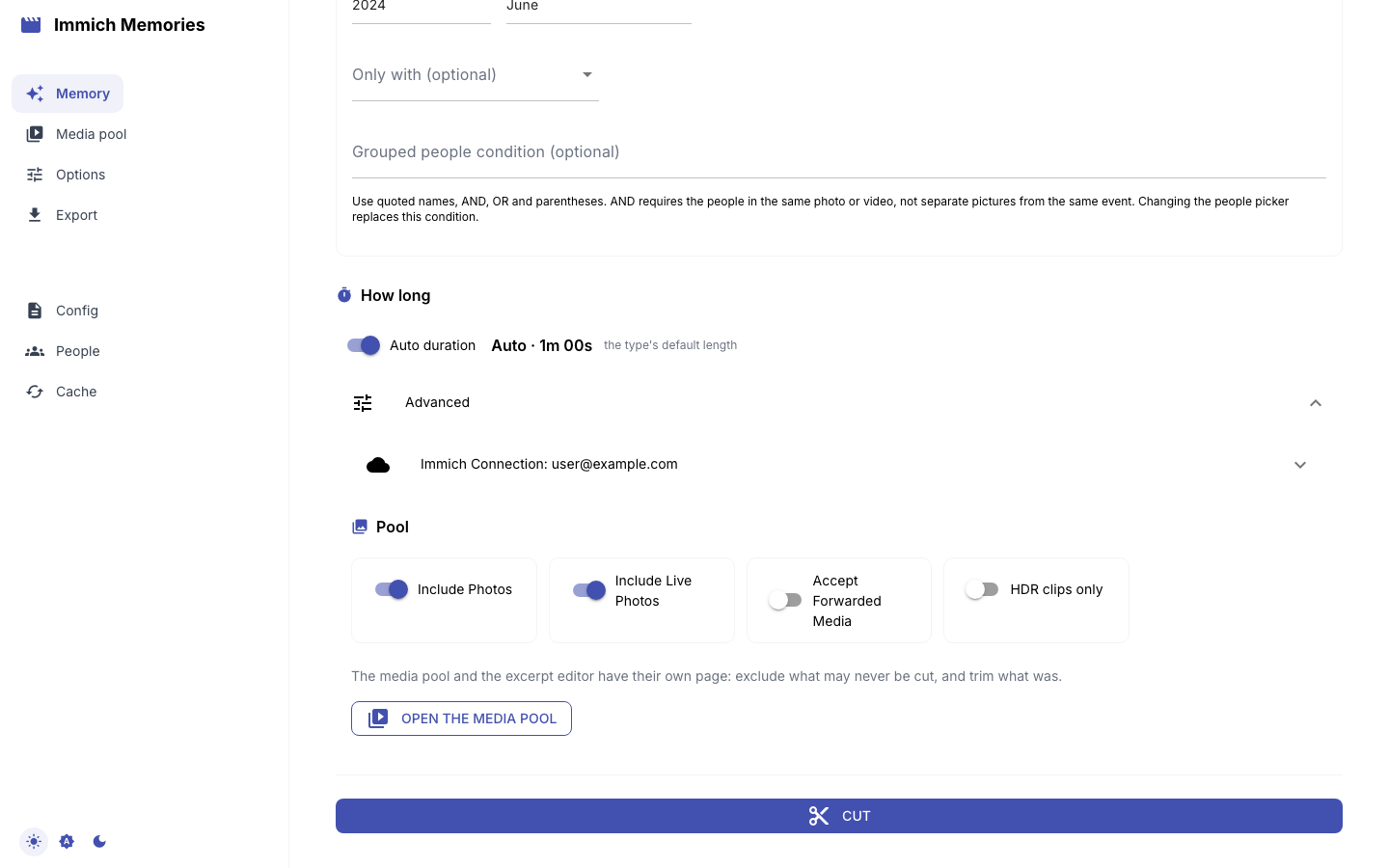
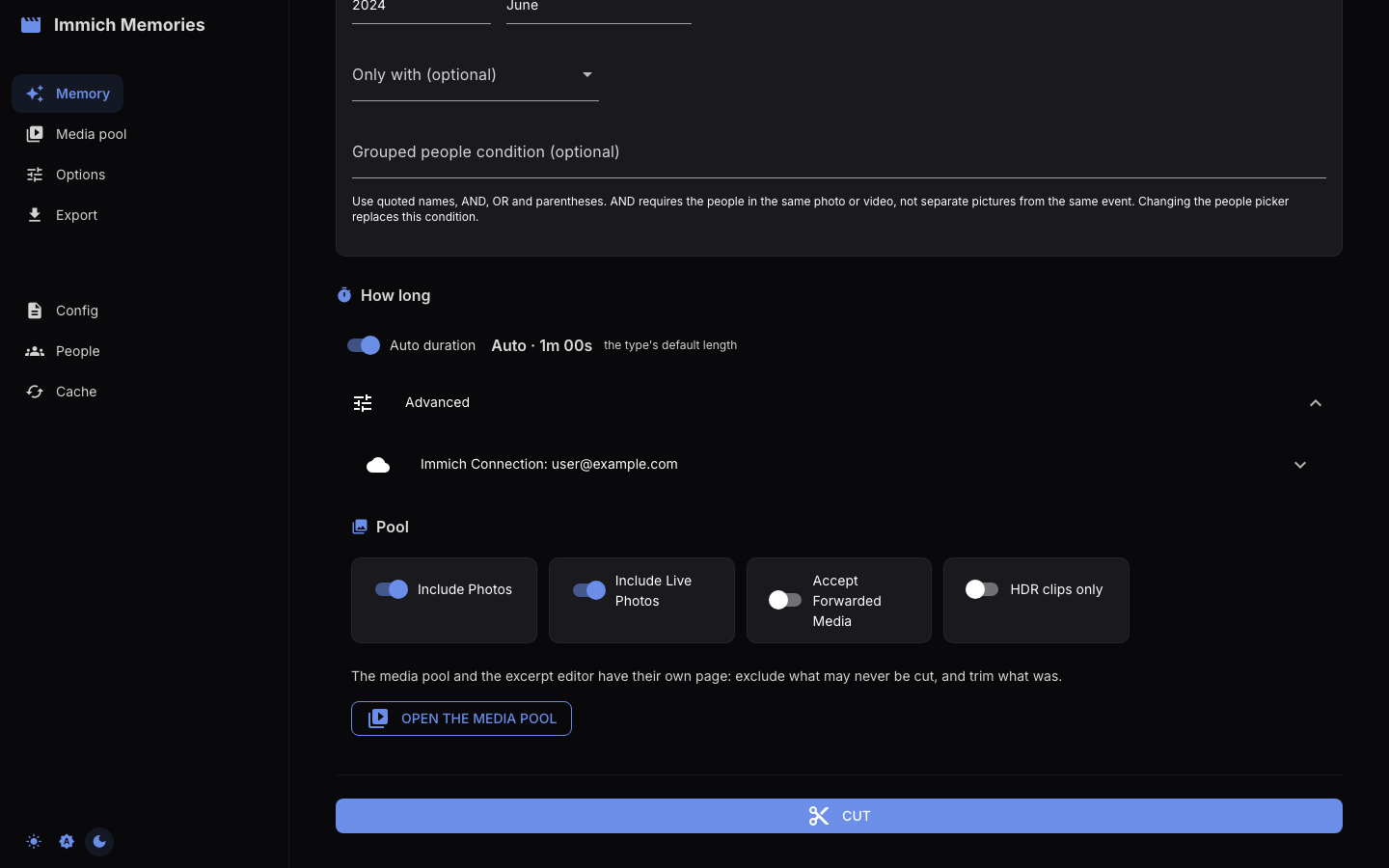
Advanced at the bottom of the brief holds the Immich connection panel, four pool switches (Include Photos, Include Live Photos, Accept Forwarded Media, HDR clips only) and Open the media pool. Read Saving config before pressing Save Config in the connection panel: it writes the whole configuration, not just the URL and key.
The media pool
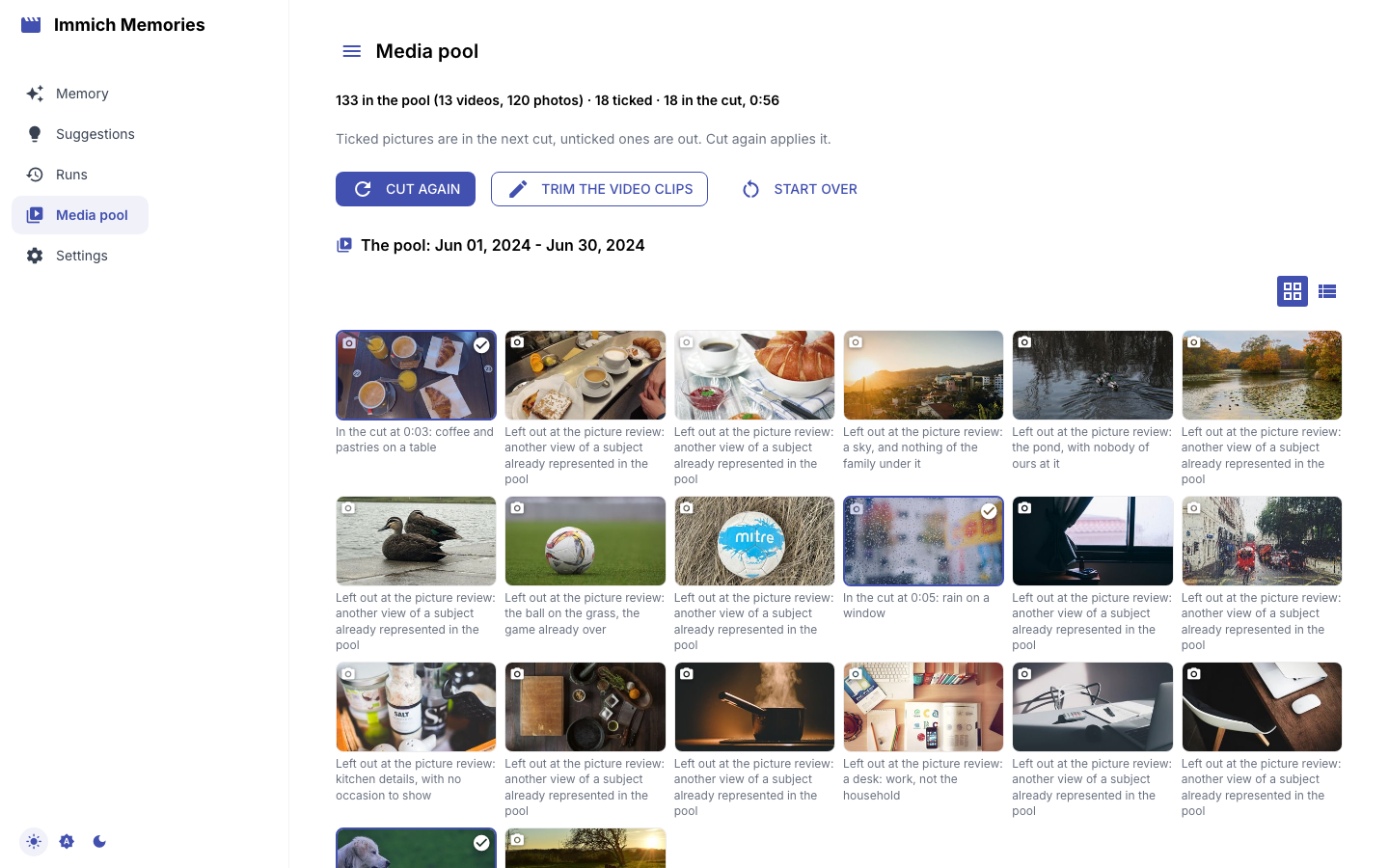
The pool is everything the brief found, in one chronological grid with an Include checkbox each, twenty to a page. Only the page you are on is in the browser, so a pool of two thousand pictures costs no more than one of twenty.
Everything starts checked, and checked media is what the editor cuts from. Untick what may never be used: the accidental pocket recording, the screenshot you forwarded. Twins and bursts are the editor's to judge; nothing here pre-deselects them.
After a cut the same checkboxes show the cut. Untick a picture the editor kept and Cut again
leaves it out. Tick one it dropped and Cut again keeps it in, in its own story, at its capture
time: the editor reads the period exactly as before and adds your picture afterwards, without arguing
about it a second time. The one thing that still outranks your tick is the family-viewing gate, and
the run's owner-required-after-audience record names what it refused. Start over forgets the
cut.
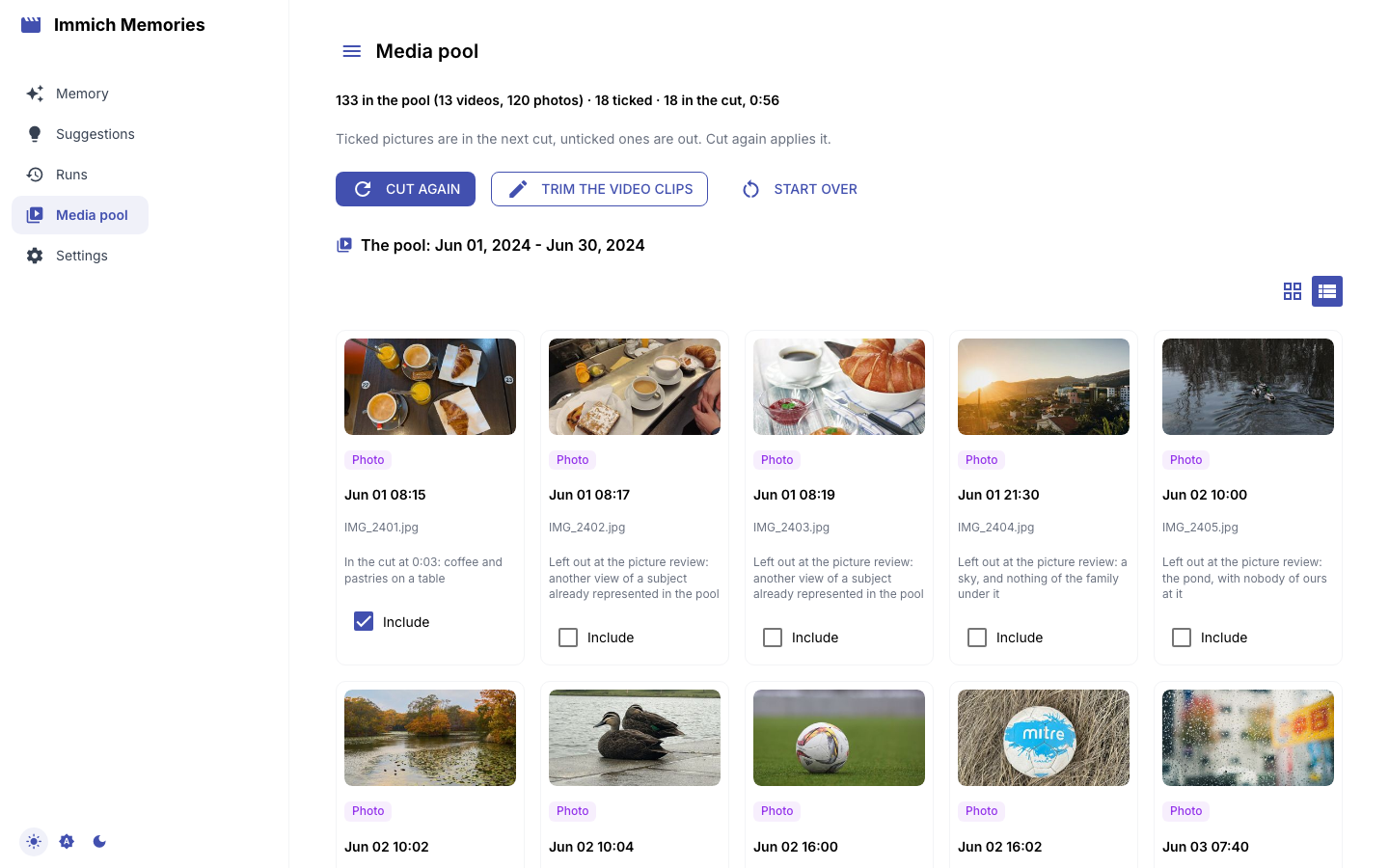
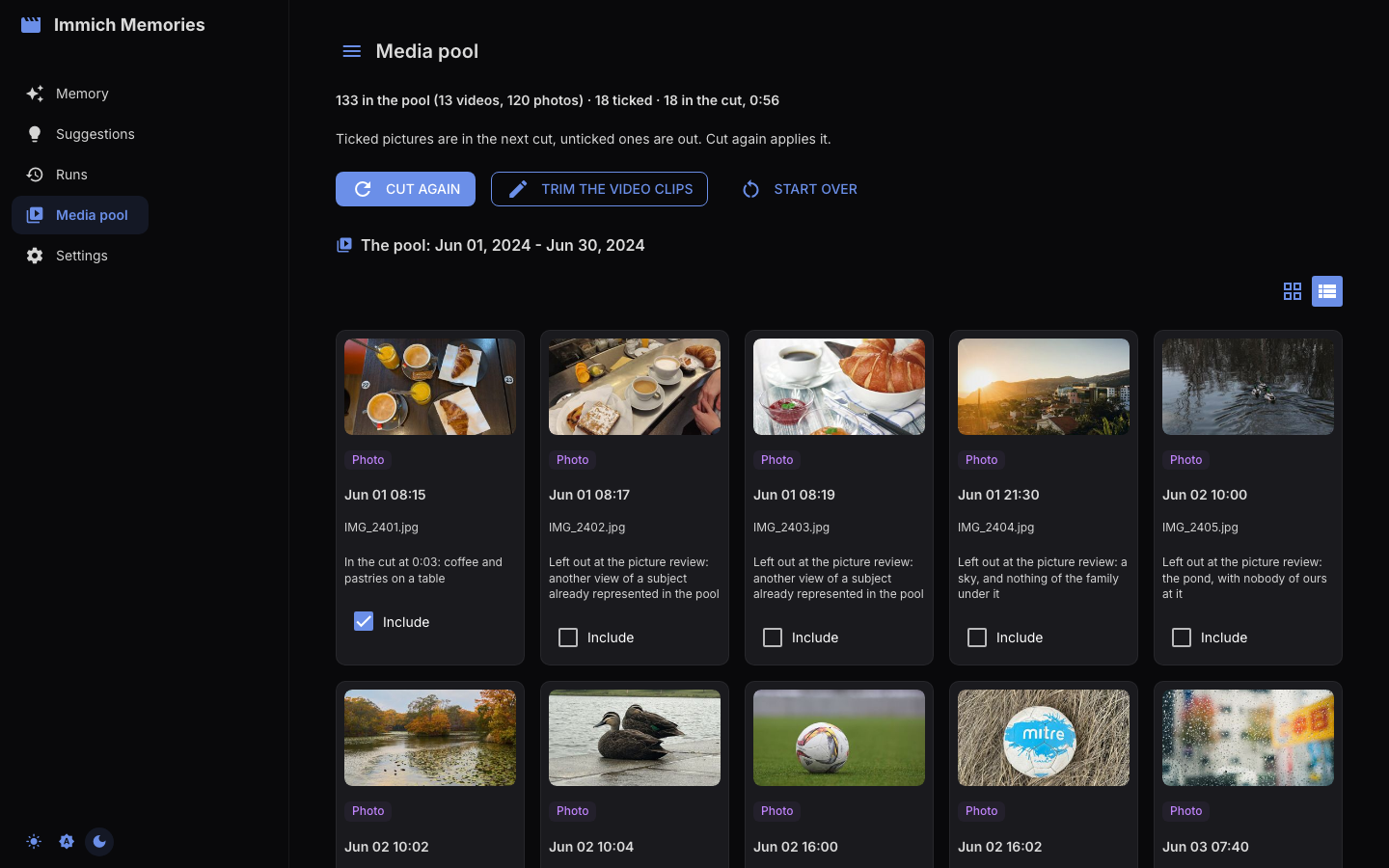
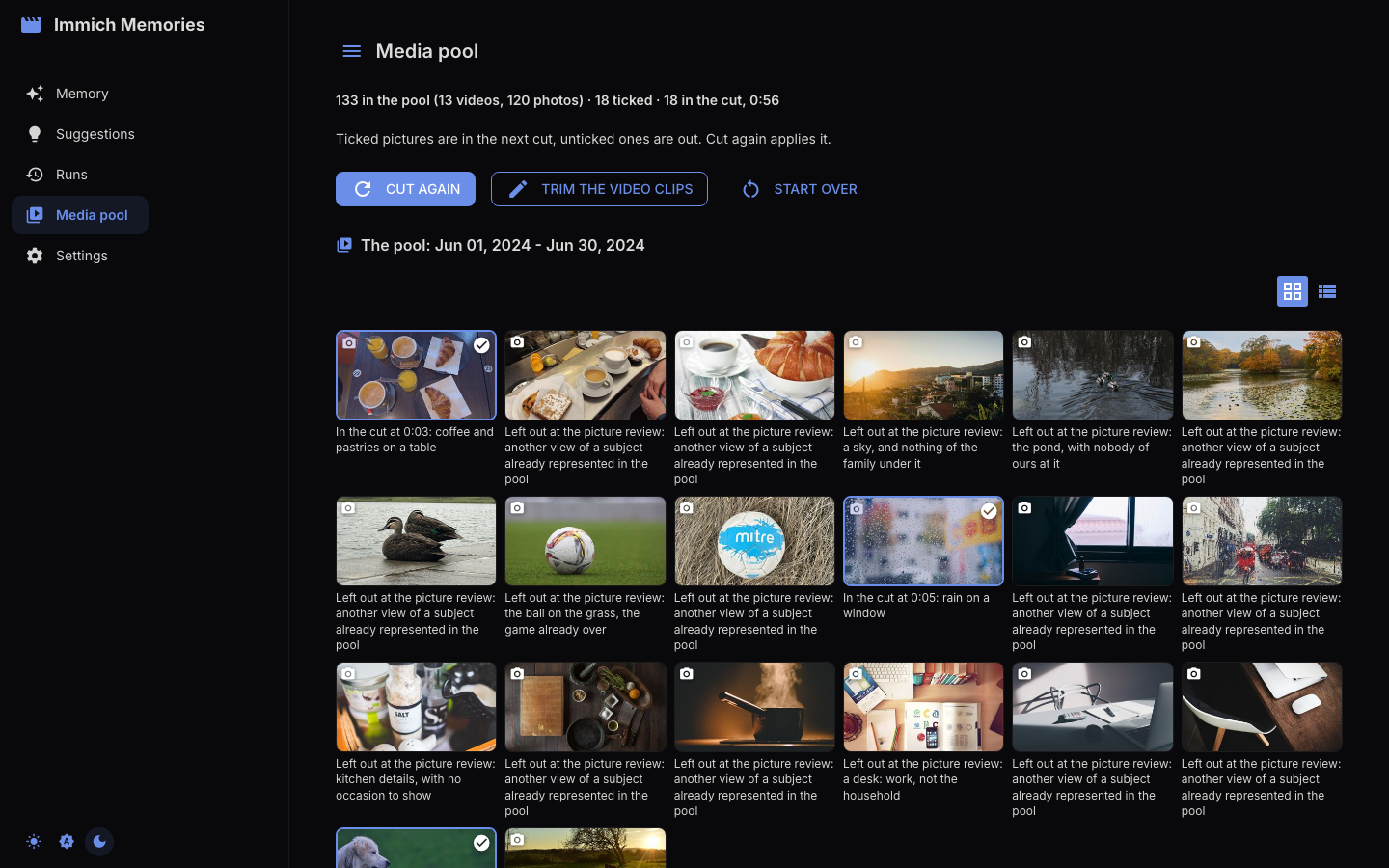
After a cut, every photo and video also carries its outcome in both views: In the cut with its
timecode and reason, or Left out at the named pass with the editor's reason. The label describes
the last cut, so changing a checkbox leaves it alone until you cut again. The terminal reads the same
saved evidence with immich-memories runs story and runs why ASSET_ID --run RUN_ID.
Trim the video clips, after a cut, opens the excerpt editor: one expansion per video (stills have no seconds to pick), ten to a page, with an Include in compilation checkbox, a Select range slider (plus First 5s, Middle 5s, Last 5s, Full clip, Preview) and a Rotation select. Your edits are projected back onto the cut and the final duration updates as you trim.
Cut
Cut loads the pool for the brief, then runs the story-first selection over it. There is no review step in between: everything the brief found is eligible and the editor decides. To keep something out first, open the media pool, untick it, and start the run from that page.
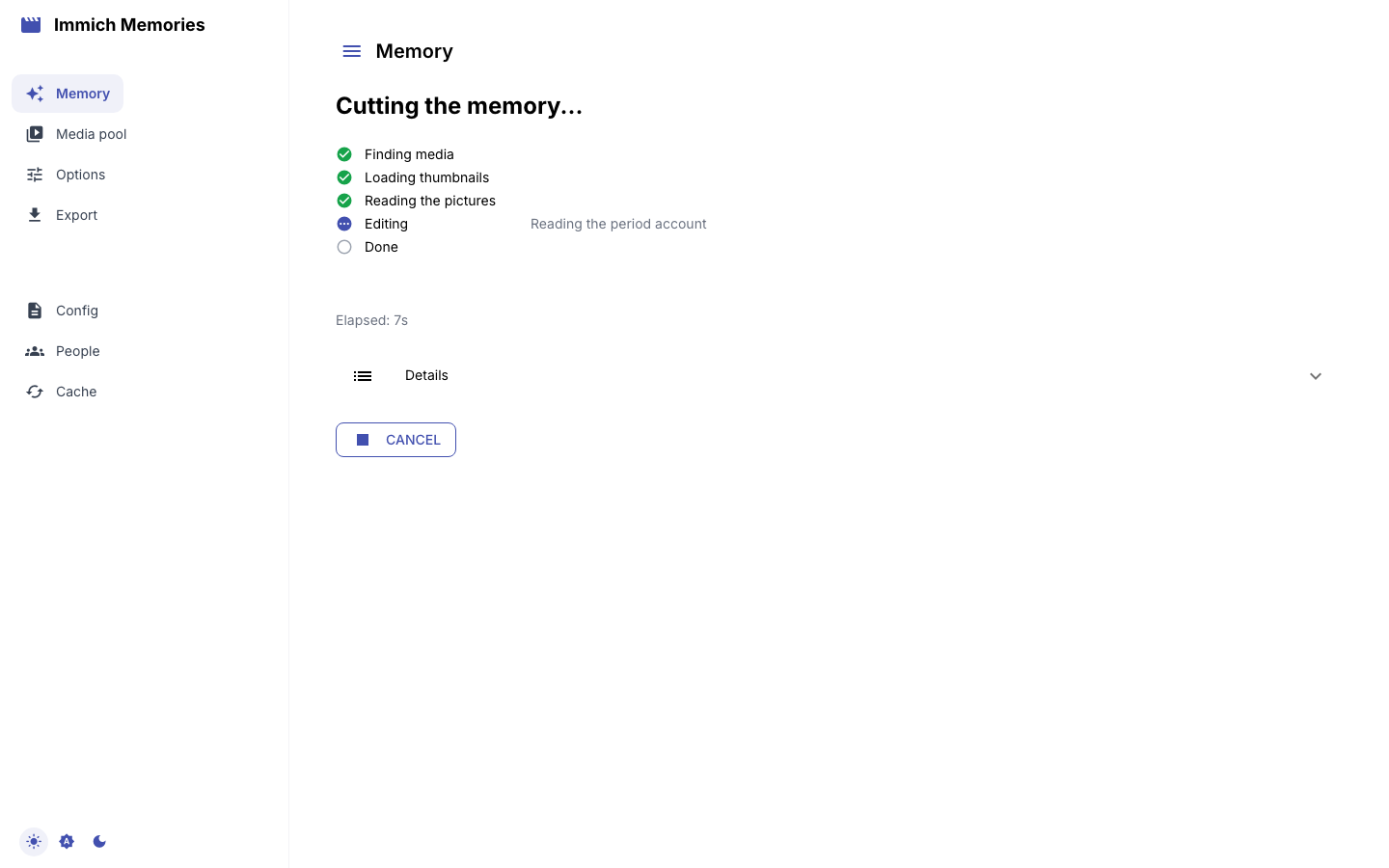
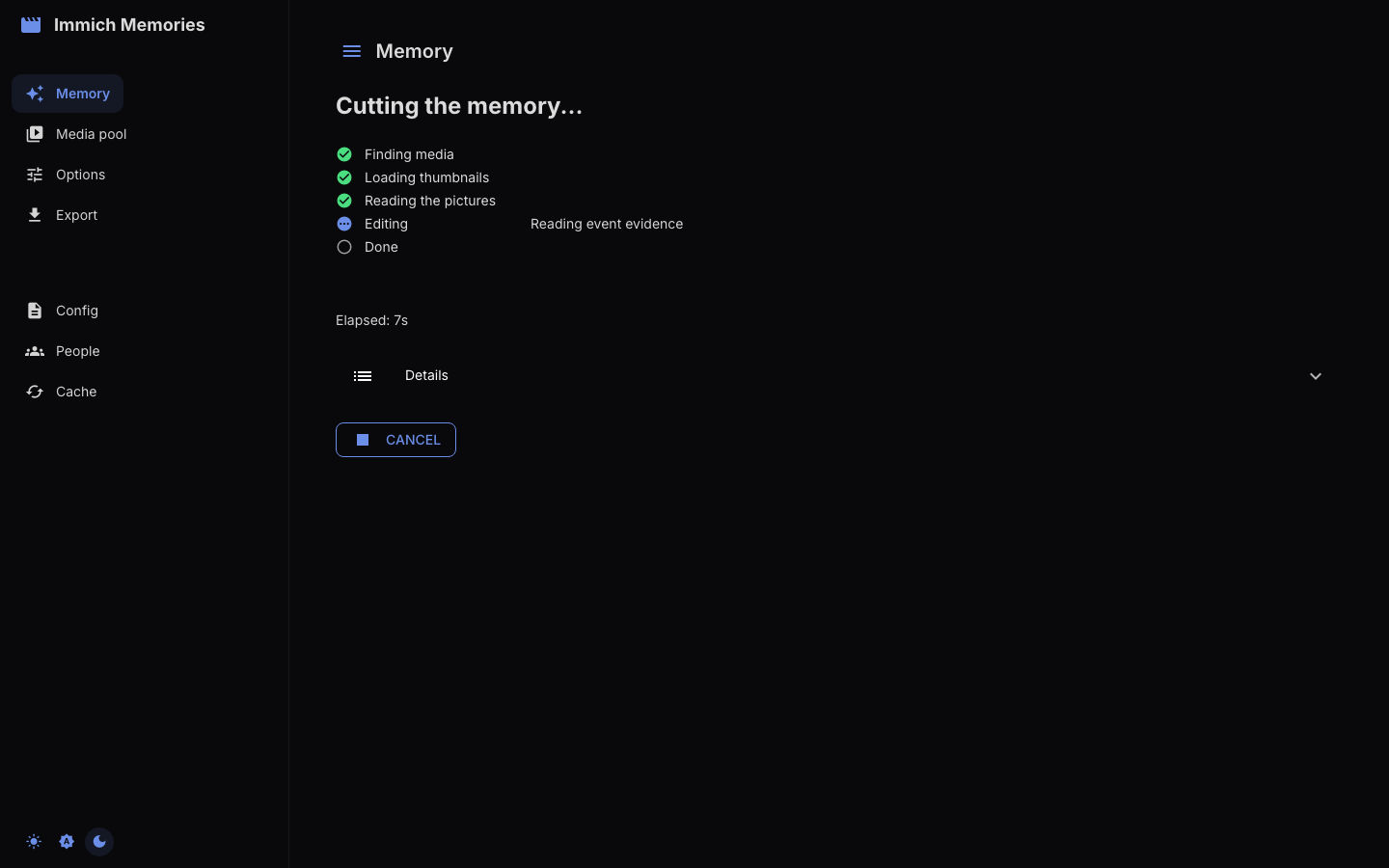
Five phase rows (Finding media, Loading thumbnails, Reading the pictures, Editing, Done) carry the run's own stage beside the active one, the elapsed time, and Cancel, which stops after the current stage. What those stages do, and what each costs, is on How a memory gets cut; on a library that has never been read, Reading dates, places and people is the long one.
A stage that counts its work draws a bar with an estimate measured from that stage's own completed work, so a new stage starts without one. The CLI shows the same saved value and reloading keeps it.
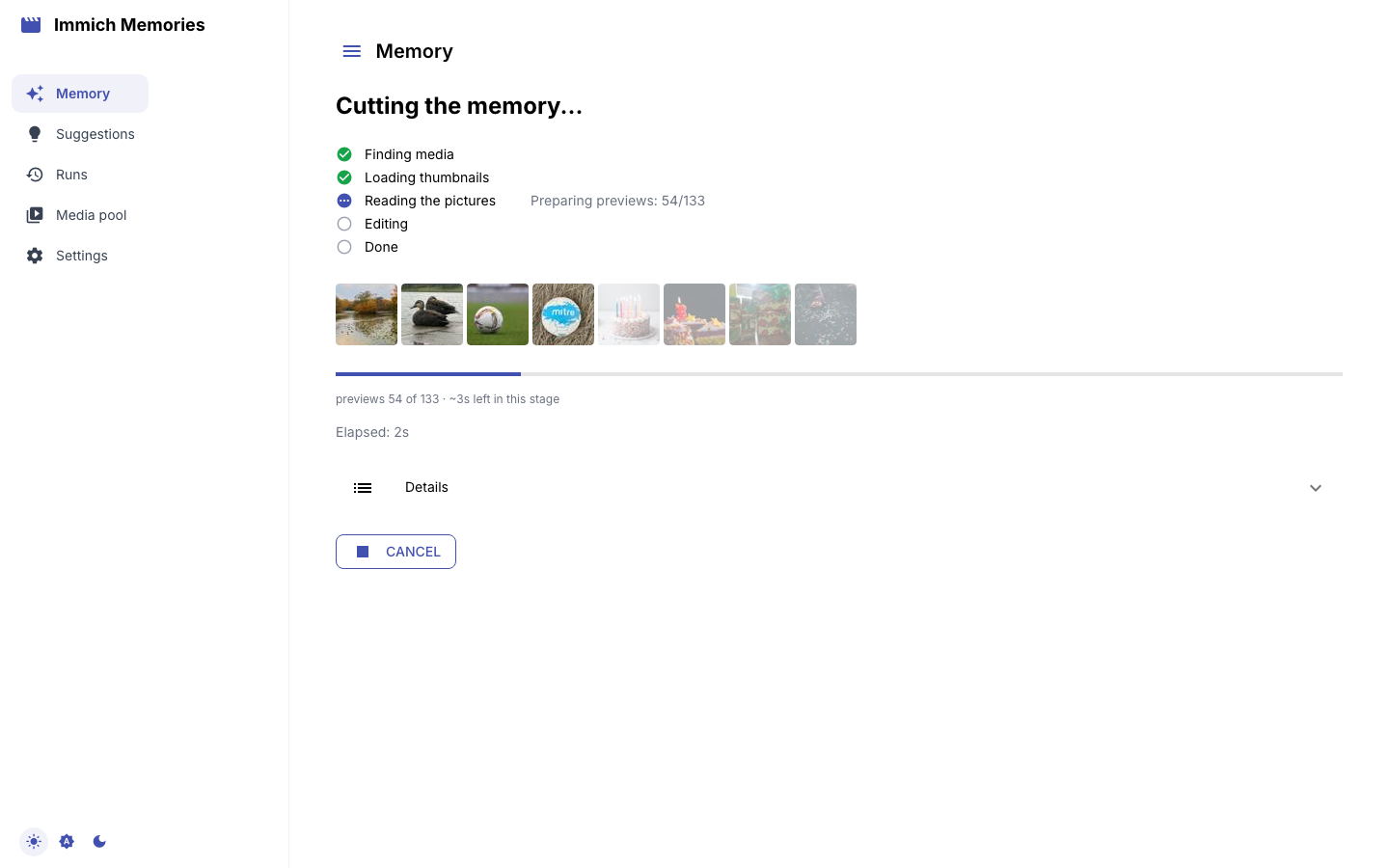
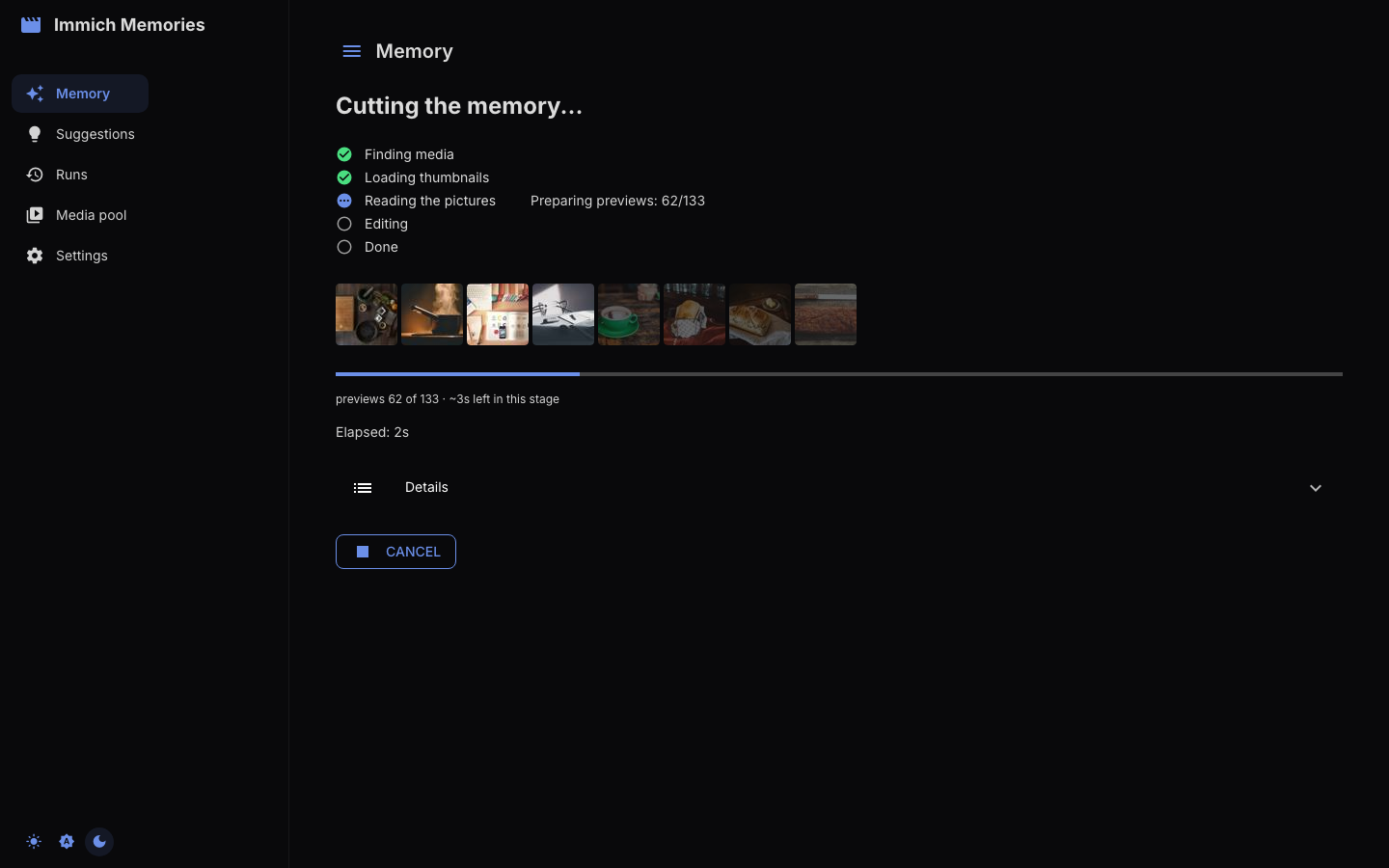
If the reader stops answering, the Editing row says so at once: Waiting for the reader at omlx.local:9999: connection dropped, retry 1 of 3. The run retries three times, two then four seconds apart, so a server that is restarting survives and one that is off is named within a second.
One session runs one cut at a time, and the run belongs to the session rather than the tab, so Cut is refused while one is running on either page. Reload mid-cut and it lands on the same rows, because the page polls the attempt the run writes under the cache directory. A cut that was cancelled, failed, or interrupted (the attempt's released lease tells an interrupted run from a slow one) offers Cut again.
The storyboard, then the story
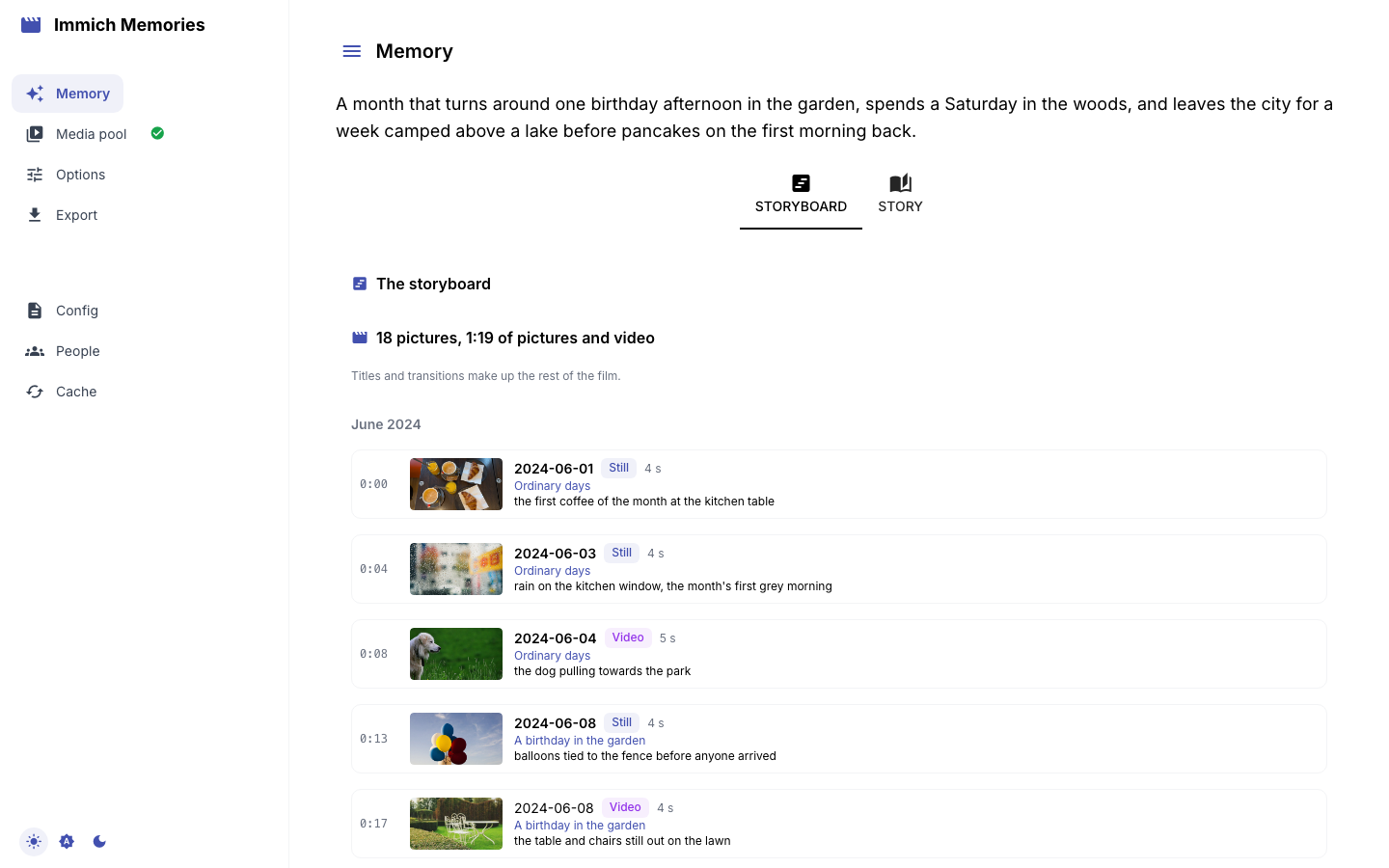
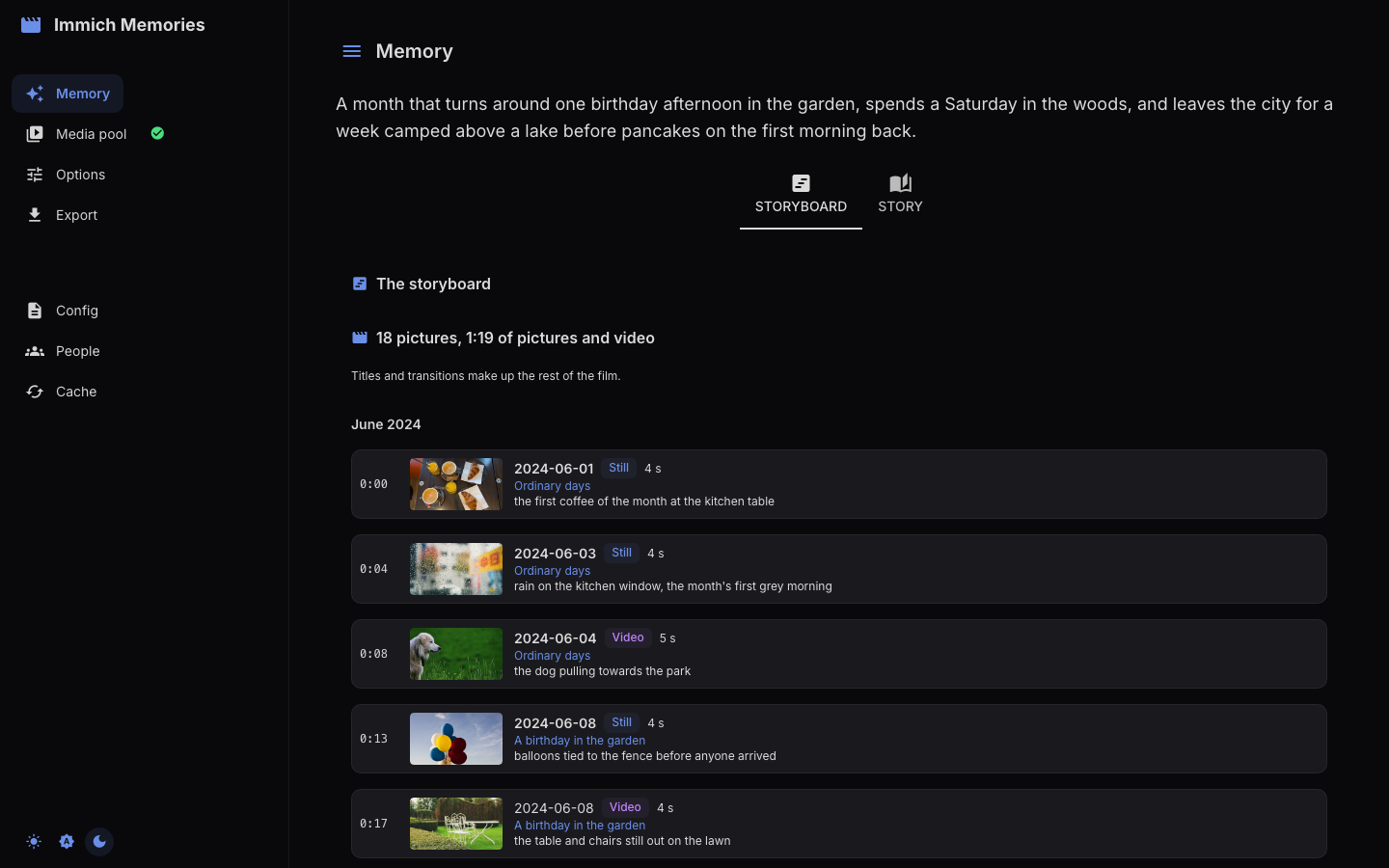
When the cut finishes the page opens on the Storyboard: the cut in the order the video plays it. Above both tabs sits the thesis, the editor's one-paragraph reading of the period. Then one row per picture in capture order, with its timecode, its capture day, the seconds it holds, the story it was granted to and the editor's one-line reason.
Read a story's day labels down the list. Two pictures under one story title on the same day is a moment; six pictures under one title across three bold days is a grouping that went loose, and this is where you see it.
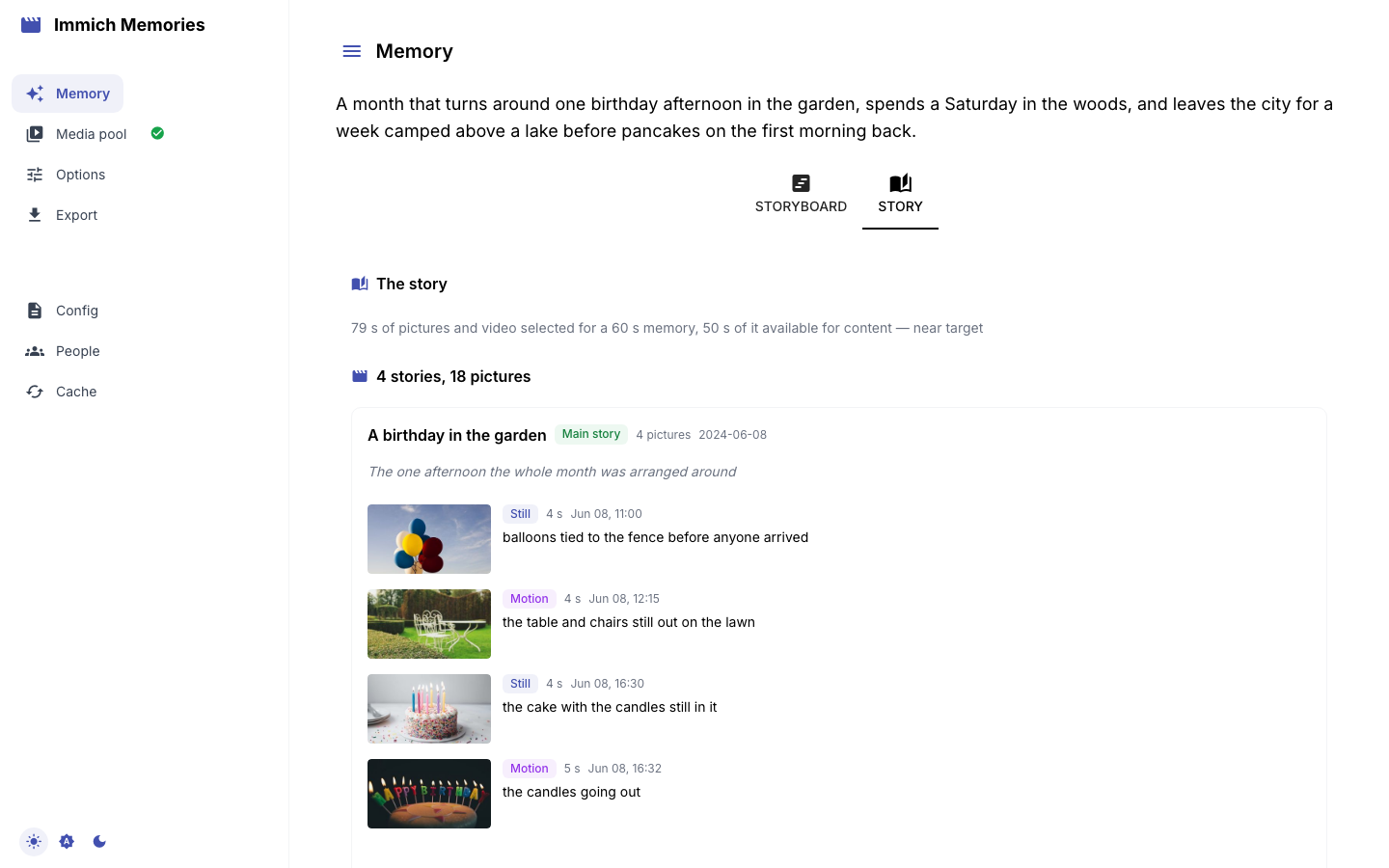
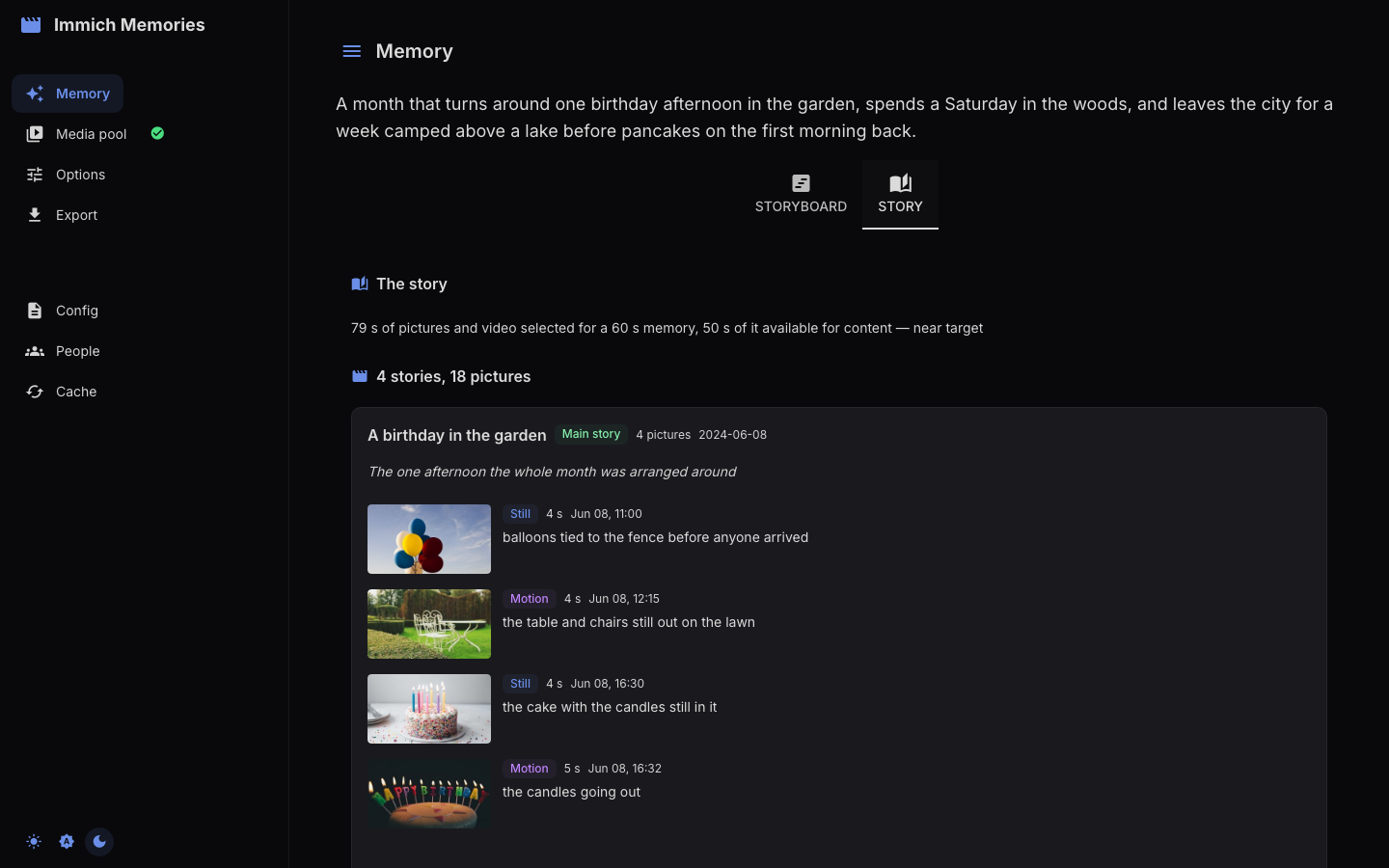
The Story tab is the same cut the way the editor weighed it. It opens on one duration line:
how many seconds were selected, how much was available for content, and whether the cut landed near
target or fell short. Then the stories, heaviest first (Main story, Important, Supporting, Small
moment), each with its purpose and its pictures in capture order. Details under each story opens
the editor's own vocabulary: the weight it wrote (dominant, major, minor, glimpse) and the
standing it gave each picture (remarkable, maybe). The badges above are a reader-facing mapping
of the same words.
Four buttons below: Export, Review the pool, Cut again (the editor over the same pool with your ticks) and Change the brief.
Export
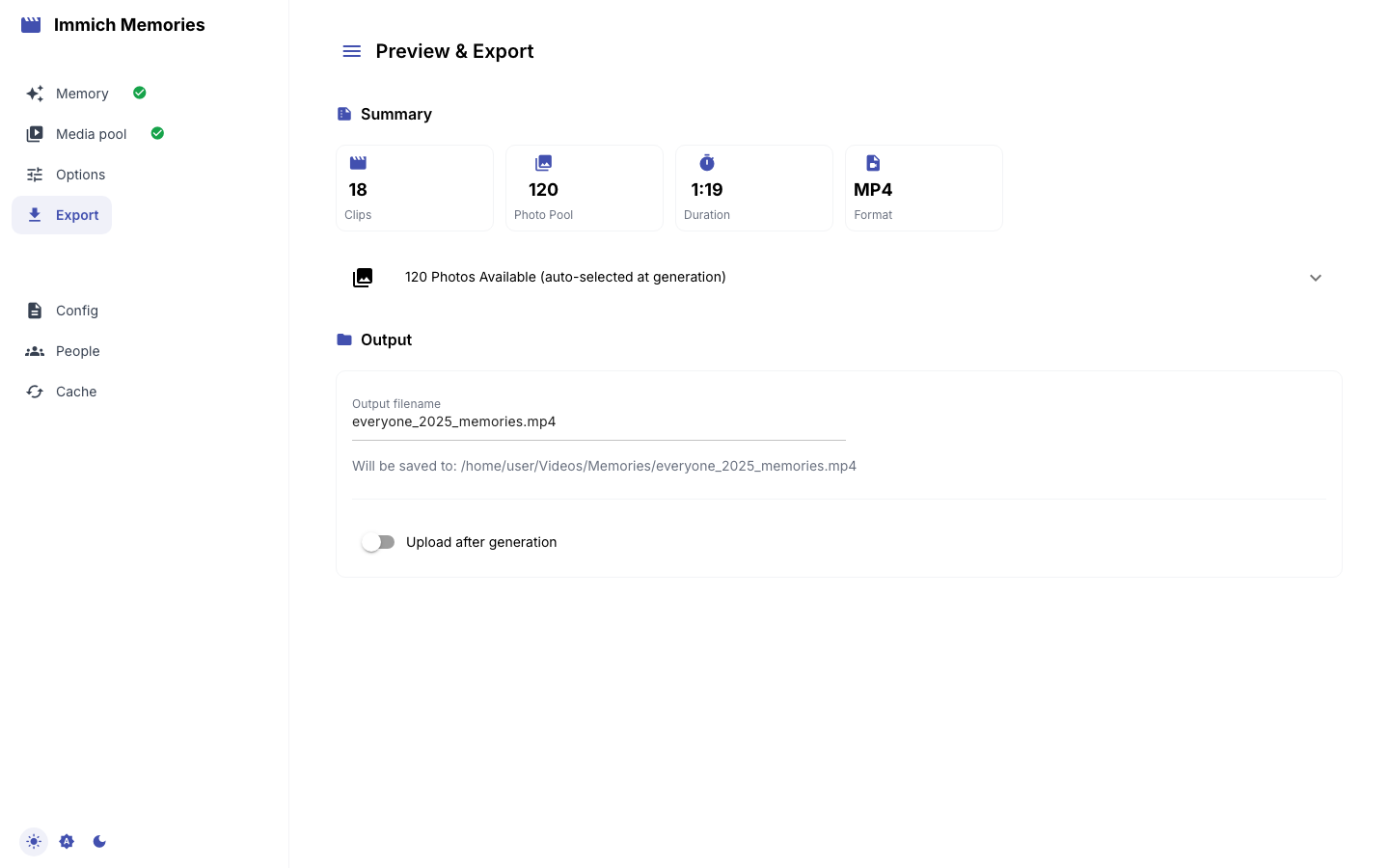
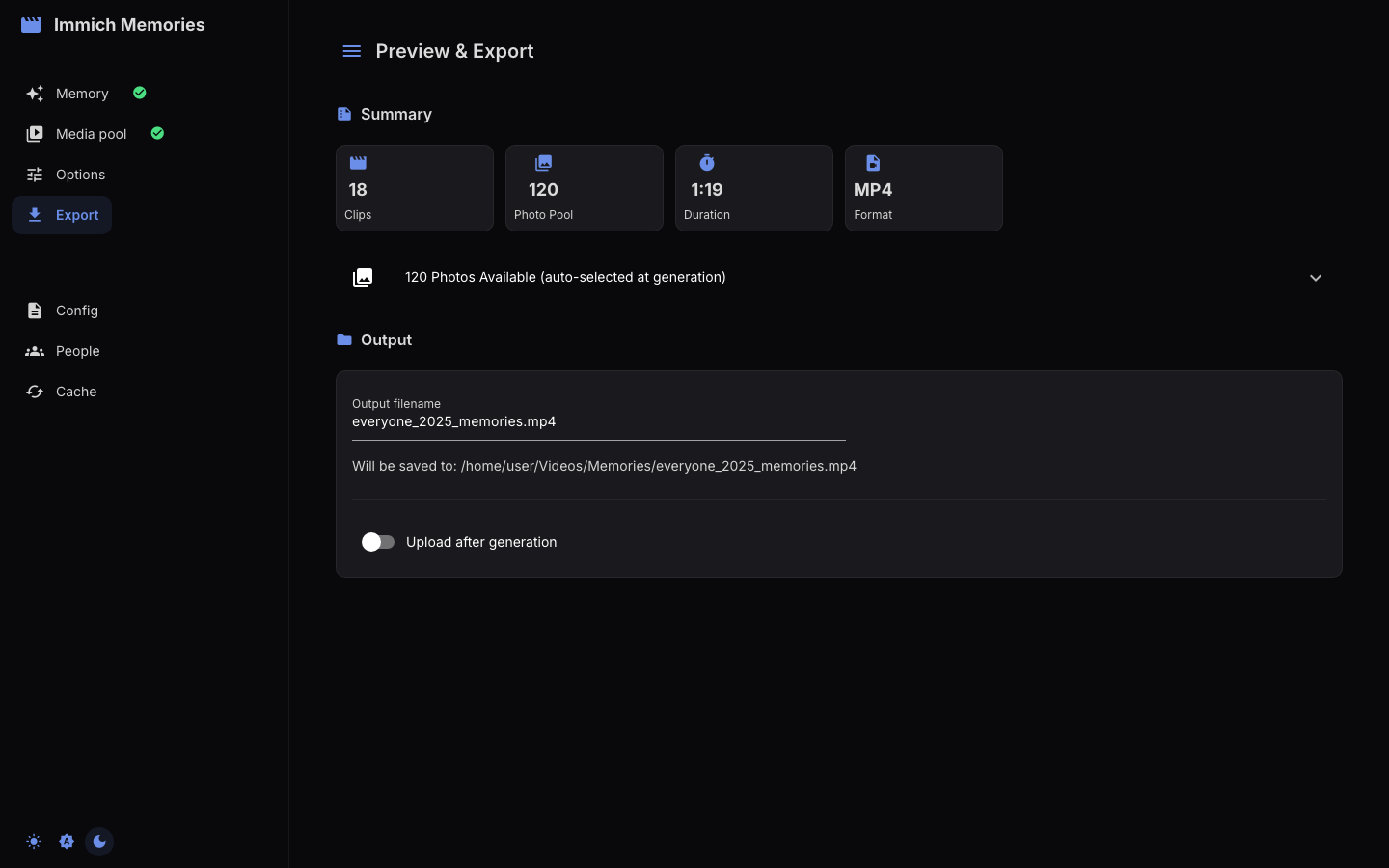
Options and Export show Film length, including title cards and transition overlap,
with an ≈ until the file exists. The storyboard uses the same selected intervals and
places each shot after its preceding cards and overlaps. SMART choices stay the same
when you render the same cut again. After export, Length comes from the finished file.
Preview & Export carries the Output filename (built from the type, the people and the range,
as in everyone_jan-apr_2025_memories.mp4), the directory it will be saved to (output.directory,
~/Videos/Memories by default, with the file in a per-run subfolder), and Upload after
generation with an Album name, off by default. Nothing in your library is modified either way.
Generate Video starts the render, which keeps going on the server if the tab is reloaded or its connection drops. There is no download button: open the path shown, or find the video in the album you chose.
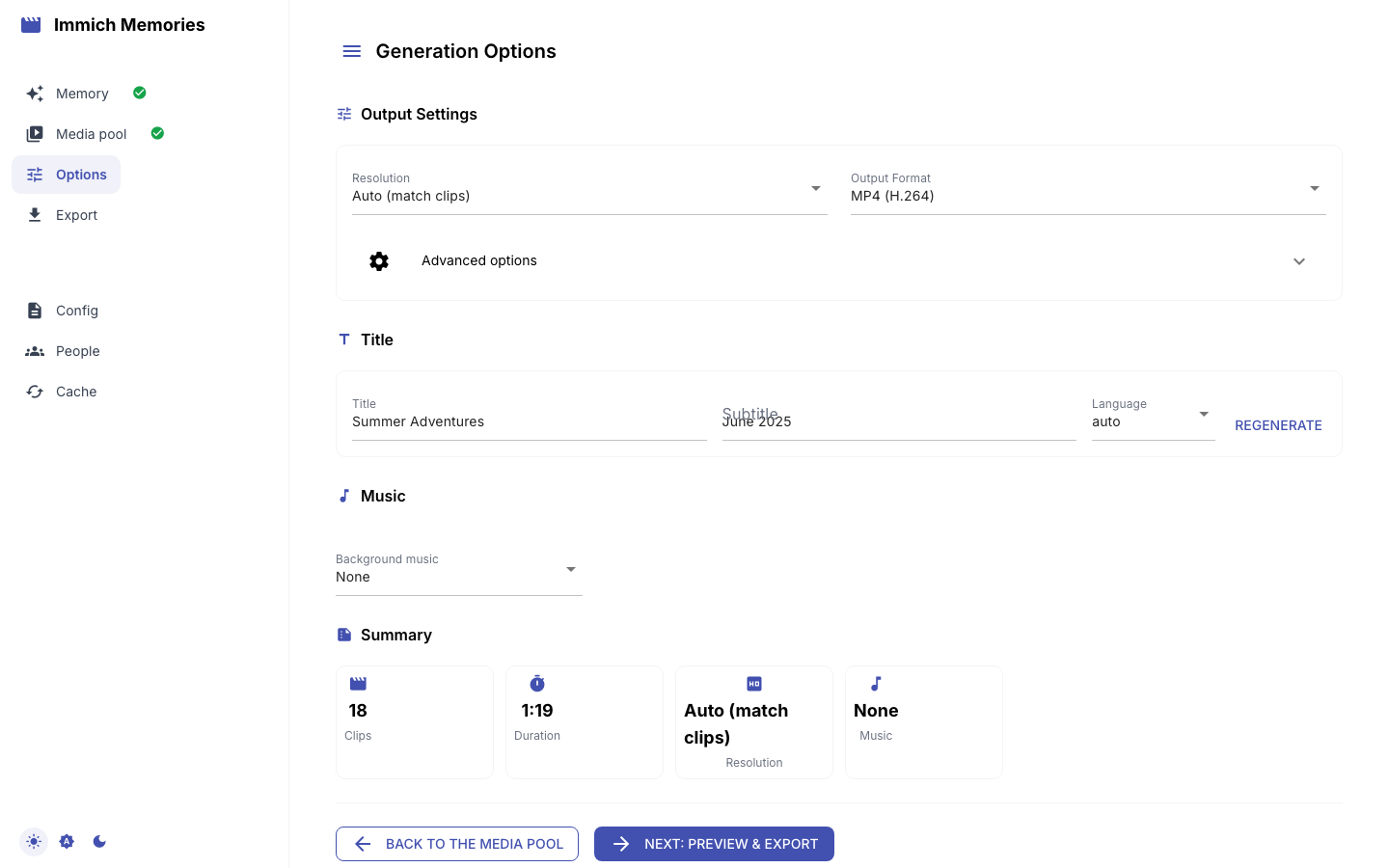
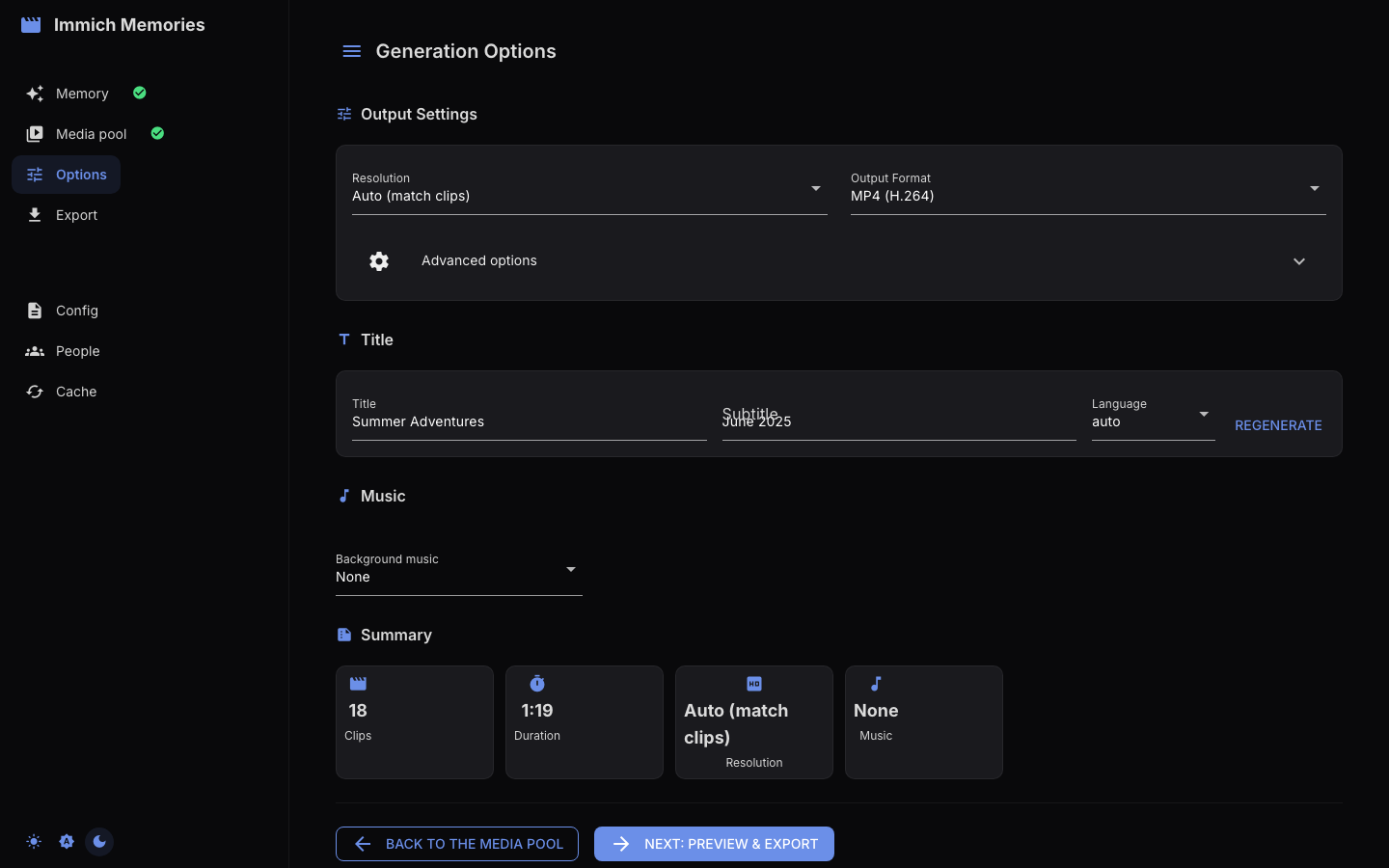
Back to Generation Options opens the Options page, which changes how the cut is rendered and
never the cut. Resolution and Output Format default to output.codec and output.format.
Advanced options adds Orientation, Scaling Mode, Transition Style, the date and place
captions, Keep intermediate files, and the Photo duration. Two worth knowing before you touch
them: clips are never cropped, so an aspect mismatch is filled with a blurred backdrop or letterboxed
(Ken Burns and framing), and
Smart transitions pick per cut point, crossfading slow scenes and hard-cutting fast action.
Orientation defaults to Auto, which follows the majority orientation of your final kept clips, including manual selection changes. Landscape, portrait and square set the output canvas. Changing orientation keeps the same pictures and video intervals.
Title and Subtitle come pre-filled with the pipeline's suggestion, with a Language select
and Regenerate. Background music always offers None and Upload file; Bundled
appears only when the music package is installed and AI Generated only when ace_step or
musicgen is enabled, in which case it is the default and Generate Music lets you hear the track
before rendering. See Title screens, maps and music.
Hardware acceleration is not shown here: it is detected at encode time, and immich-memories hardware says what your machine offers.
Suggestions
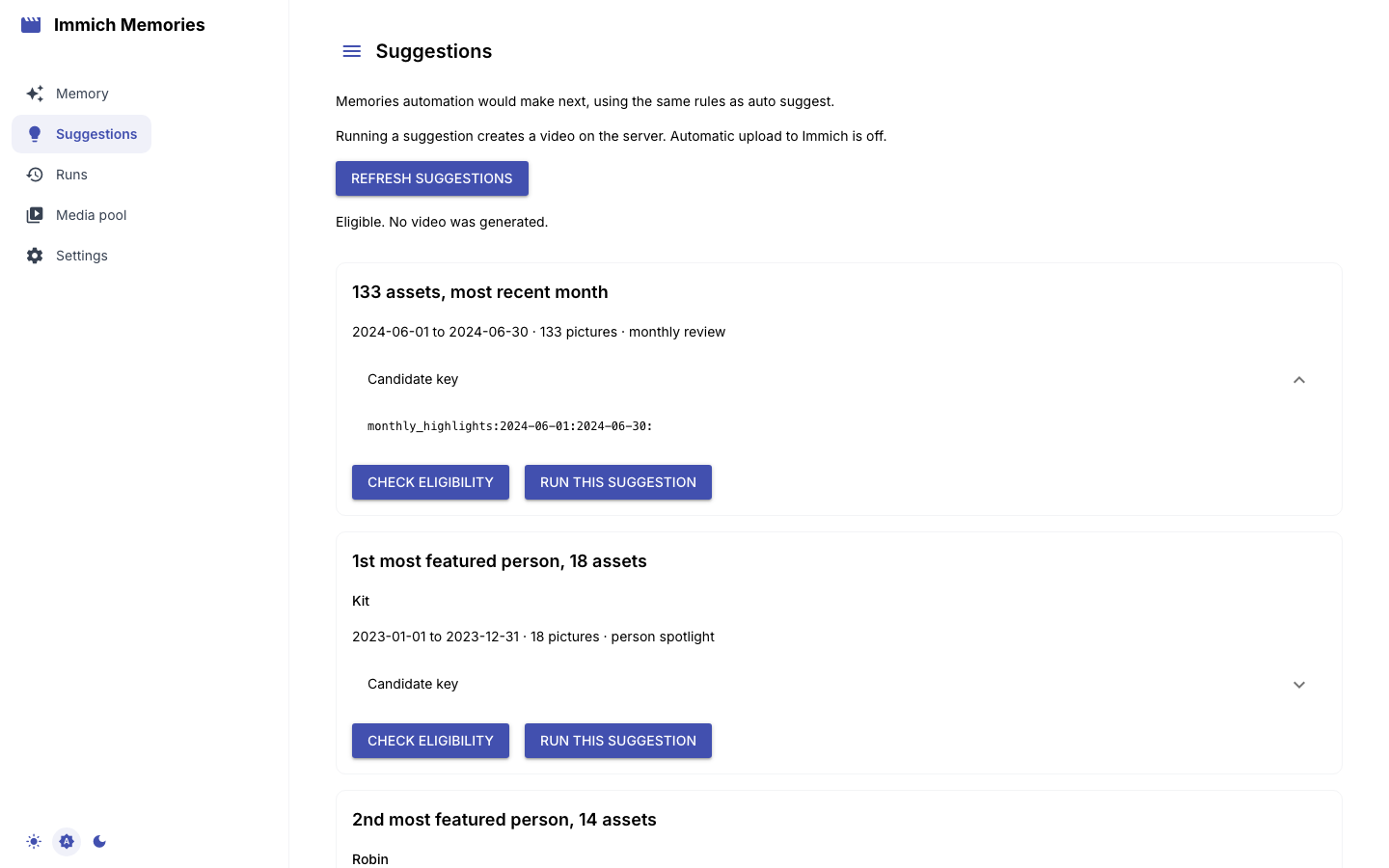
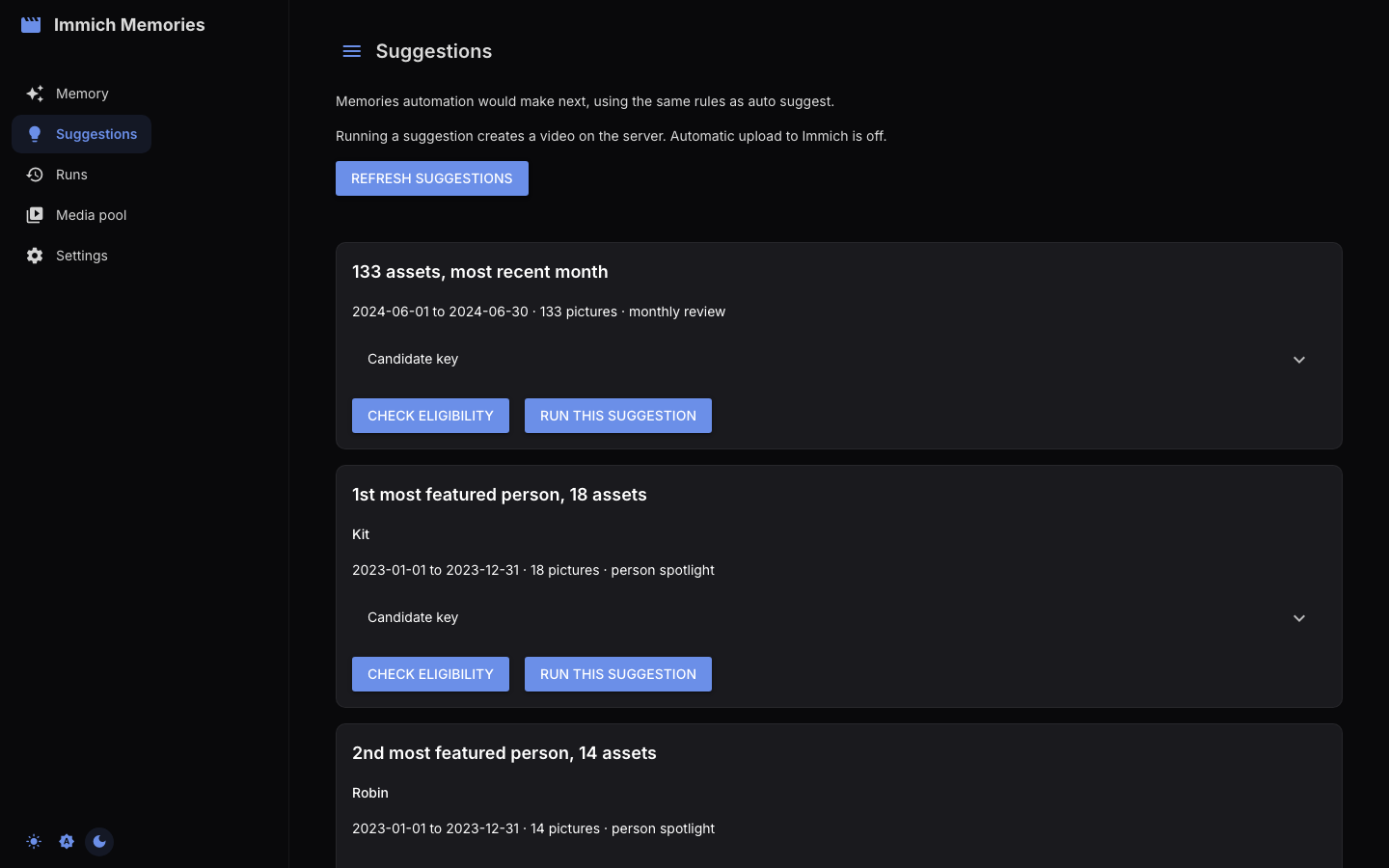
Suggestions shows what automation would make next, using the same discovery and ranking as
immich-memories auto suggest. Each card gives a reason, dates, picture count and category.
Candidate key reveals the key accepted by auto run --candidate, Check eligibility runs the
checks without making a video, and Run this suggestion makes one on the server.
A generation runs on the server, not in the browser tab, so it continues if you navigate away. A suggestion can go stale while the page is open: running it re-checks cooldown, repetition rules and failure backoff, and says so if it is no longer eligible. Why other suggestions were skipped explains the rule that rejected each candidate.
Runs
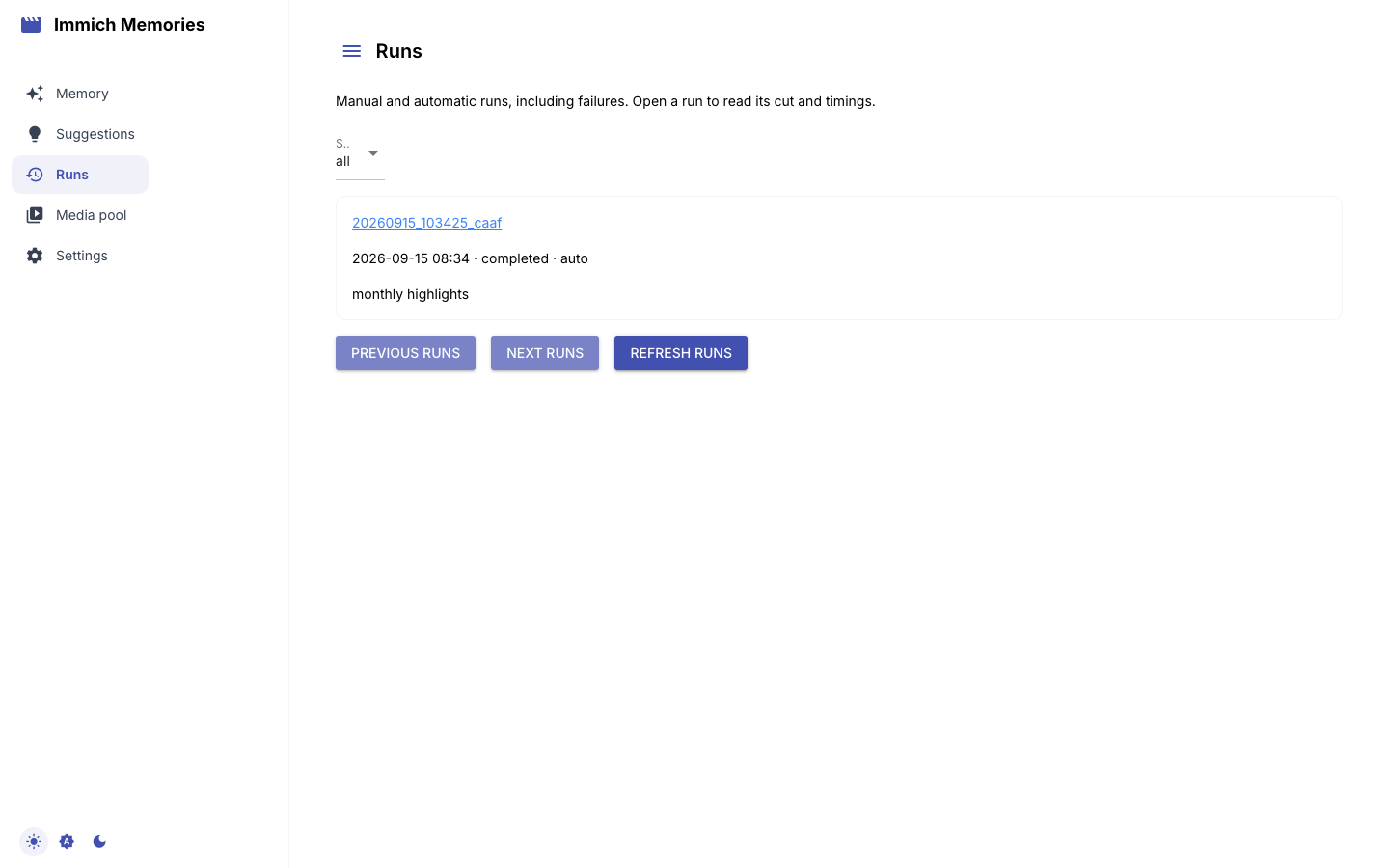
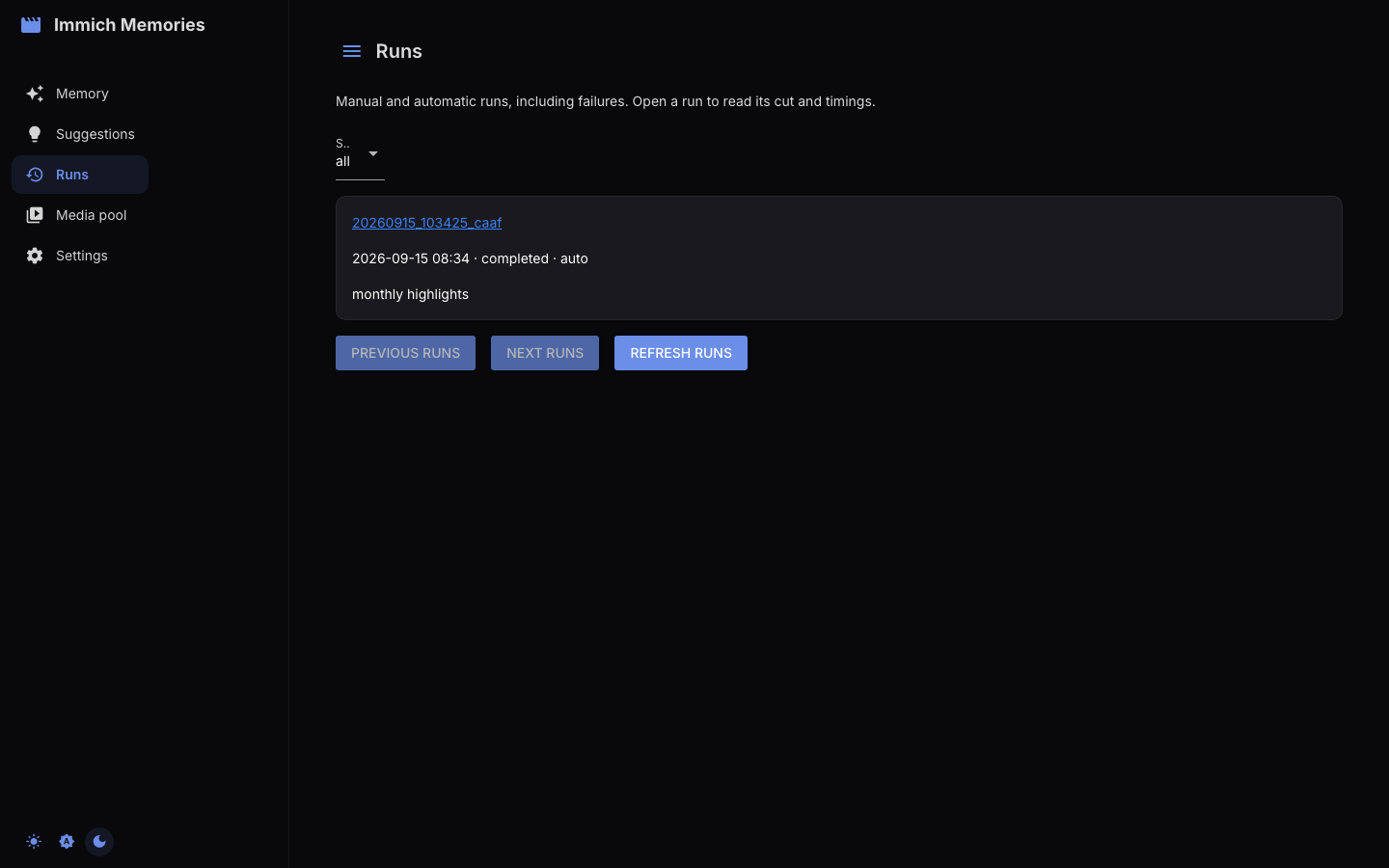
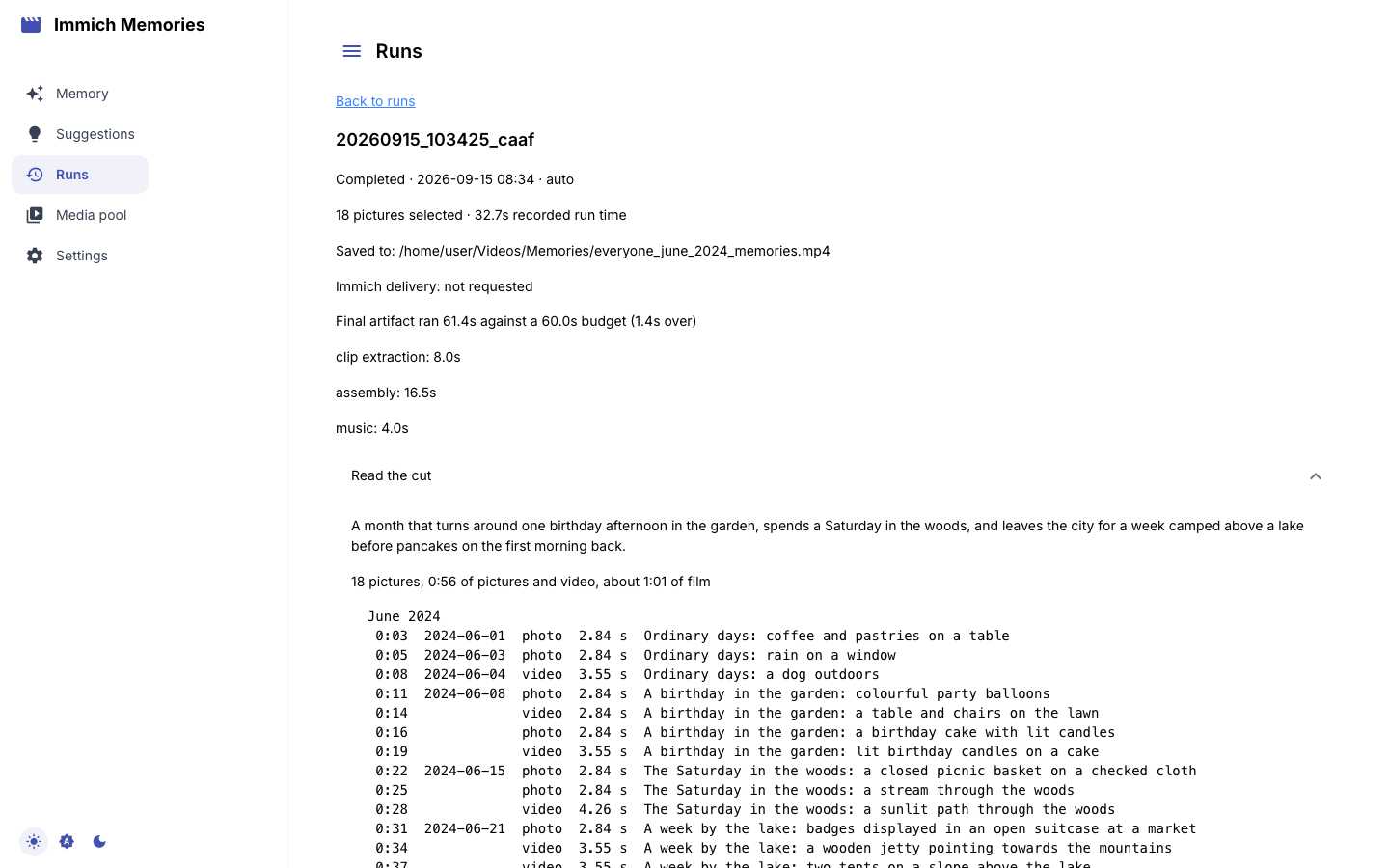
Runs lists manual and automatic generations from the same database as immich-memories runs list, failures included. Open a run for its output path, Immich delivery status, warnings and
recorded phase timings. Read the cut shows the saved storyboard in playback order, using the same
plan as runs story; a run that stopped before selection, predates saved plans or has lost its cache
says no cut is available. Download child output retrieves the complete stdout and stderr of an
automatic generation, successful ones included, with configured credentials removed.
People: confirming who's who
/settings/people is the editor for ~/.immich-memories/people.yaml, the same file
immich-memories people writes. The scan reads every named person's
picture count and month curve from Immich and never a pixel.
A fresh install shows "No people file yet". Press Rescan the library: it reads the counts, writes
the file and draws the roster. Everything under inferred: is recomputed by a scan; everything you
confirm here is written under confirmed: and a scan never touches it.
The roster lists people 20 to a page, inner circle first, busiest first within a tier, with Find a name above the pager. Each card carries the tier the scan gave and the evidence behind it, the birth date from Immich (read-only here: edit it in Immich) and a face crop, loaded as the cards come into view so a household of seventy is not seventy requests before the page draws.
Three things on a card are yours. Role is a list of suggestions you can ignore and type over, saved the moment you pick it. Notes is free text for the editor's context. Relationships are the edges the scan proposed, each with its confidence: a check confirms, a cross rejects, and pressing the same answer again takes it back. Add relationship records one the scan missed, and one answer updates both people. Add someone not in Immich creates a person with no face record, for somebody who matters to the stories but was never tagged.
Curation at the top lists what only Immich can fix: two records with one name, or a person split across records. Each flag links to the record in Immich.
Config: what is actually running
/settings/config is a read-only viewer of the merged, live configuration: what config.yaml
holds, after environment overrides and after any active preset has filled in the knobs you did not
set. It is the answer to "the docs say the default is X, but is X what this install is using?" Each
section is a collapsible panel; if a preset is active the page names it.
Reload from Disk re-reads config.yaml, which you need after editing the file by hand because
the running process holds the config in memory. The file path is printed beside the button. Every key
and its default is in the configuration reference.
Any key named api_key, api_keys, caption_api_key, client_secret, password, secret,
token, trigger_token or urls renders as ***, a full mask and not a partial one, server-side,
so a screenshot of this page for a bug report has nothing left to leak.
Saving is on the Memory page, under Advanced. This page only reads.
Saving config from the Memory page
The connection panel under Advanced on the Memory page has a Save Config button. It writes
the Immich URL and API key you entered, but it saves the whole configuration, so every value
becomes explicitly set. A preset works by filling in what you have not chosen, so once everything
is written to the file there is nothing left for the preset to own: preset: fast will still be
named, but the values it would have supplied are now yours and will not move again. To put the preset
back in charge of something, delete those keys from config.yaml by hand.
Two exceptions. server.host is omitted unless you set it deliberately, because writing the wildcard
default would make the next load read it as a deliberate LAN bind and silently retire the localhost
default. And credentials supplied through environment variables stay in the environment.
Cache: what is on disk
/settings/cache lists four caches with their current size, each with its own Clear button.
| Cache | Holds | Cost of clearing |
|---|---|---|
| Analysis | a SQLite table the retired clip scorer used to fill | nothing: no code writes it any more |
| Video | downloaded source videos | re-download from Immich; evicted automatically anyway |
| Thumbnail | Immich previews, read back for pixel facts, the context heads, contact sheets, captions and the review grid | re-fetched on demand |
| Preview | the .mp4 previews the review page plays back | regenerated when you next preview |
Every one of those four rebuilds itself from Immich plus compute. The expensive thing on disk is not
in that list and not behind those buttons: the editor's banks live in annotations.sqlite under the
cache directory and hold every caption, head answer, detector verdict and reading. Clear all
caches does not touch it, which is the right default. Delete it and the next cut re-reads your
library from scratch.