Immich Memories
Turn your Immich photo library into video memories. Automatically.
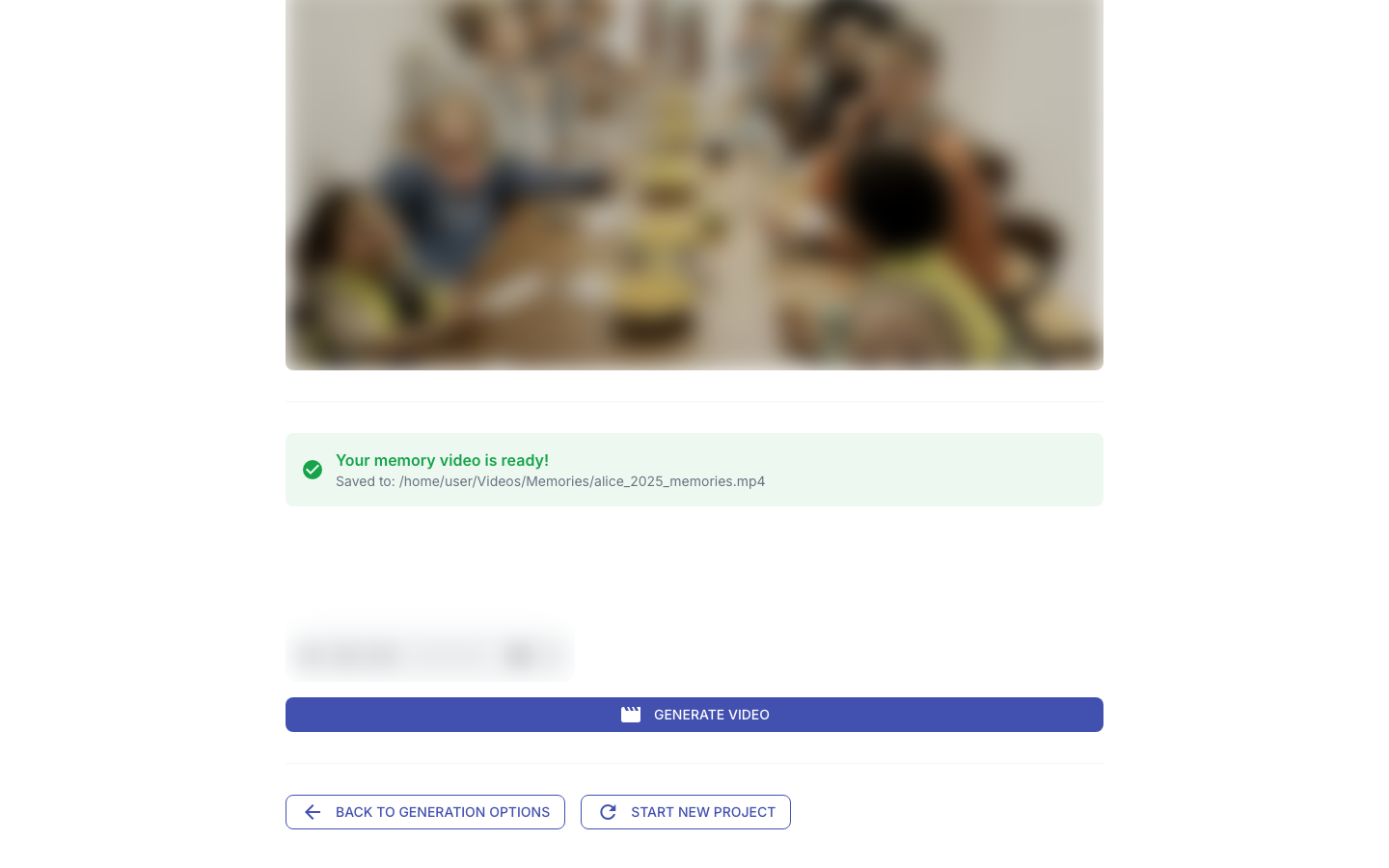
You point it at your Immich instance, pick a time period (or a person, or a trip), and it does everything: downloads the videos, finds the best scenes, throws out the duplicates, detects where you traveled, generates a title, adds AI music, and renders a final video. No cloud required. No subscription. Your hardware, your data.
What comes out
A polished memory video with:
- Cuts that earn their place: a vision model describes what is happening in your material, and selection, duplicate judgment, and a whole-cut review all work from those descriptions — see The Curator for how it decides
- Animated satellite map flying from home to your destination (for trip memories)
- AI-generated title that actually describes the trip: "Sous les falaises de grès" instead of "TWO WEEKS IN GERMANY"
- AI music that matches the mood of your clips (ACE-Step or MusicGen)
- Transitions: cuts and crossfades, chosen per cut point rather than applied uniformly

What it connects to
Your self-hosted Immich server. That's it. No Google, no Apple, no telemetry, no account. Everything can run locally:
- Hardware-accelerated encoding (NVIDIA NVENC, Apple VideoToolbox, Intel QSV, AMD VAAPI); face detection on the Apple Neural Engine on Macs, CUDA scene analysis when OpenCV is built with CUDA, CPU otherwise
- LLM analysis via Ollama or any OpenAI-compatible server (mlx-vlm, vLLM — or a hosted API like Groq if you choose)
- Music generation via ACE-Step or MusicGen (local or API)
The only outbound calls that are not your Immich server are the ones you configure (LLM, music server) plus map tiles and geocoding for trip maps. See Network & Privacy.
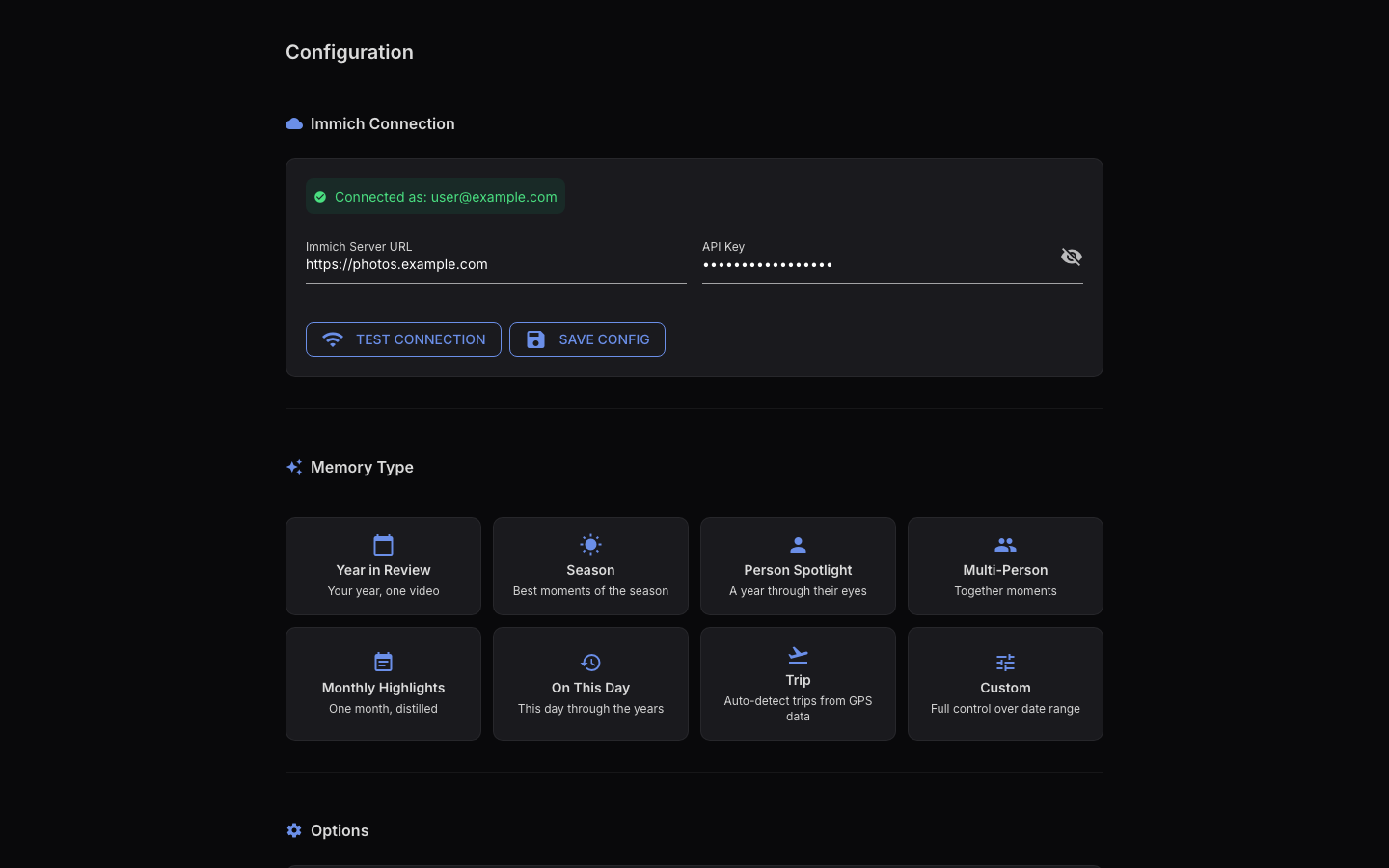
Memory types
| Type | What it does | Example |
|---|---|---|
| Year in review | Best moments from a full year | "2024: A Year to Remember" |
| Monthly highlights | Best of a specific month | "August 2024" |
| Person spotlight | Clips featuring a specific person | "Alice Through the Years" |
| Multi-person | Moments with multiple people together | "Alice & Bob, 2025" |
| Trip memory | GPS-detected trip with map animation | "Lisbon, July 2024" |
| Season | 3-month seasonal highlights | "Summer 2024" |
| On This Day | Today's date across previous years | "June 12 — Through the Years" |
| Holiday | The same holiday across several years | "Christmas Through the Years" |
| Then and Now | Two years side by side, far apart on purpose | "2019 & 2026" |
The 4-step wizard
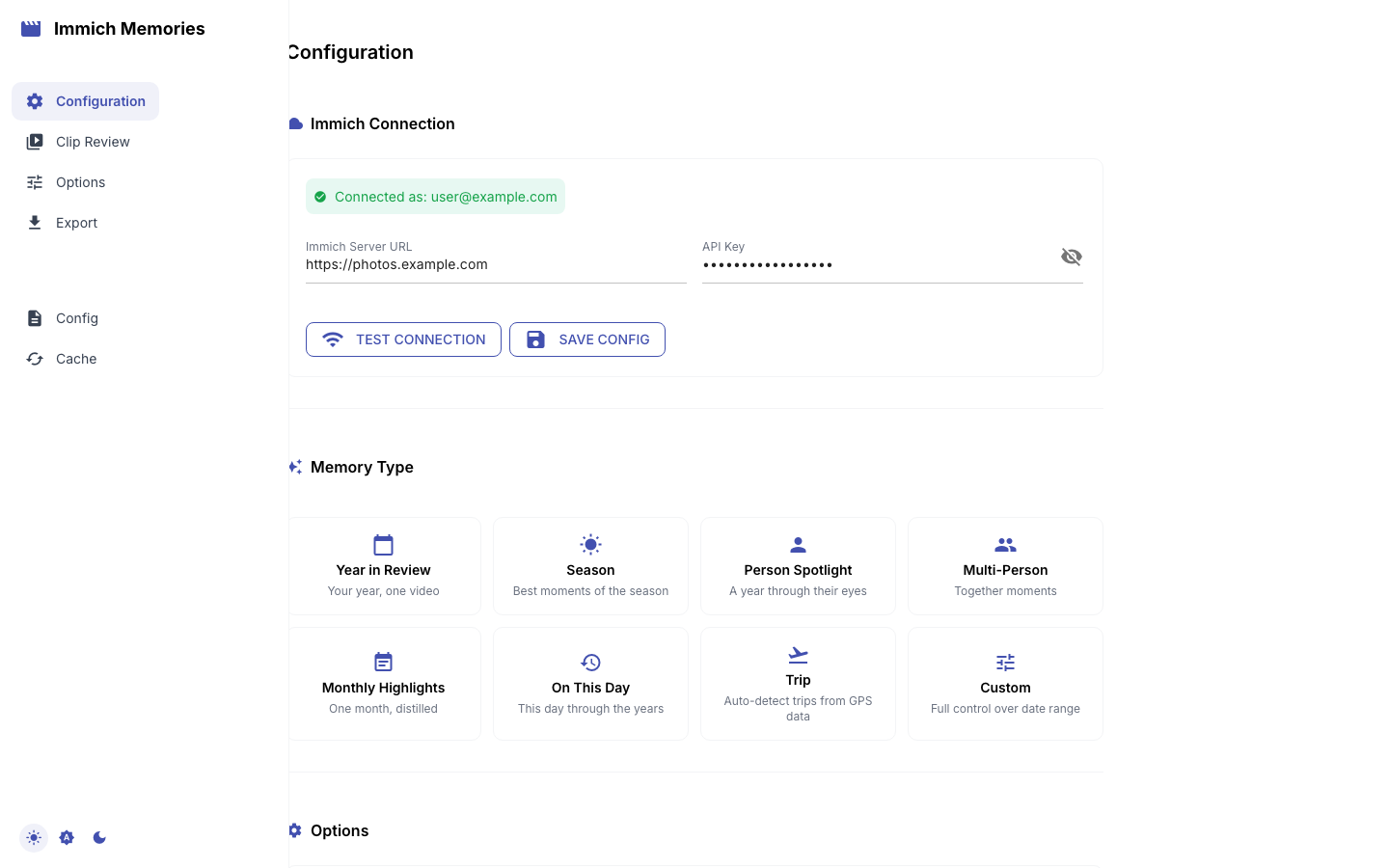
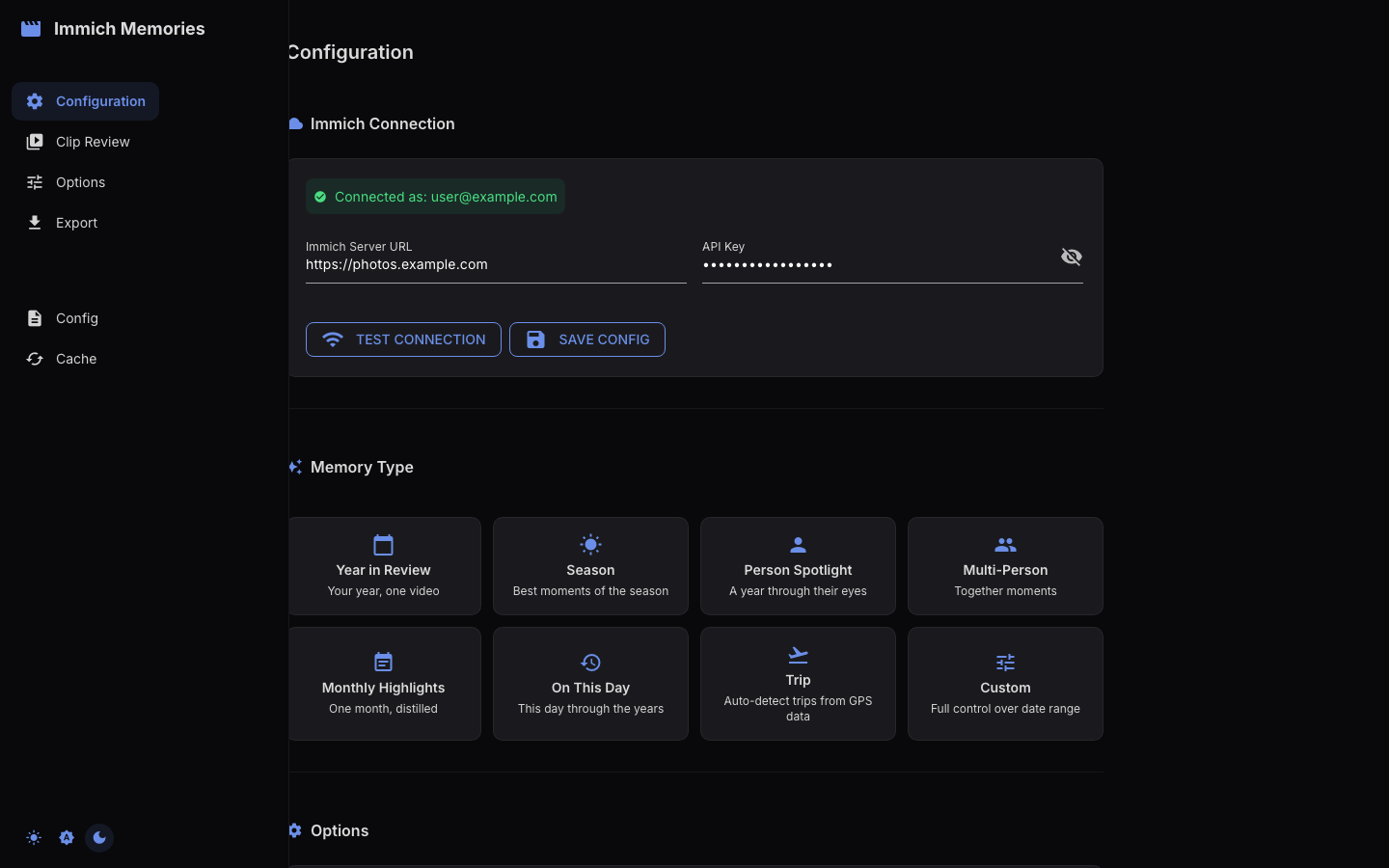
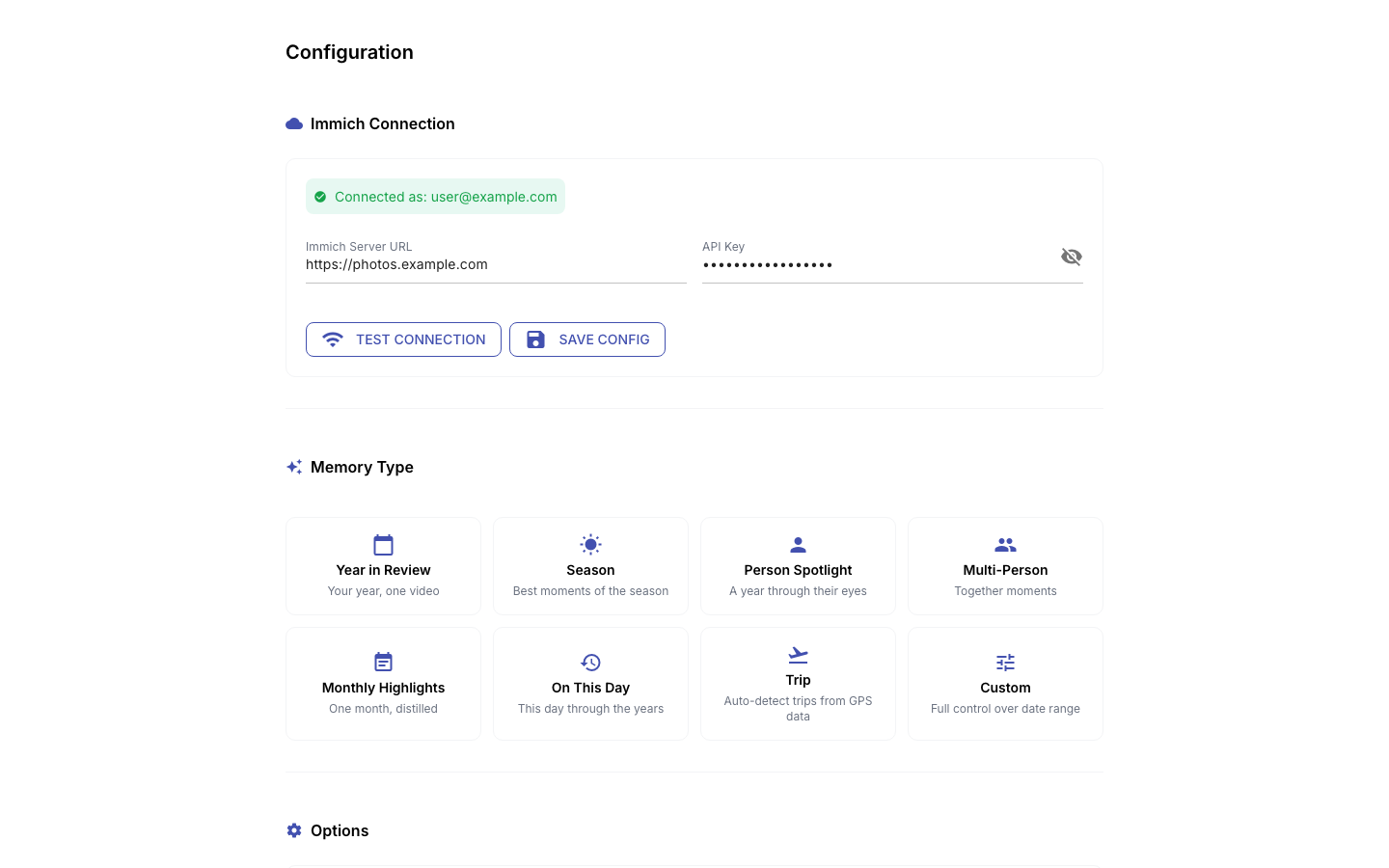
The web UI walks you through 4 steps:
- Configuration: pick your memory type, time period, and person
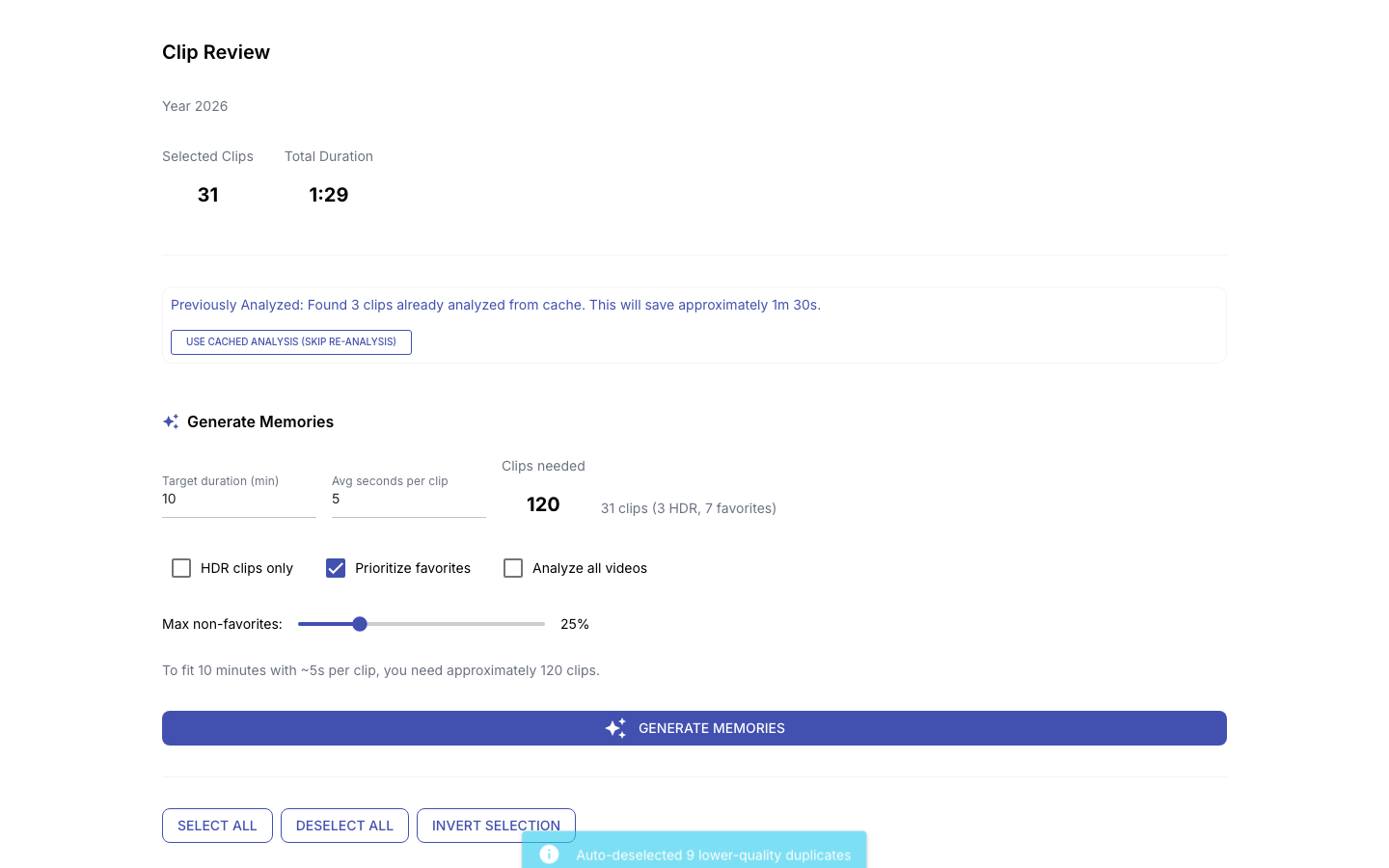
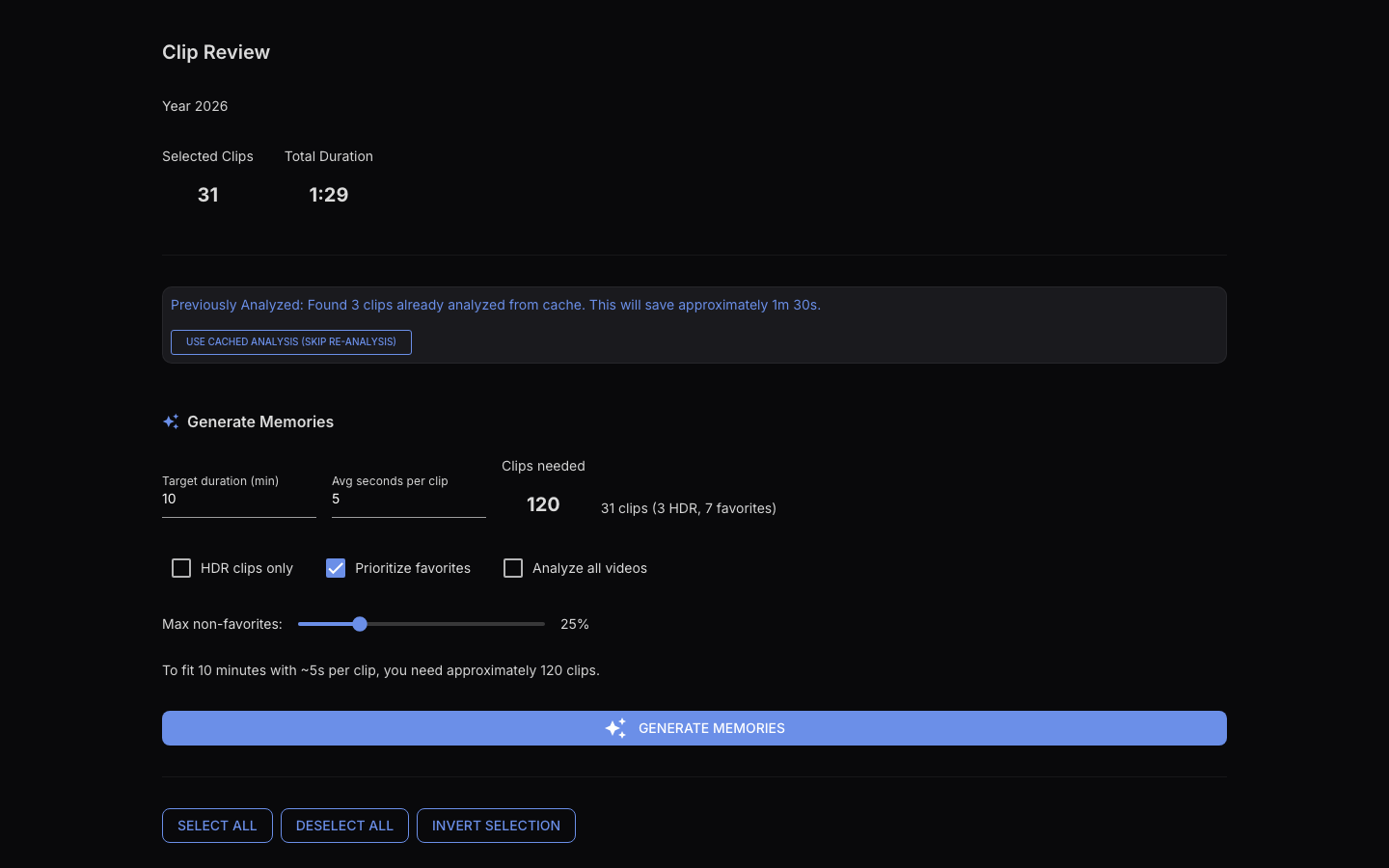
- Clip Review: the pipeline scores clips, detects duplicates and selects the best; you refine the picks
- Options: check the LLM-generated title, choose your music, adjust output settings
- Export: render the final video with map animation, title screens, and music
Or use the CLI for automation and scripting.
Get started
Head to the Quick Start.