Year in Review
The most-used memory type. Covers an entire calendar year and creates a video with monthly title dividers: a chronological highlight reel of the best moments from each month.
What it does
Fetches all videos (and optionally photos) from a calendar year, scores every clip using motion analysis, face detection, favorites, and optionally LLM content analysis, then selects the best segments distributed proportionally across months. Months with more content get more clips. The default target duration is 10 minutes (~50 seconds per month).
CLI
immich-memories generate --memory-type year_in_review --year 2025
With person filter:
immich-memories generate --memory-type year_in_review --year 2025 --person "Alice"
With photos included:
immich-memories generate --memory-type year_in_review --year 2025 --include-photos
Web UI
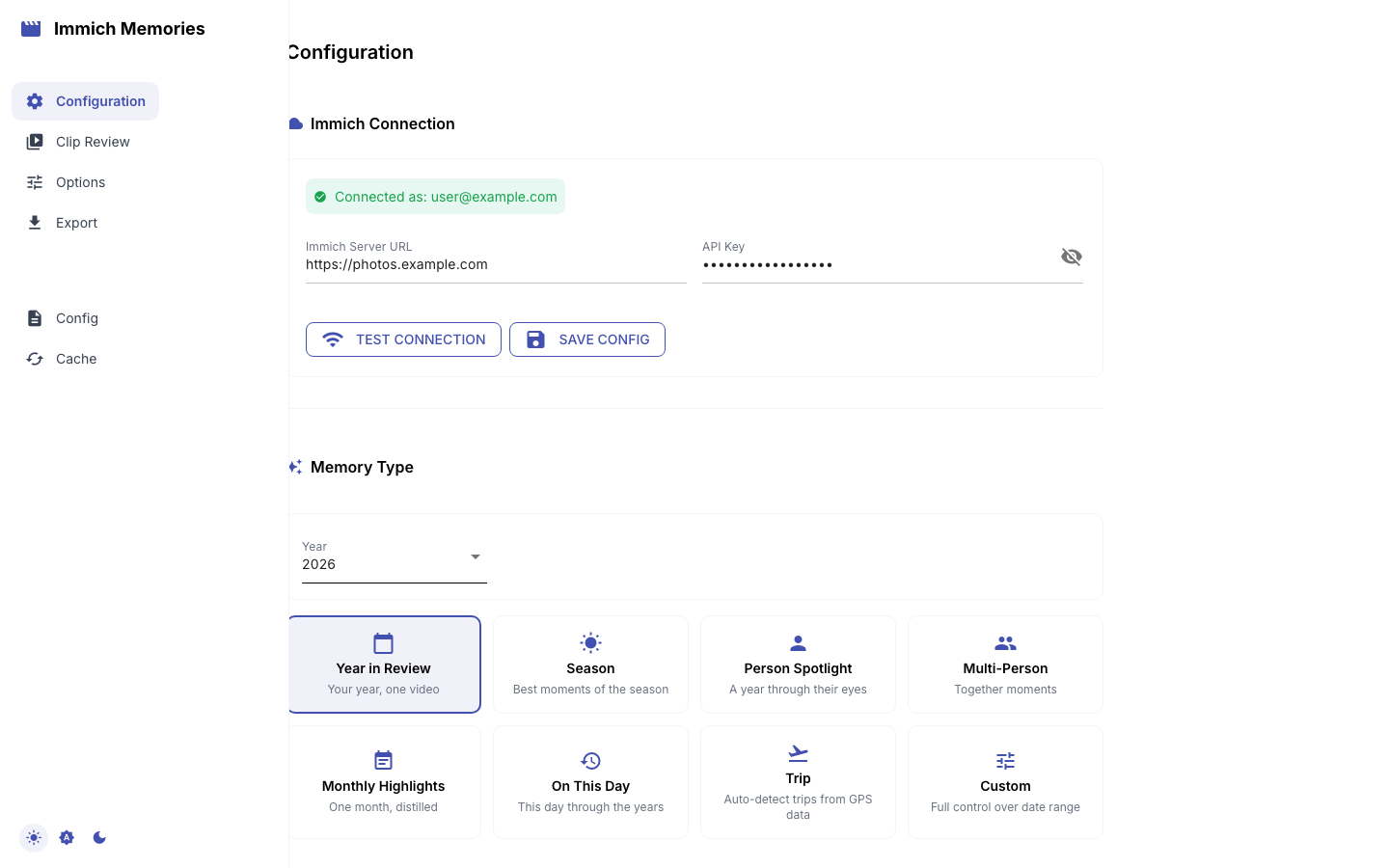
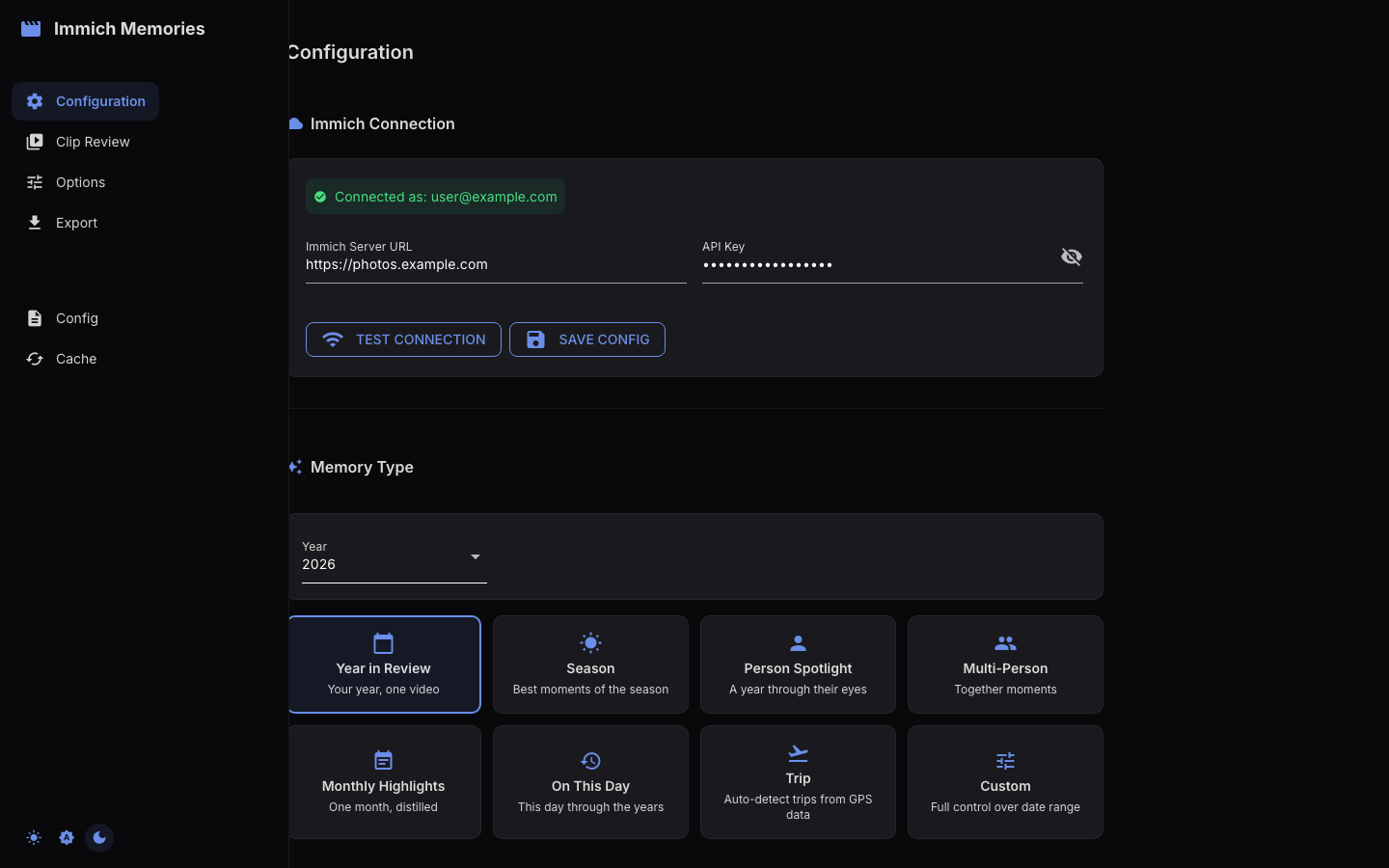
Select the Year in Review card in Step 1, pick the year from the dropdown.
The card's optional Only with box narrows the year to one or more people —
the same thing --person does above, and naming several keeps only what holds
all of them.
What makes it special
- Monthly title dividers: a divider screen (e.g., "January", "February") is inserted wherever the month changes between clips, so the video is split into sections. Dividers only appear when the range spans four or more months:
get_divider_mode()returns "none" for anything shorter, so a February-to-March video has no dividers at all. - Density-based clip budget: months with 50 videos get more clips than months with 5. The algorithm distributes clips proportionally to content density.
- Full year coverage: the date range is exactly January 1 through December 31. Birthday-based years are supported too:
--birthdayauto-detects from Immich, or--birthday 02/07for manual override. You can also narrow to a single month with--monthor override the date range entirely with--start/--end.
Tips
- Works best with 50+ videos spread across the year. If you only have clips from a summer trip, a Season or Trip memory will be a better fit.
- Auto analysis is the default and uses LLM scoring for manageable libraries. Use
--analysis-depth thoroughwhen you explicitly want every eligible clip analyzed, regardless of library size. - The default 10-minute duration works well for most libraries. For smaller collections (under 100 videos), try
--duration 300for a tighter 5-minute edit. - Combining
--personwith Year in Review creates a "Your Year With Alice" style video: only clips containing that person, but still with monthly structure. Naming two people narrows it to the clips holding both.