Monthly, Person, Season & On This Day
Four memory types that share a similar structure: pick a time range, optionally filter by person, generate. They differ in scope and scoring emphasis.
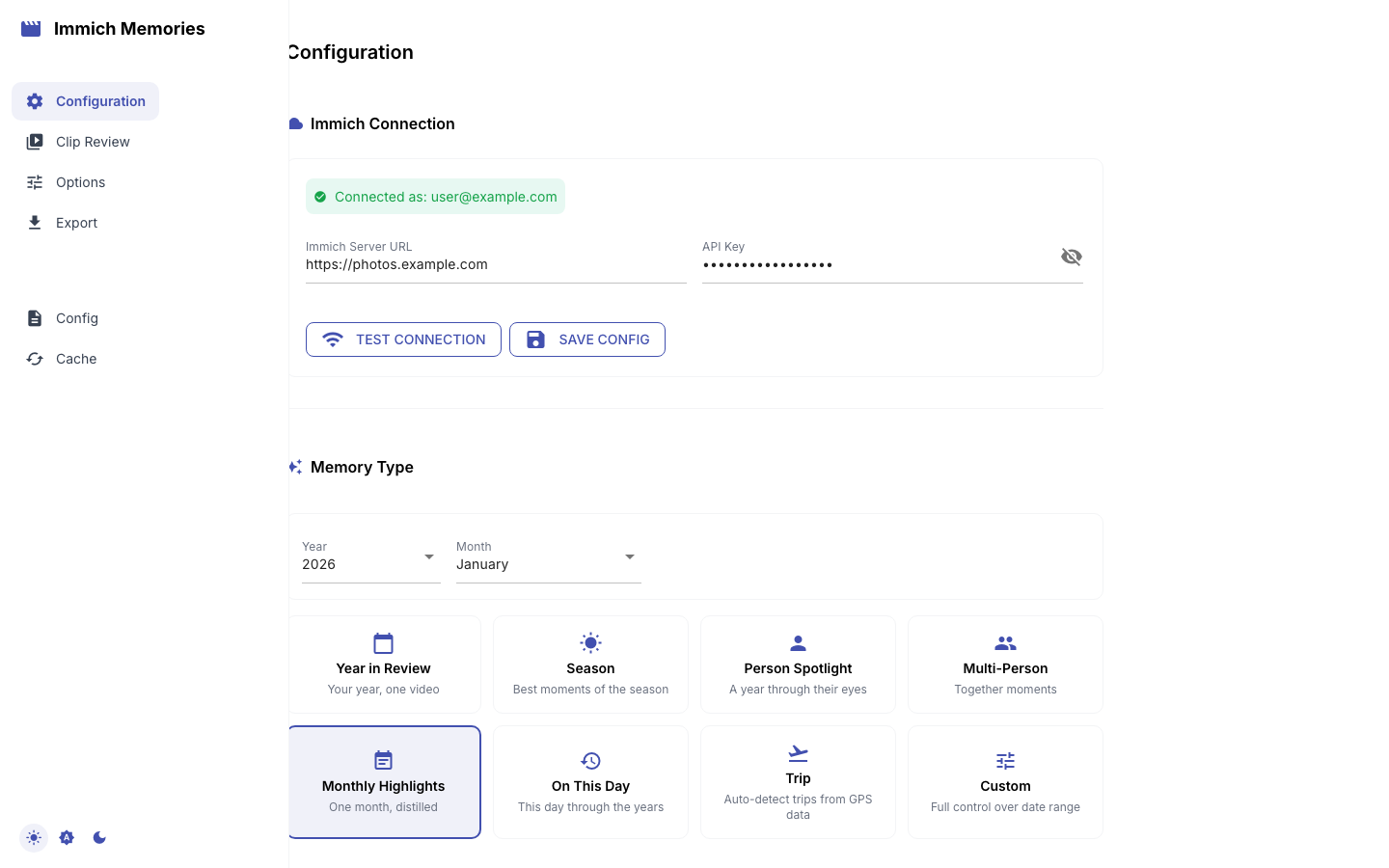
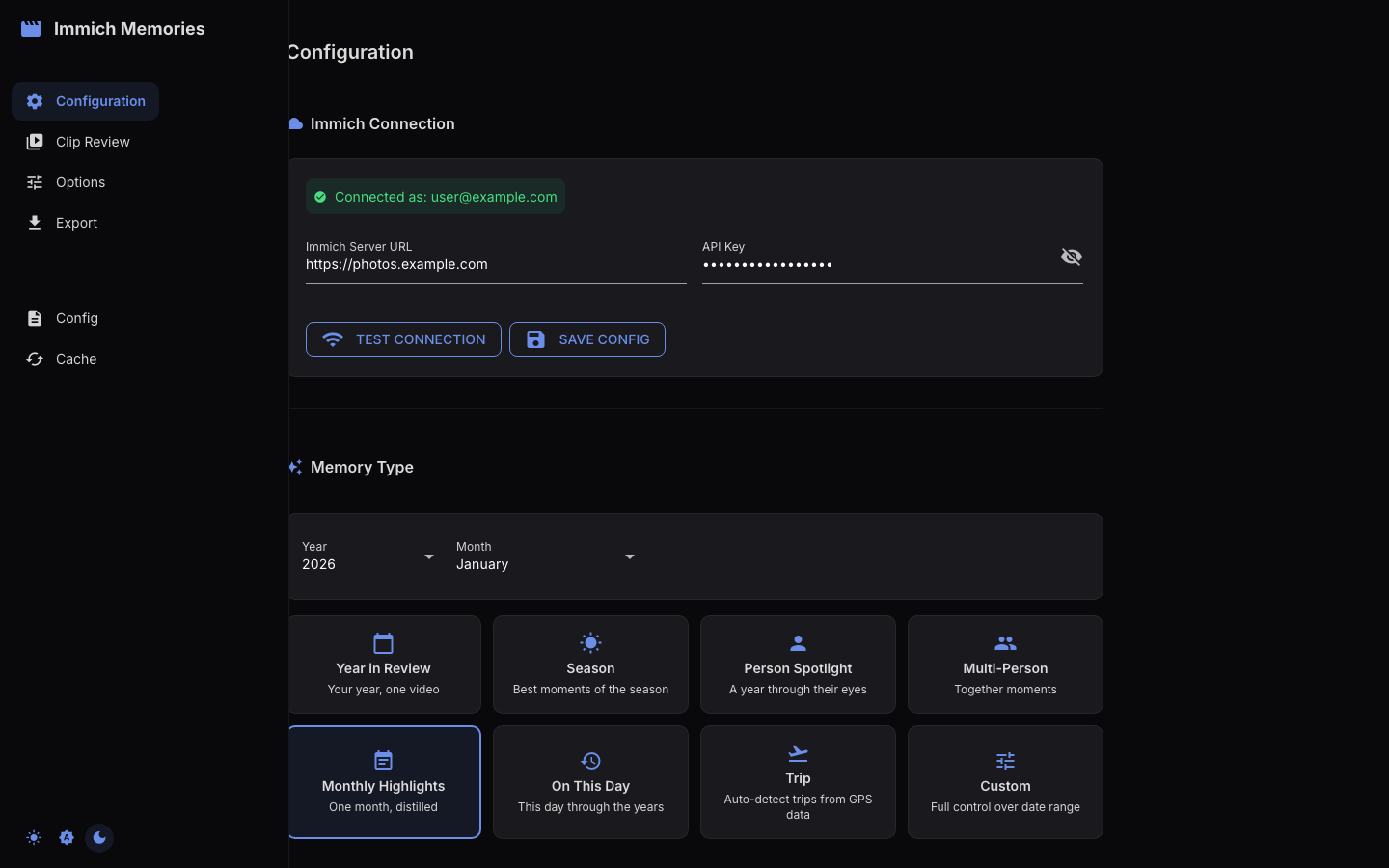
Monthly Highlights
Best moments from a single month. Good for regular check-ins or when one month had a lot going on.
immich-memories generate --memory-type monthly_highlights --month 7 --year 2025
Default duration: 60 seconds. The title screen shows the month and year (e.g., "July 2025"). No monthly dividers since it's already a single month.
Best for: months with 10+ videos. If you shot a lot in one month (vacation, birthday party, holiday), this gives you a tight one-minute highlight.
Person Spotlight
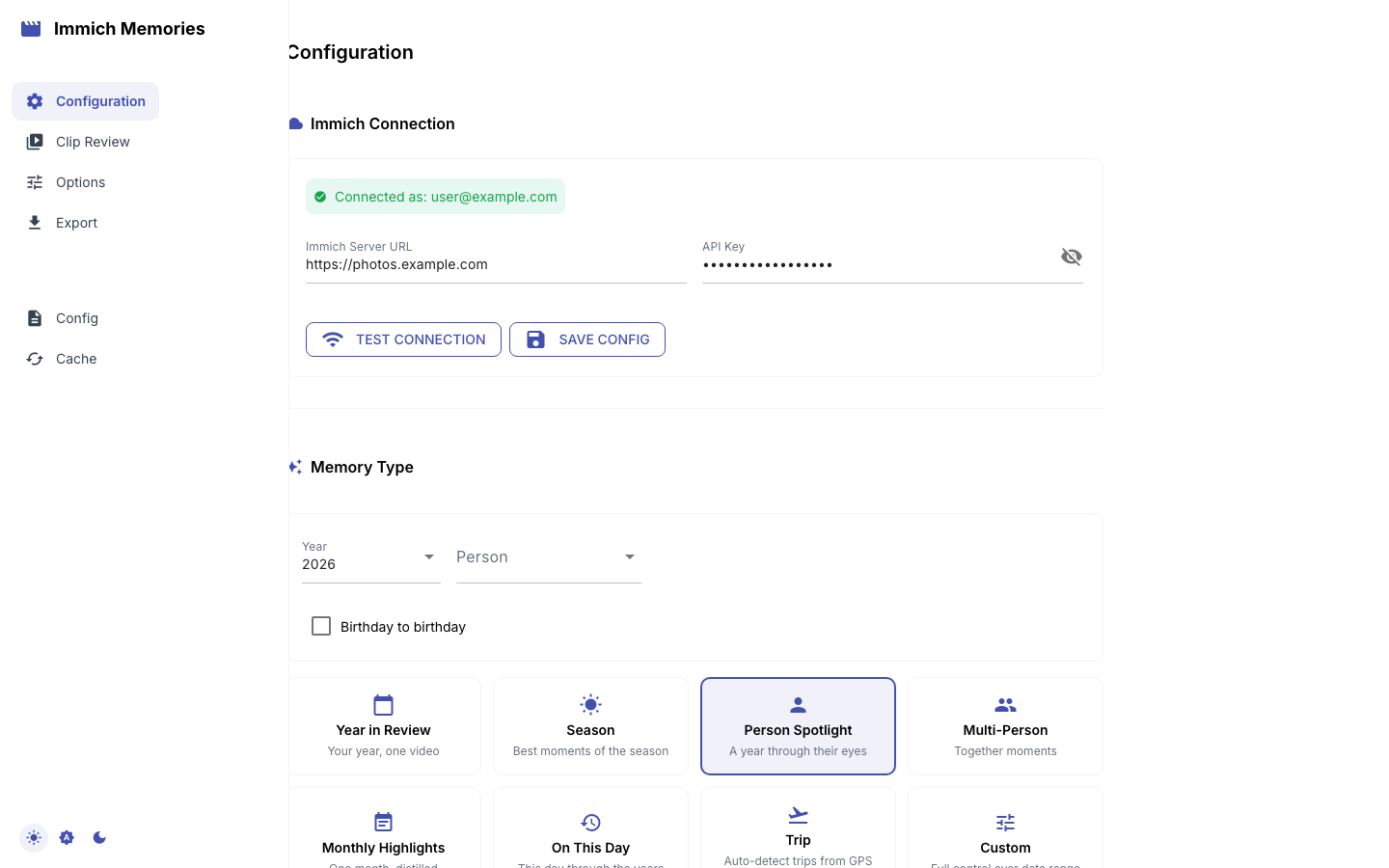
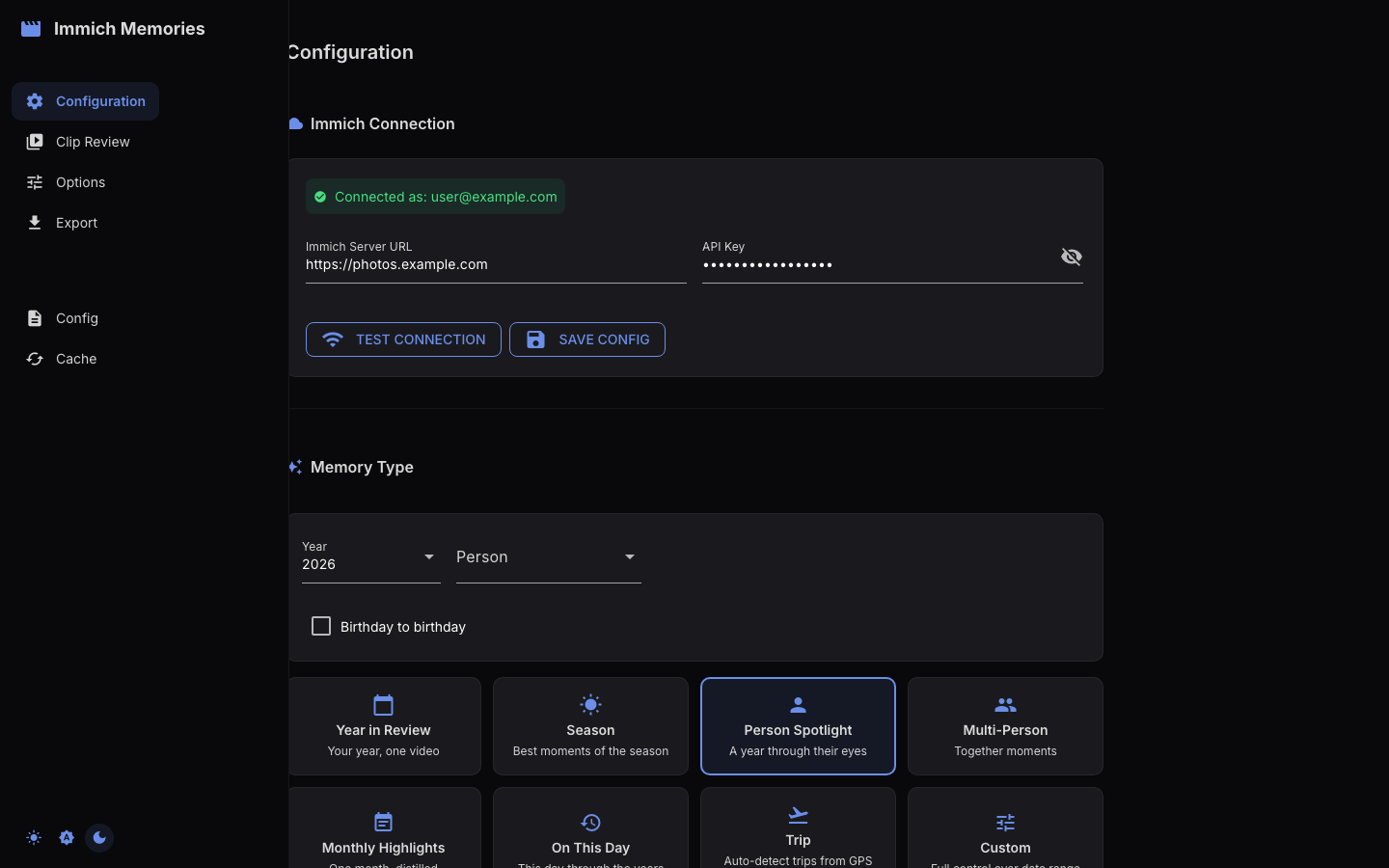
A year focused on one person. Filters clips to only those containing the named person (requires face recognition enabled in Immich). Every memory type is scored the same way — see Clip Selection & Scoring; what makes this one a spotlight is the filter, not a different set of weights.
immich-memories generate --memory-type person_spotlight --person "Alice" --year 2025
Narrow to a single month with --month:
immich-memories generate --memory-type person_spotlight --person "Alice" --year 2025 --month 7
Anchor it on the person's birthday instead, reading the birth date from Immich:
immich-memories generate --memory-type person_spotlight --person "Alice" --year 2025 --birthday
That is a different memory: the year ending on the 2025 birthday, plus each of the five previous birthdays as a ±1 day cutaway. It asks for 10 minutes on both surfaces. See Birthday Compilations.
Default duration for the calendar-year version: the CLI scales it with the date range — about 60 seconds for a single month, 10 minutes for a full year. (The web UI's Person Spotlight card defaults to 2 minutes regardless of range; see the note below.) You can also override the date range entirely with --start/--end.
Best for: parent-child compilations, partner videos, or any relationship where you want to see just that person's moments. Needs Immich face recognition to be set up and the person tagged.
Multi-Person
Moments featuring multiple people together. A clip, Live Photo, or photo only qualifies when every named person is in it — two people who were never in the same frame produce an empty memory, not two solo reels.
immich-memories generate --memory-type multi_person --person "Alice" --person "Bob" --year 2025
Default duration: same range-scaled curve as Person Spotlight, so 10 minutes for a full year. (The web UI card says 5 minutes; see the note below.) Title screen shows "Alice & Bob" as the subtitle.
Best for: couples, families, friend groups. The co-occurrence filter means you'll get clips where they're actually together, not separate appearances.
The same rule applies wherever you name several people. Repeating --person on
any memory type, or picking more than one in the wizard's Only with box,
keeps what holds all of them:
immich-memories generate --memory-type season --season summer --year 2025 --person "Alice" --person "Bob"
Season
Highlights from a specific season (spring, summer, fall, winter).
immich-memories generate --memory-type season --season summer --year 2025
Default duration: the range curve again, so about 3 minutes 15 seconds for a three-month season. (The web UI card says 2 minutes 15; see the note below.) The hemisphere flag controls which calendar months map to which season:
# Southern hemisphere: summer = December-February
immich-memories generate --memory-type season --season summer --year 2025 --hemisphere south
Best for: when the best content clusters in a season rather than spread across the year. Summer vacations, winter holidays, fall foliage trips.
On This Day
Looks back across all previous years for content near today's date. Creates ±1 day date ranges for each previous year.
immich-memories generate --memory-type on_this_day
Limit to the last 3 years with --years-back:
immich-memories generate --memory-type on_this_day --years-back 3
Default duration: 45 seconds. No --year needed: it automatically looks back from today's date. By default, it searches all years with data (up to 30 years back).
Best for: daily nostalgia, "what were we doing last year" moments. Works best if you've been shooting video for 3+ years. Can be combined with the scheduler for an automatic daily memory.
UI and CLI defaults disagree
For three of the four types on this page, the number the web UI puts in the duration box is
not the number the CLI computes for the same request. The CLI runs default_duration_for_type()
in cli/_date_resolution.py, which fits a curve through the date range (1 month → 60 s,
12 months → 600 s). The web UI's preset cards carry a fixed value from
memory_types/factory.py and ignore the range.
| type | web UI card | CLI |
|---|---|---|
| Monthly Highlights | 1 min | ~1 min for the month |
| Person Spotlight | 2 min | ~1 min for a month, 10 min for a year |
| Multi-Person | 5 min | ~1 min for a month, 10 min for a year |
| Season | 2 min 15 | ~3 min 15 for a three-month season |
| On This Day | 45 s | 45 s |
Monthly Highlights and On This Day agree because their fixed value and their curve value land in the same place. The other three do not, and for Person Spotlight the gap is 5x. Neither number is wrong for the surface it belongs to — the CLI's is range-aware and the UI's is a card default you can edit before you start — but they are not the same product decision, and this page documents the CLI unless it says otherwise. Every duration on any surface is an editable default, not a cap.