Step 1: Configuration
This is where you tell the tool what to work with. The sidebar calls this step Configuration.
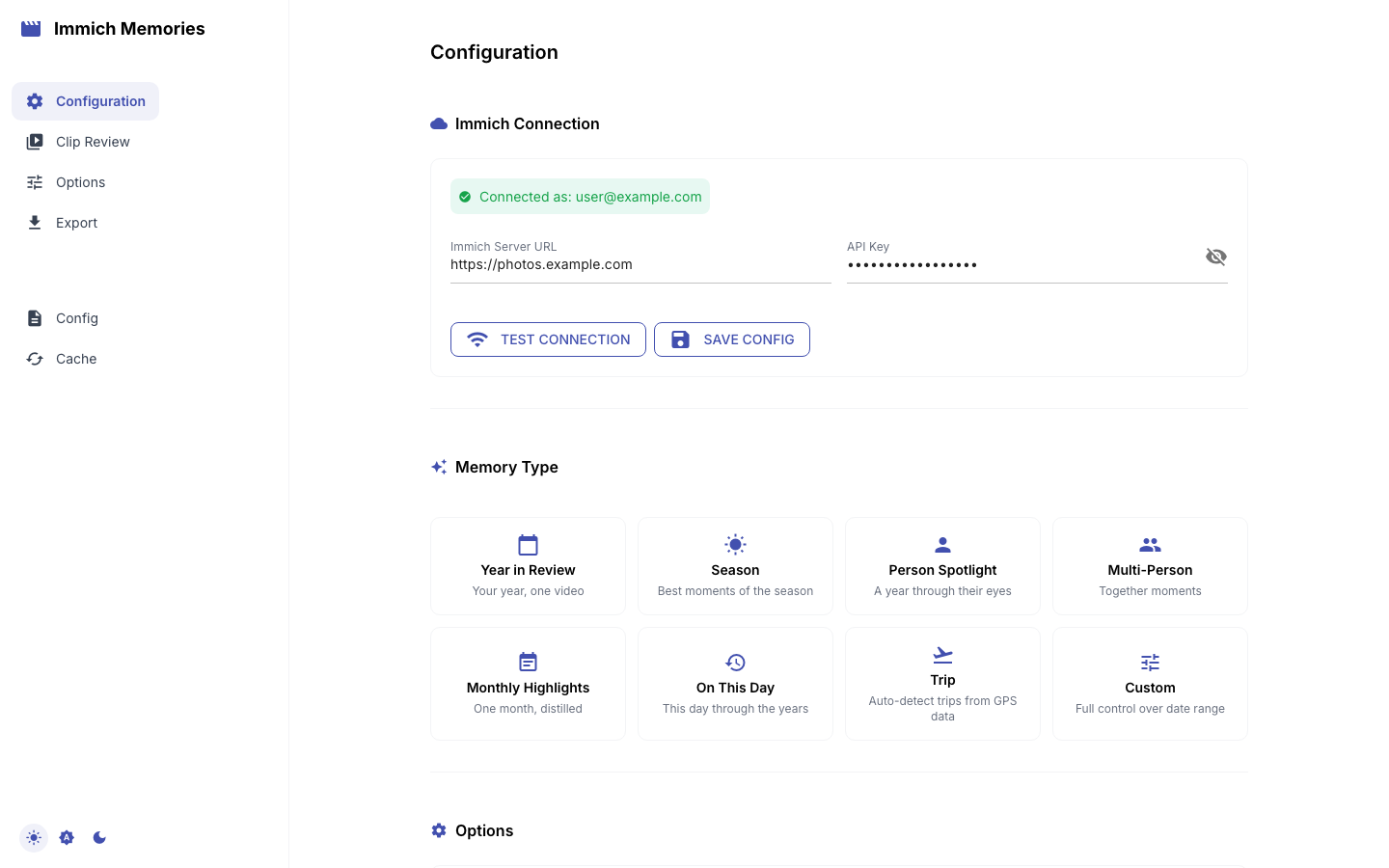
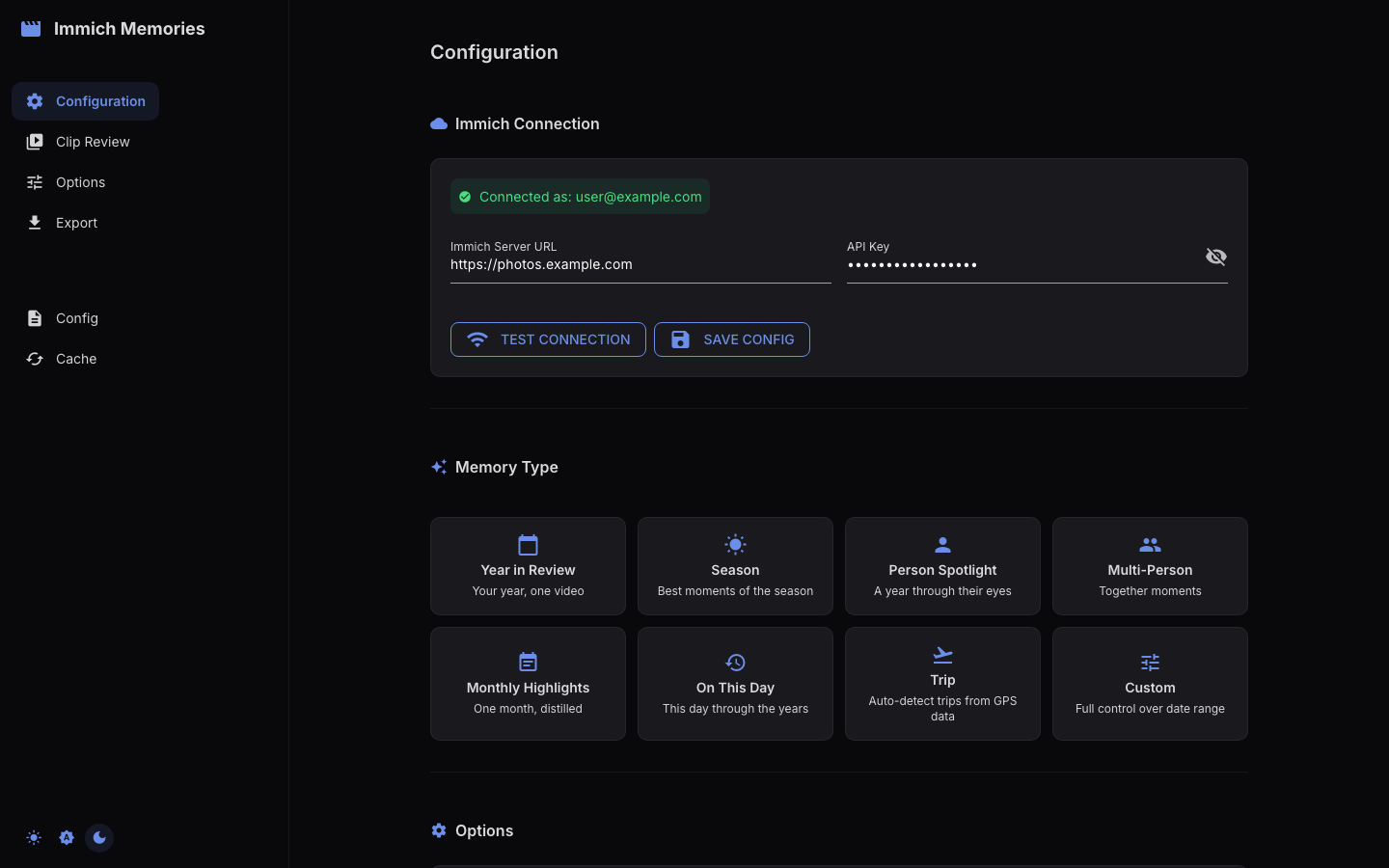
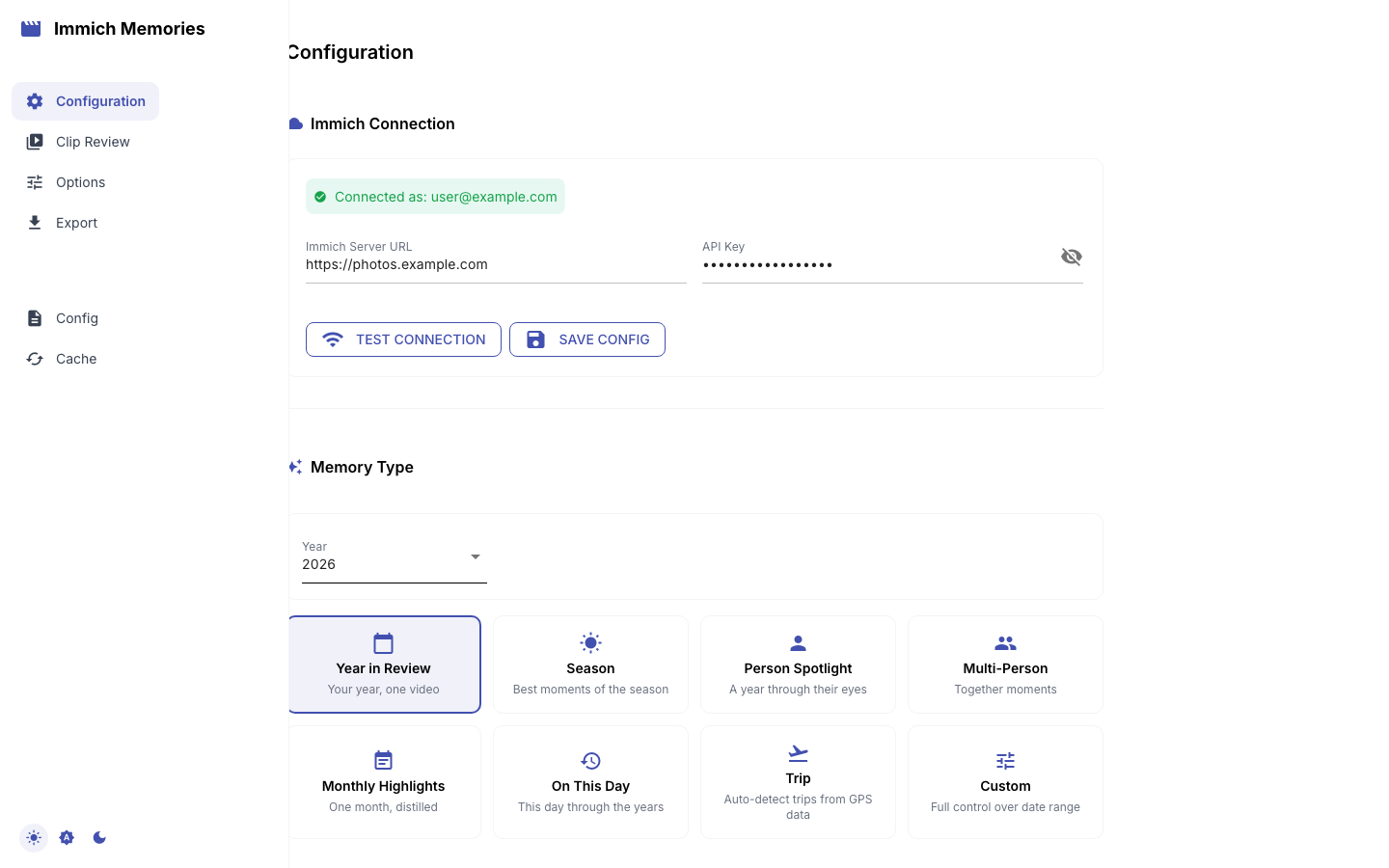
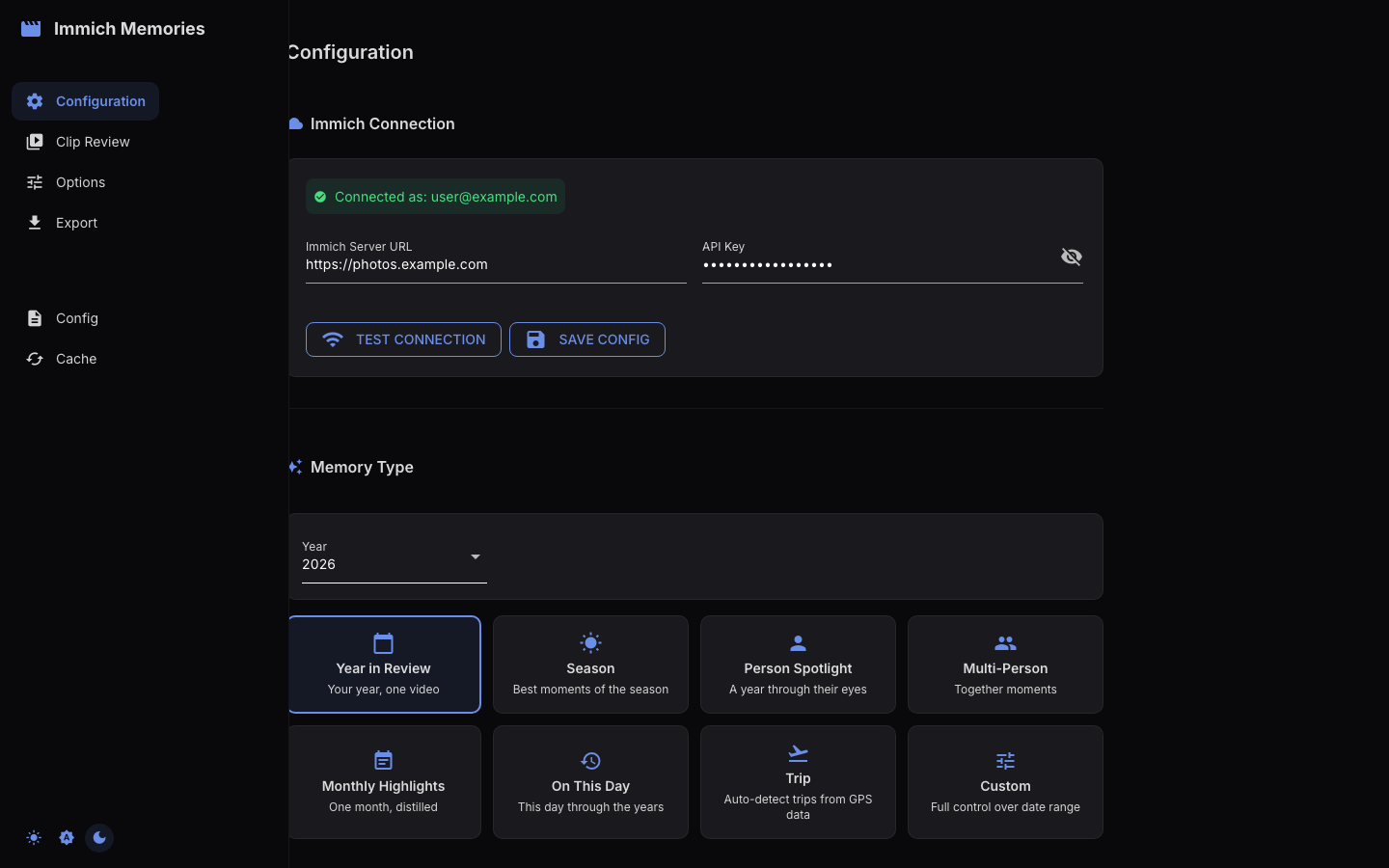
Immich Connection
A collapsible panel with two fields, Immich Server URL and API Key, and two buttons: Test Connection and Save Config. If the URL and key are already in your config.yaml or environment variables, the URL is pre-filled and the page connects on its own when it loads. The API Key field stays empty and reads "Saved — type a new key to replace it": the stored key is never sent to the browser, so leaving the field alone keeps it, and typing in it replaces it. Once connected, the panel collapses to a one-line header, "Immich Connection — your name"; expand it again to change the credentials.
The rest of the page (Memory Type, Options, Next) only appears after a successful connection.
Memory Type
Pick one of the 12 cards: Year in Review, Season, Person Spotlight, Multi-Person, Monthly Highlights, On This Day, Holiday, Then and Now, Trip, Album, Surprise me, or Custom.
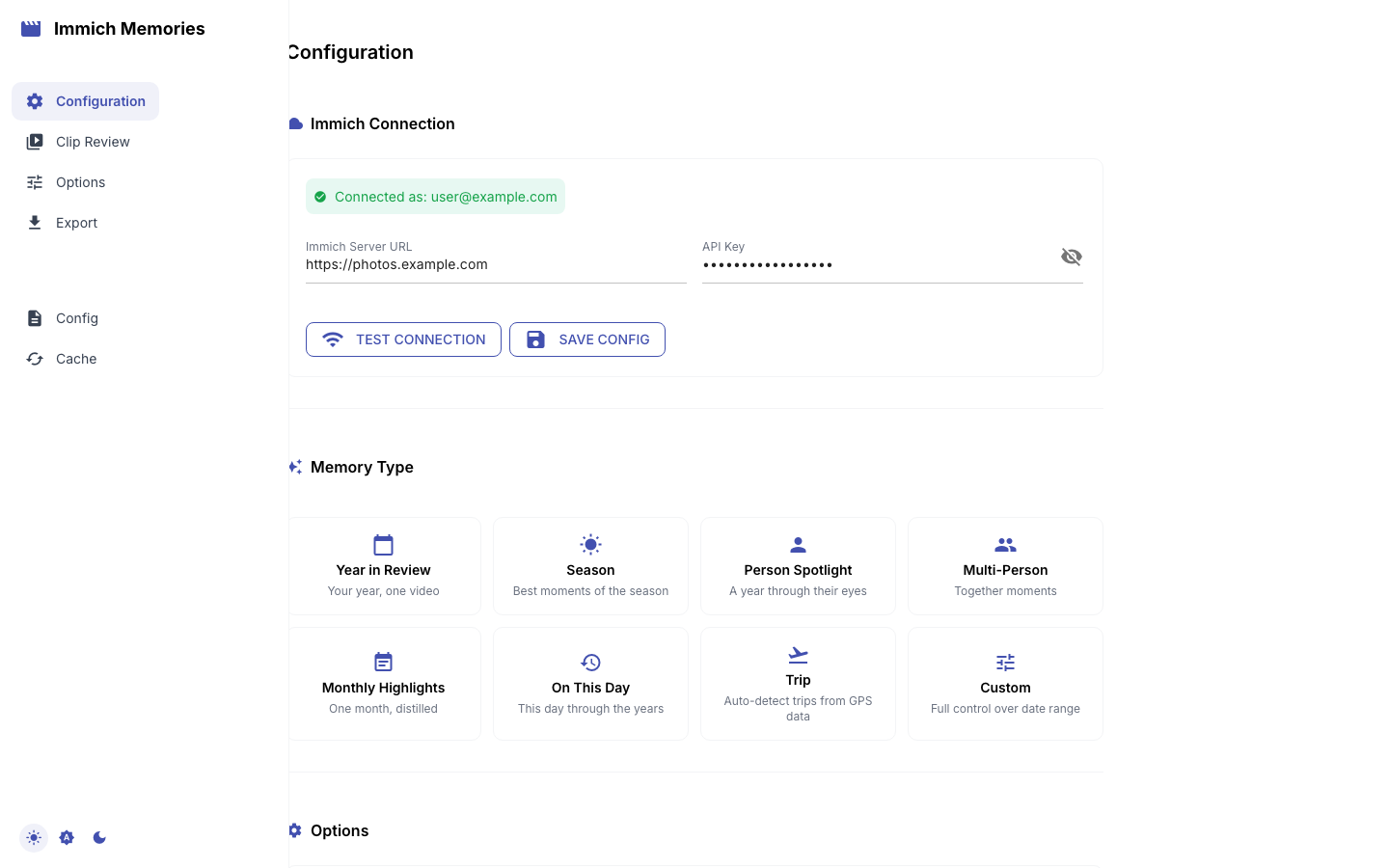
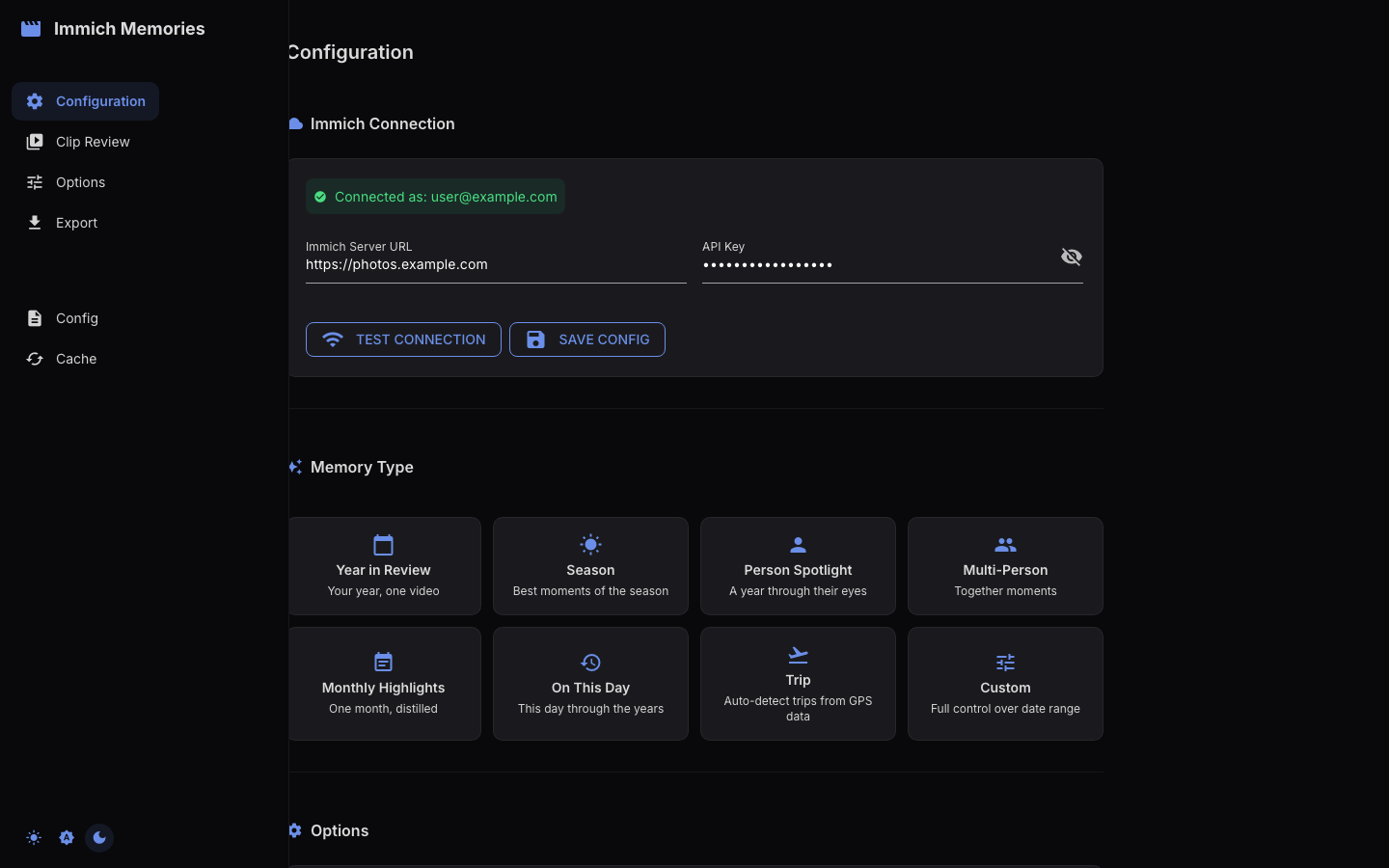
Each preset sets the date range and a default target duration, then shows the parameters it needs:
| Card | Parameters shown | Default target |
|---|---|---|
| Year in Review | Year, Only with | 10 min |
| Season | Year, Season (spring/summer/autumn/winter), Hemisphere (north/south), Only with | 2 min 15 s |
| Person Spotlight | Year (or "All Time"), Person, checkbox "Birthday to birthday" | 2 min |
| Multi-Person | Year, People (select 2+) | 5 min |
| Monthly Highlights | Year, Month, Only with | 1 min |
| On This Day | Only with (otherwise uses today's date across previous years) | 45 s |
| Holiday | Holiday, Most recent year, Years to span (2–10), Only with | 1 min |
| Then and Now | Now (year), Years back (1–20), Only with | 45 s |
| Trip | Year, then "Select a trip" from the trips detected in your GPS data | auto: 30 s + 10 s per active day, bounded 60–300 s |
| Album | "Select an album" from your Immich albums | auto: 4 s per item in the album, bounded 30 s–10 min |
| Surprise me | "Pick a day" from the days discover-days found | auto: 30 s + 6 s per active hour, bounded 60–180 s |
| Custom | date range tabs and person filter (below) | ~1 min per month of range |
Memory types that span several years
On This Day, Holiday and Then and Now do not cover one continuous period. Each builds a separate window per year and the wizard fetches every one of them, so a Holiday memory spanning five years queries five windows around that holiday rather than the five years between them.
- Holiday takes any of the ten holidays the pipeline resolves — New Year, Valentine's Day, Easter, Mother's Day, Father's Day, Halloween, Thanksgiving, Christmas Eve, Christmas, New Year's Eve — plus the most recent year to include and how many years to reach back. Its title is the occasion ("Christmas"), subtitled "Through the Years".
- Then and Now takes the recent year and how far back the other one sits. There is no zero: the contrast is the point, so the two years must differ. Its title names both ("2016 & 2026").
The presets also drive the output filename and title screen. A Multi-Person preset with Alice and Bob for March 2025 produces alice_bob_march_2025_memories.mp4 with "Alice & Bob" as the title subtitle.
Surprise me
The other eleven cards ask you what the memory is about. This one asks the
library. immich-memories discover-days walks the years a month at a time and
asks the local model which days stand out on their own — a day that ran long,
shot a lot, and was not a holiday or part of a trip — and writes what it found
to ~/.immich-memories/special-days.json. The card offers those days and
nothing else.
The list is ordered anniversaries first, labelled "10 years ago — A long evening out", then every other catalogued day by how round its anniversary is and how recent it is. This is deliberately not what automation does: a scheduled run only proposes a day on its anniversary, because it arrives unannounced and the round number is what earns the interruption. You clicked the card, so you get the whole catalogue.
Choosing a day scopes the memory to the hours it happened in rather than to midnight-to-midnight, when the scan recorded a window for it, and the day's own title and subtitle carry through to the title screen in Step 3 — the catalogue named it from that day's photos, so the title LLM is not asked for a second opinion. A special day is one occasion, so it gets a single opening card and no month dividers.
If there is no catalogue yet, the card says which file it looked for and which command builds one, and Step 1 stays incomplete. It will not offer a random day.
Person selection
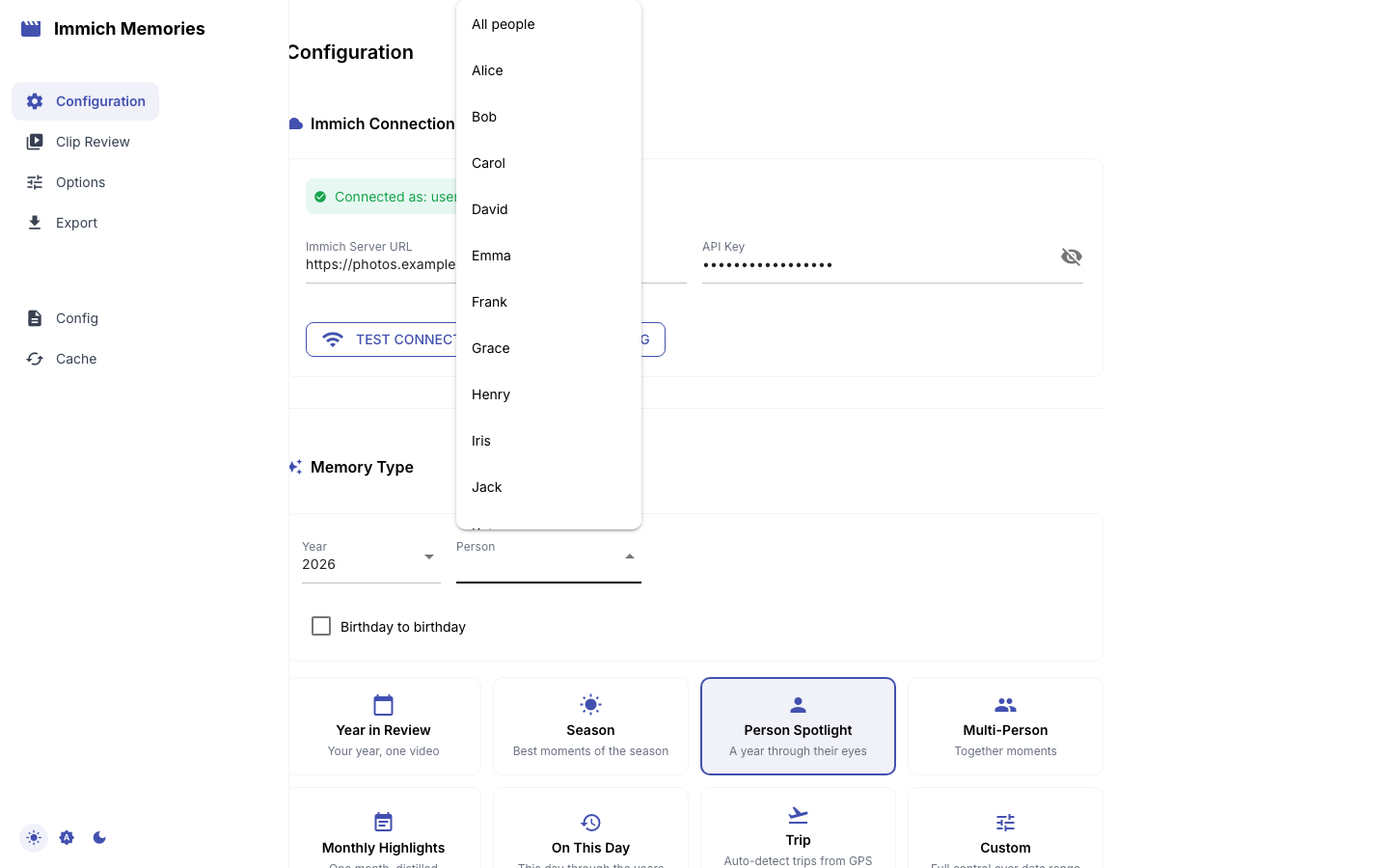
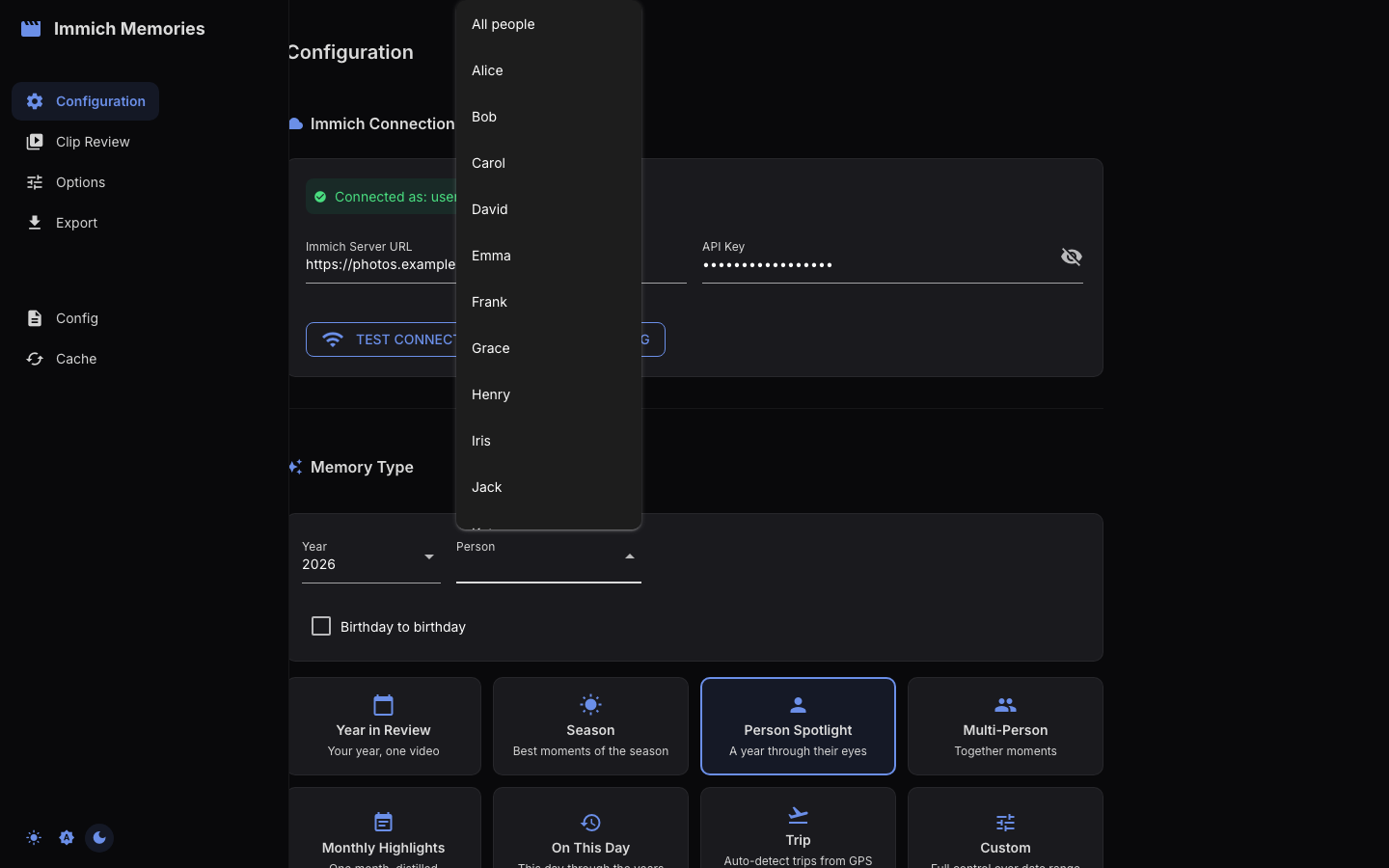
Every person dropdown is populated from Immich's face recognition data, so only named faces are offered.
Two cards are about people and collect them as part of the memory: Person Spotlight takes one person, and Multi-Person takes 2 or more.
Every other card that covers a period — Year in Review, Season, Monthly
Highlights, On This Day, Holiday, Then and Now — carries an optional Only
with picker instead. Leave it empty and the memory covers everyone. Name one
person and it becomes that person's version of the memory. Name several and only
moments with all of them are used, which is exactly what repeating
--person does on the CLI:
immich-memories generate --memory-type year_in_review --year 2025 --person "Alice" --person "Bob"
Three cards carry no person filter, each for its own reason:
- Album is its own pool — the album decides what is in the memory, so
--from-albumrejects--persontoo. - Trip takes its window whole on both surfaces. On the CLI
--personnarrows trip detection — whose GPS trail is scanned — and the trip that comes back is built from everything shot in that window. - Surprise me is the occasion rather than its guest list.
The Custom card keeps its own single-person Person filter under "Person Filter", defaulting to All people, next to a Target Duration (minutes) field — it belongs to the custom date range rather than to a preset.
Custom date range
Choosing Custom opens a "Custom Date Range" section with three tabs:
- Year: pick a year, then choose Calendar Year or From Birthday (a birthday-to-birthday range, with a Birthday date field). Good for birthday compilations.
- Duration: a number (1–24) plus a unit (Months/Years) and a Starting from date.
- Custom Range: Start date and End date.
The resulting range and its length in days are shown under the tabs. The target duration auto-fills at roughly 10 minutes per year of range (so a month is 1 minute, a half year 5); edit the number if you want something else.
Options
Four controls, each with a tooltip:
- Prioritize Favorites (switch): rank favorited clips higher in selection.
- Include Photos (switch): add still photos as animated clips. See Photo Support.
- Include Live Photos (switch): pull the ~3 s video hidden in each Live Photo and merge rapid-fire bursts into longer clips. See Live Photos.
- Analysis Depth (select): Auto (recommended) fully analyzes manageable pools and shortlists large libraries; Fast (favorites first) reserves LLM analysis for favorites; Thorough (every eligible clip) analyzes everything.
Live Photos and photos show up checked in Step 2 with the other discovered media. Deselect any you do not want. Fast analysis can rank a smaller shortlist, but every checked item remains available to fill the final timeline.
Target duration
The target is the complete video, including titles and transition overlap. Presets set it (table above); Custom lets you type it. In Step 2 an Auto duration switch in the "Generate Memories" panel keeps the preset value, and for Trip memories recomputes it from the media: 30 seconds plus 10 seconds per active day, bounded to 60–300 seconds when the selected media is dense enough, then capped by usable excerpts (a sparse trip can end up under a minute). Turn the switch off to type an exact Target duration (min).
| Range | Auto-target | Notes |
|---|---|---|
| 3 active days (trip) | 1 min | Dense-media Auto floor |
| 1 week (trip) | 1 min 40 sec | Before the media-capacity check |
| 12 active days (trip) | 2 min 30 sec | Before the media-capacity check |
| 1 month (Monthly Highlights or Custom) | 1 min | |
| 3 months (Season) | 2 min 15 s | Preset default |
| 1 year (Year in Review or Custom) | 10 min |
Click Next: Review Clips when done.