Step 4: Preview & Export
Hit generate and watch it work. The sidebar calls this step Export.
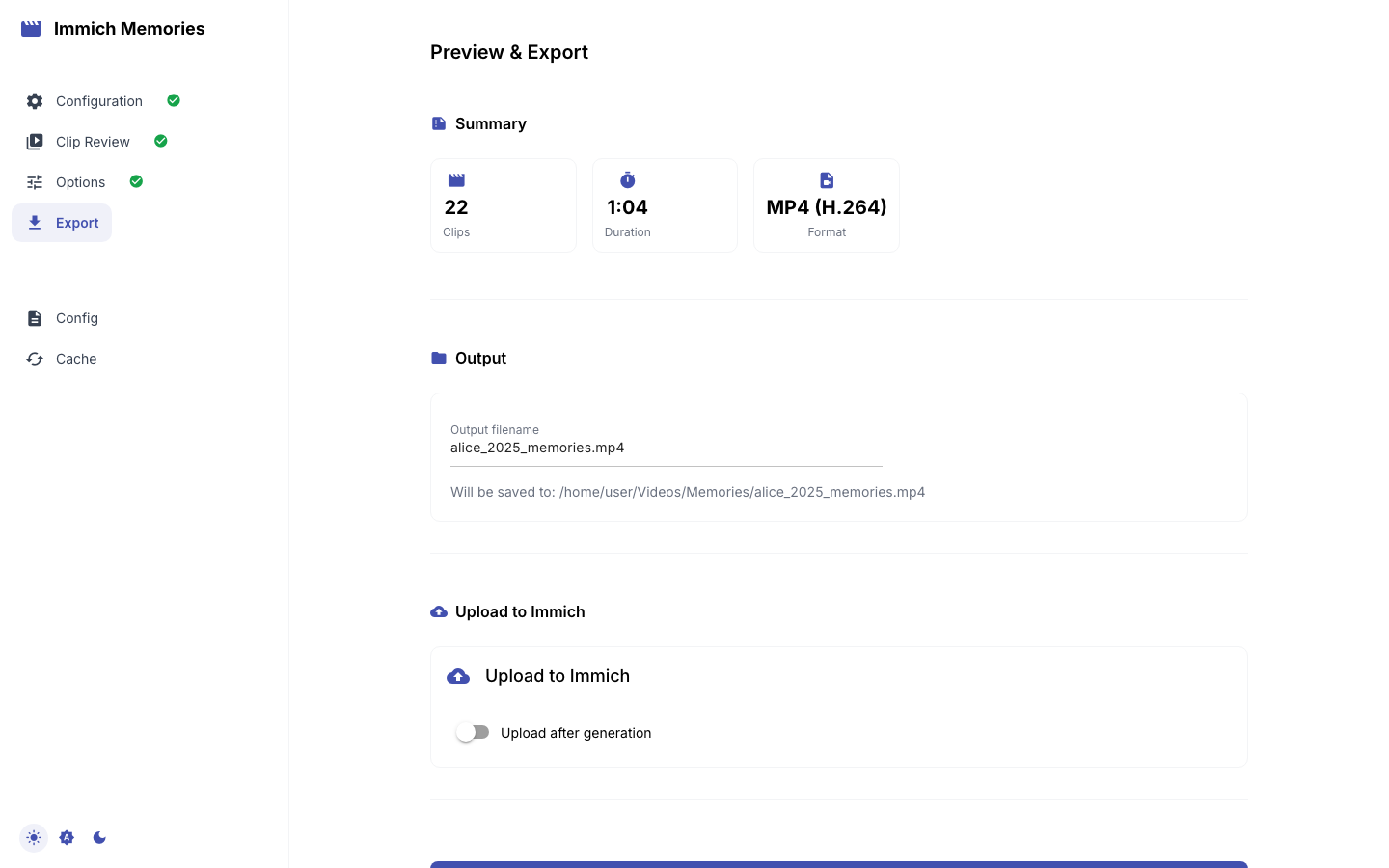
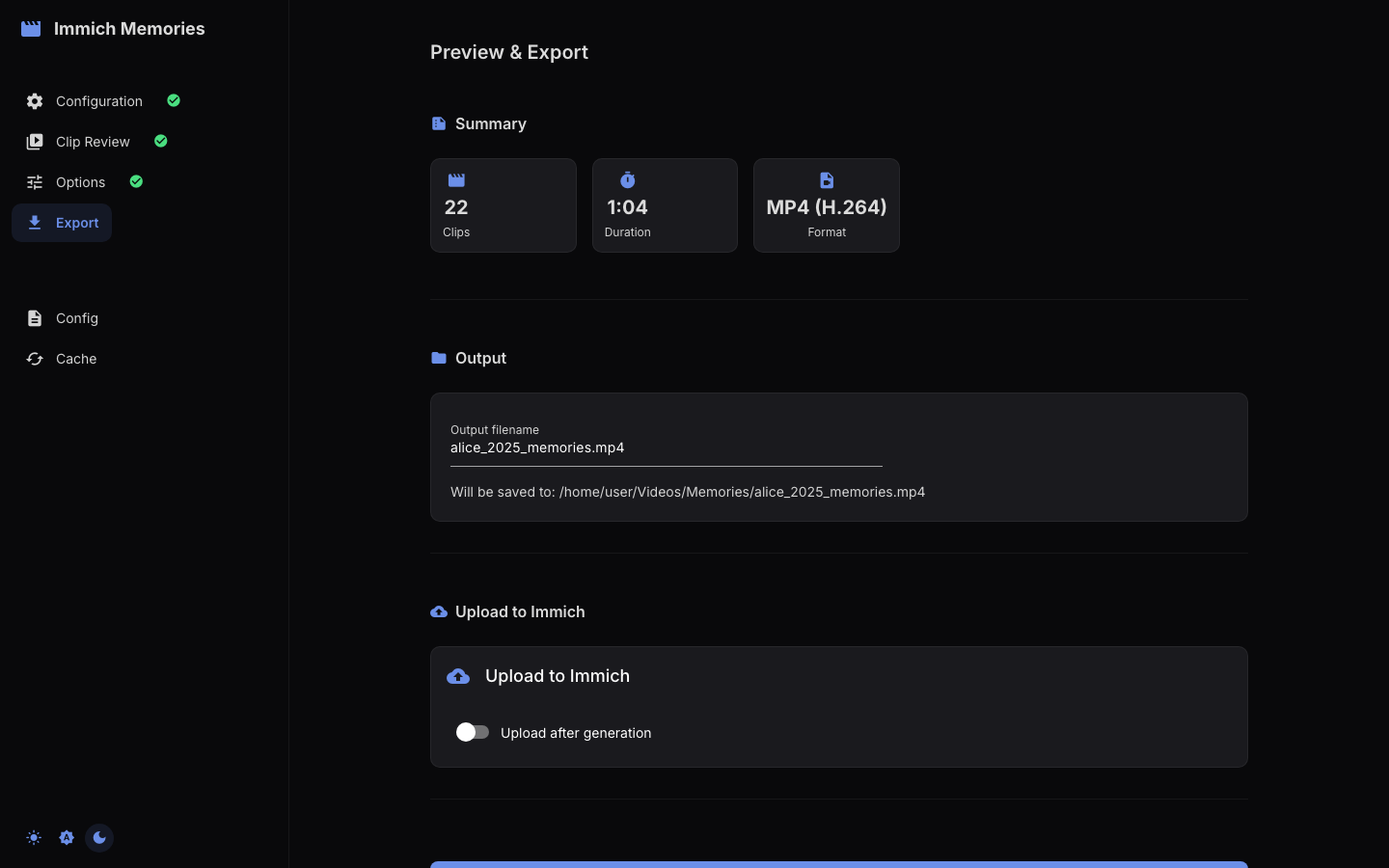
Summary
Stat cards for Clips, Photo Pool (when photos are enabled), Duration and Format. With photos on, an expansion "N Photos Available (auto-selected at generation)" previews the pool.
Output
The Output filename is auto-generated from your selections: person names, date range, and memory type. Examples:
alice_bob_march_2025_memories.mp4(Multi-Person, March 2025)alice_summer_2025_memories.mp4(Season preset)alice_2025_memories.mp4(Year in Review)everyone_jan-apr_2025_memories.mp4(Custom, no person)
Edit it before generating. The line "Will be saved to: …" shows output.directory (default ~/Videos/Memories); the finished file actually lands in a per-run subfolder there, <name>_<YYYYMMDD_HHMMSS_xxxx>/, and the exact path is printed when the run completes.
Upload to Immich
The same card has an Upload after generation switch and an Album name field. When on, the finished video is uploaded to your Immich server and added to that album (created if missing). Off by default; nothing in your library is modified either way.
Dividers
The tool picks the divider style from your date range and memory type:
- Month dividers ("January", "February"): ranges of 4+ months within a single year, whenever the month changes between clips
- Year dividers ("2023", "2024"): multi-year ranges and "On This Day" memories
- No dividers: trips, monthly highlights, and ranges of 3 months or less
Generation progress
Click Generate Video. A progress bar and status line follow the run: downloading clips and extracting the chosen segments, rendering photos (if any), assembling with transitions and title screens, then "Applying music" or "Music disabled", "Uploading to Immich" or "Delivery not requested", and "Complete". The run folder name is shown as "Output: …". A Cancel button stops after the current phase ("Cancelling…").
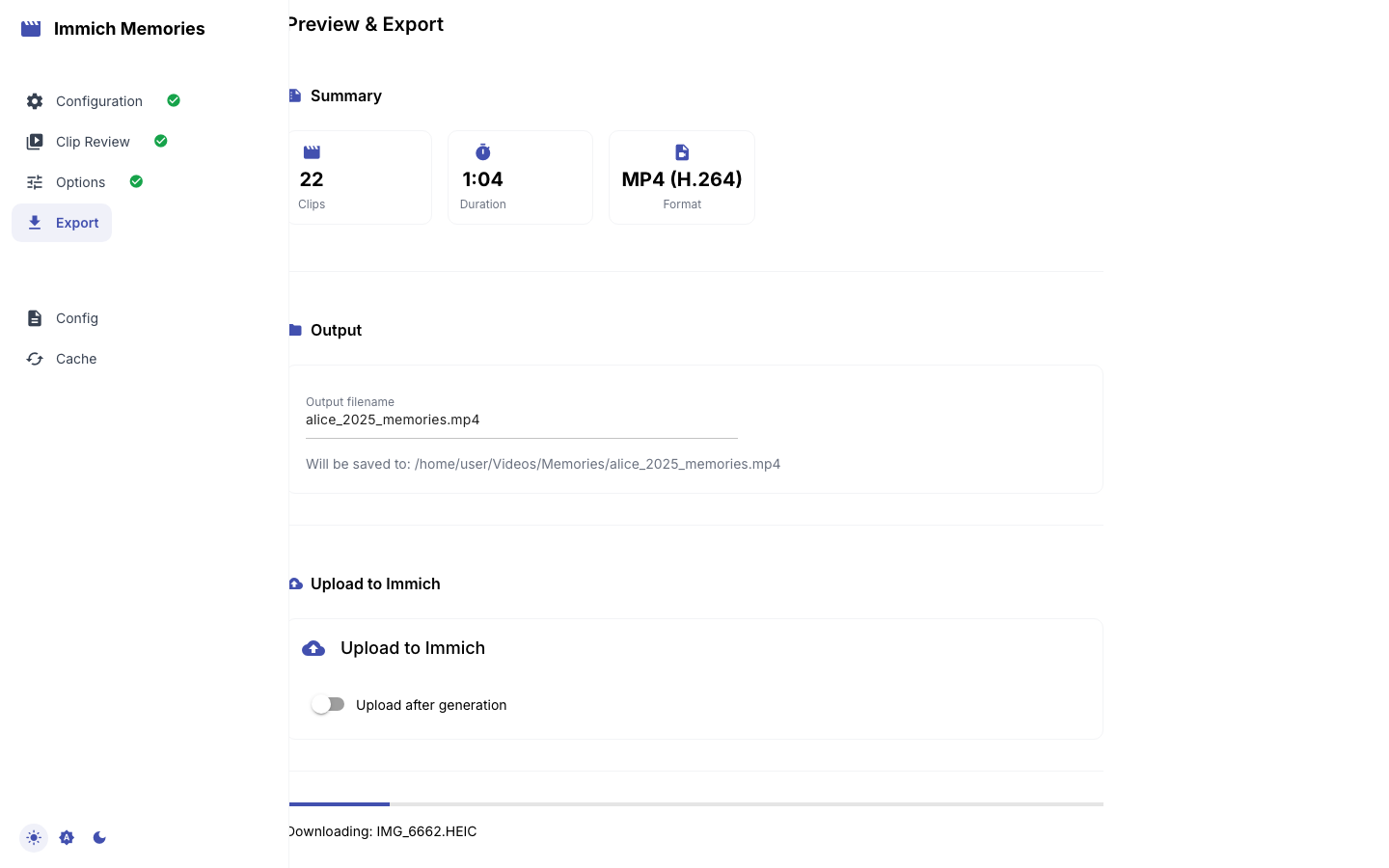
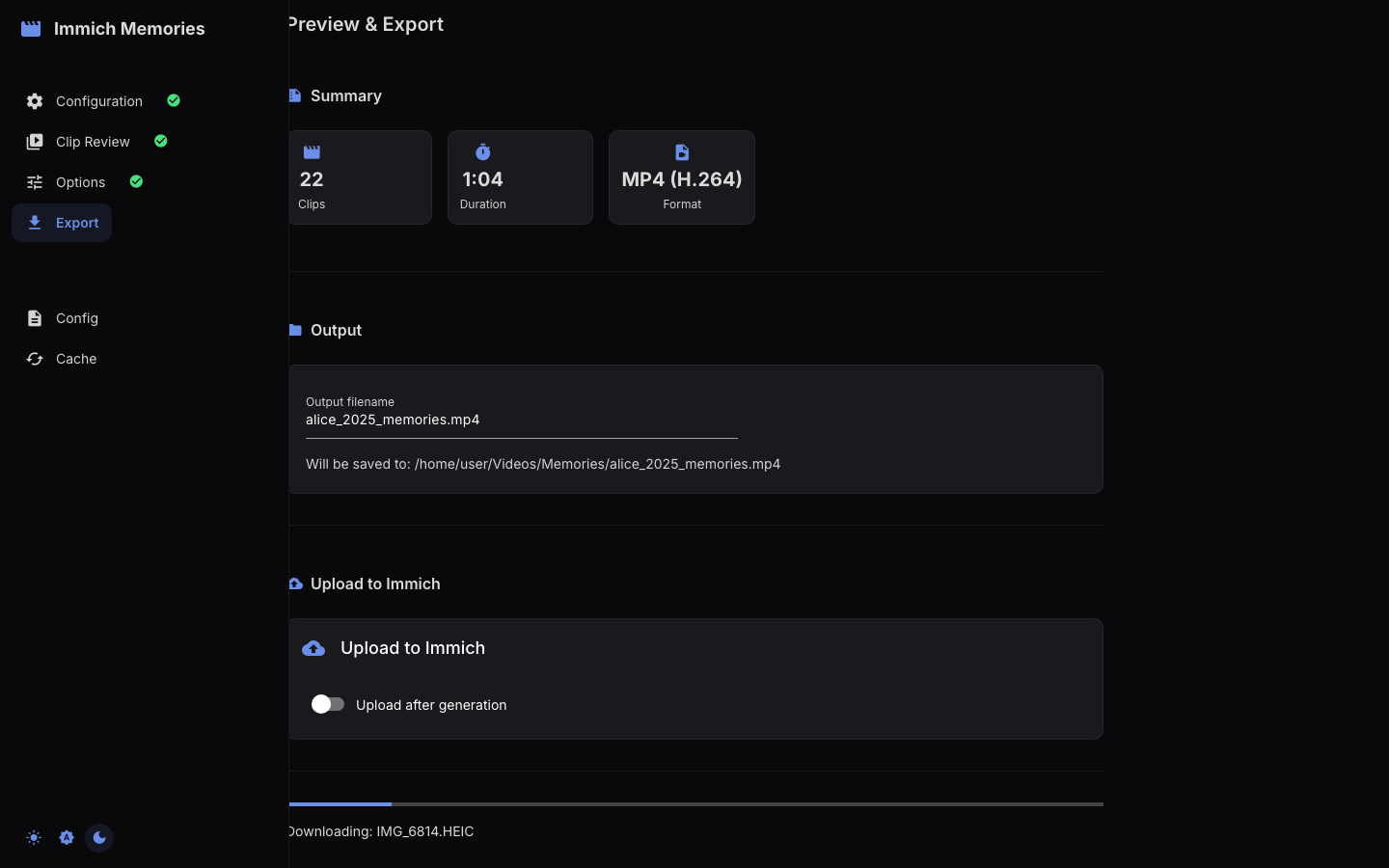
Live frame preview
During assembly, a preview image updates as frames are rendered, so you can watch the video take shape clip by clip. HDR frames are converted to SDR for display and the preview is throttled to keep the browser responsive.
When it finishes
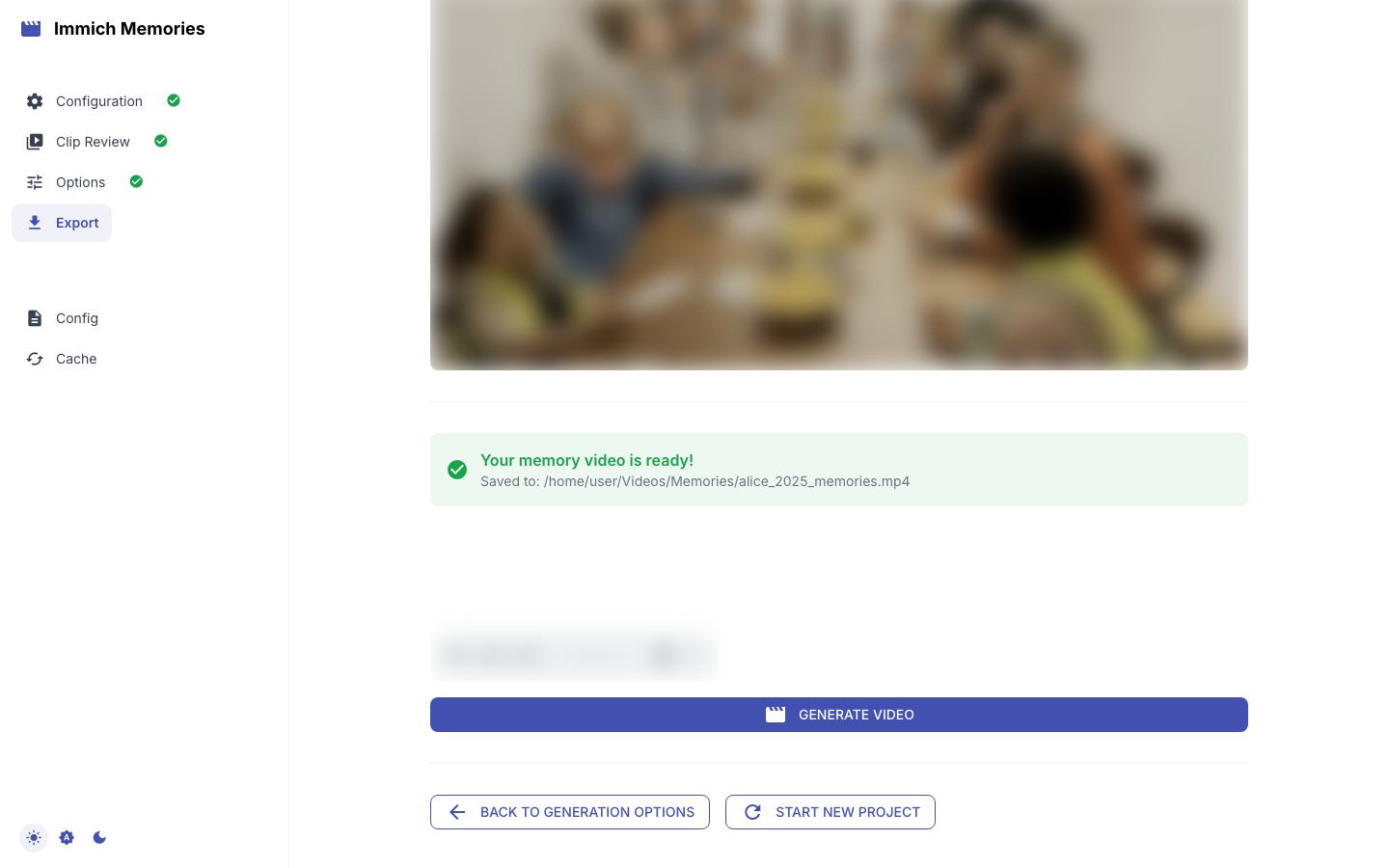
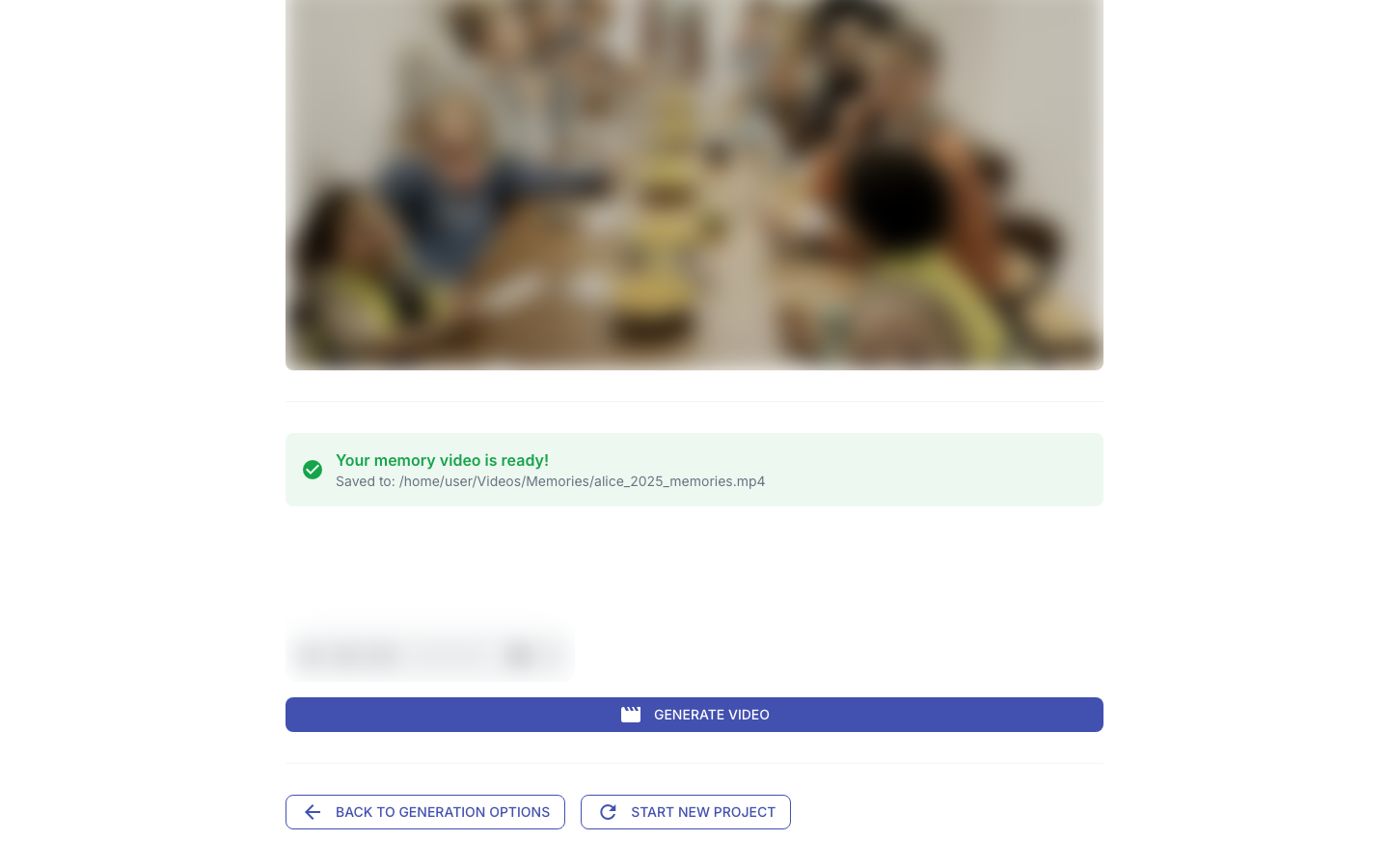
"Your memory video is ready!" with Saved to: path (size), an Immich delivery: Delivered / Pending / Not Requested line, and an inline player. There is no download button: open the path shown, or find the video in the Immich album you chose. Revisiting Step 4 later in the same session shows the same result under a Result header.
If the page loses the run
The render keeps going on the server even if the browser tab is reloaded, throttled, or its connection drops. Reload Step 4 and you get one of:
- "A generation started at HH:MM is still running (run …)" — the page re-checks every few seconds and switches to the result on its own.
- the Result header with the finished video, if it completed while the page was away.
- a warning that the last run failed (or was still marked running hours later — the process died), with a pointer to the server log. Generating again is always allowed.
The server log also says Run … finished (…) but the browser had disconnected; reload Step 4
whenever a completion screen could not be delivered.
Re-generating
If the result isn't right, Back to Generation Options or go back to Step 2, adjust clip selection or settings, and generate again. The analysis cache means you don't re-analyze anything. Start New Project clears the session and returns to Step 1.
Timing depends on hardware: about 2 minutes per 5 minutes of 1080p output on Apple Silicon or a GPU, around 15 minutes for a 30-clip video on a 4-core NAS CPU. See the resource table and the NAS guide.