The Memory page
/ is one page with three states: the brief, the cut in progress, and the story the cut produced. It reads like immich-memories generate: one memory type, that type's parameters, one duration, one button. The sidebar calls it Memory; the three pages after it (Clip Review, Options, Export) are where a cut goes when you send it there.
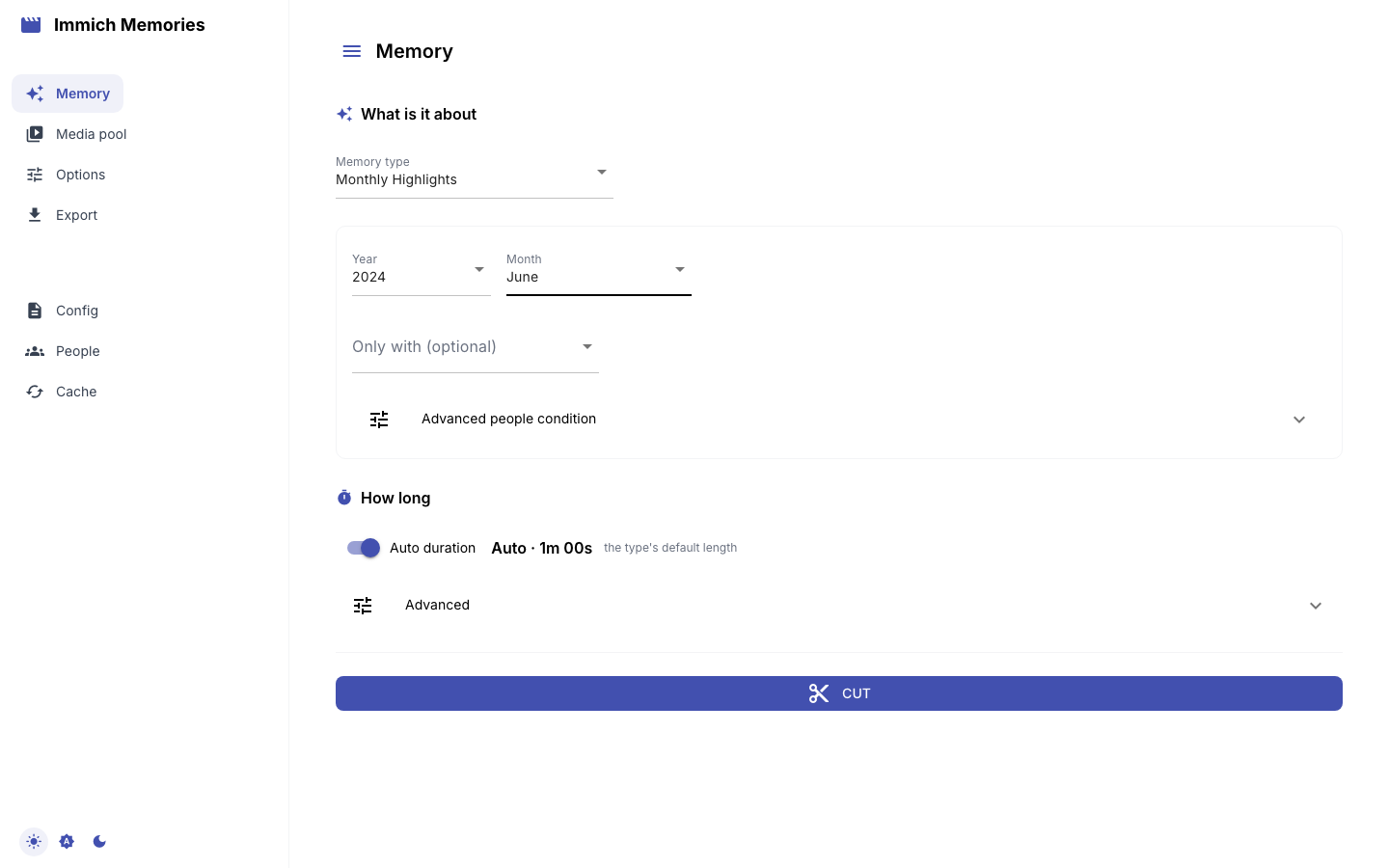
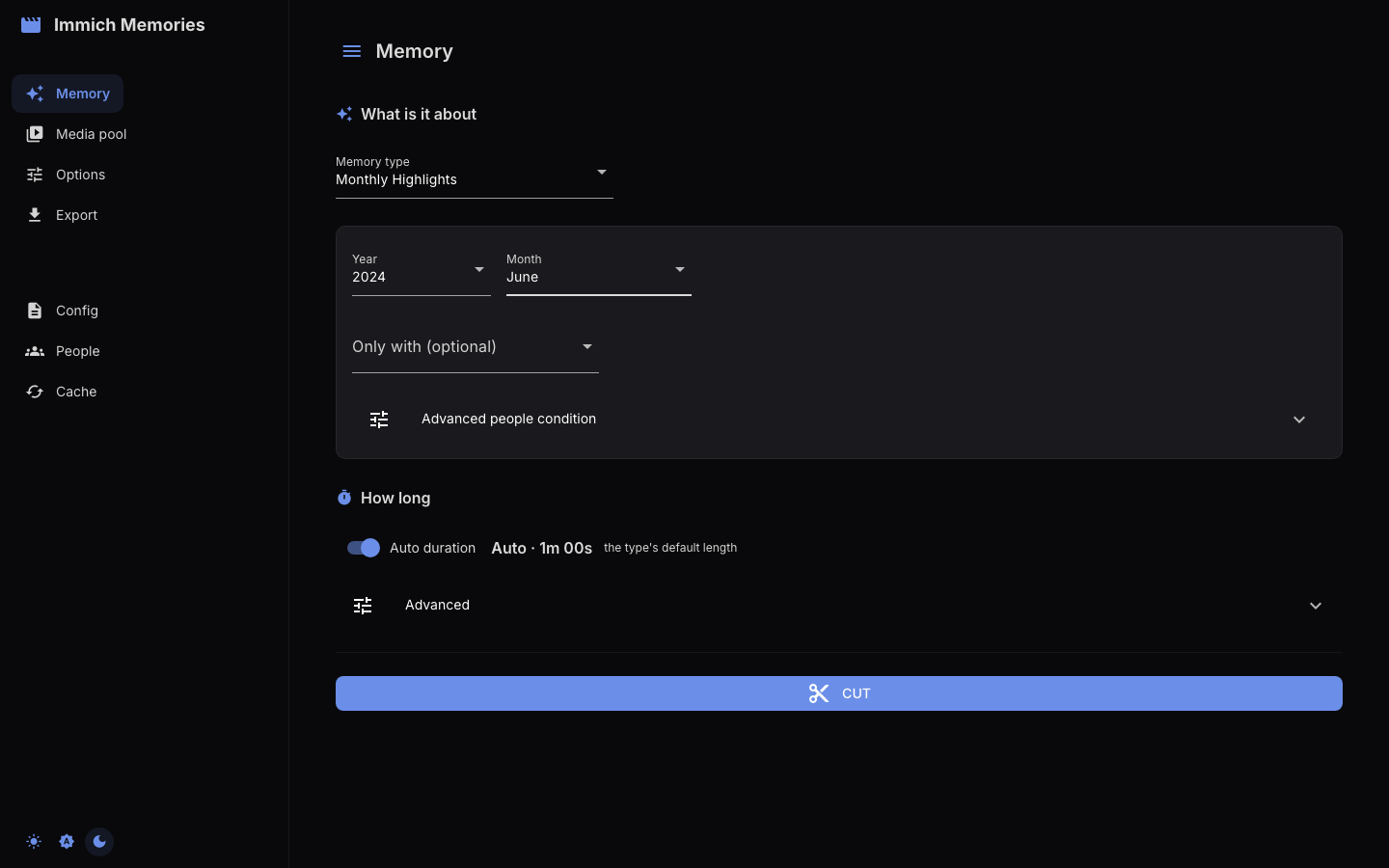
The brief
Memory type offers exactly what generate --memory-type accepts, in the same order (Year in Review, Season, Person Spotlight, Multi-Person, Monthly Highlights, On This Day, Album, Trip, Holiday, Surprise me), plus Custom date range, which the CLI spells as --start/--end. Picking a type shows only that type's parameters.
Duration is one line. With Auto duration on it shows the type's own answer ("Auto · 1m 00s" for a month) and where the number comes from; Trip and Album measure theirs from the media once it is loaded. Turn the switch off to type an exact Target duration (min); fractional minutes keep their seconds. The target is the complete video, titles and transition overlap included.
The brief appears once Immich has answered. With credentials in config.yaml or the environment the page connects on its own; otherwise only the connection panel shows until Test Connection succeeds.
Memory types and their parameters
| Type | Parameters shown | Default target |
|---|---|---|
| Year in Review | Year, Only with | 10 min |
| Season | Year, Season (spring/summer/autumn/winter), Hemisphere (north/south), Only with | 2 min 15 s |
| Person Spotlight | Year (or "All Time"), Person, checkbox "Birthday to birthday" | 10 min |
| Multi-Person | Year, People (select 2+), Together / Any of these people | 10 min |
| Monthly Highlights | Year, Month, Only with | 1 min |
| On This Day | Only with (otherwise uses today's date across previous years) | 45 s |
| Album | "Album" from your Immich albums | auto: 4 s per item in the album, bounded 30 s–10 min |
| Trip | Year, then "Select a trip" from the trips detected in your GPS data | auto: 30 s + 10 s per active day, bounded 60–300 s |
| Holiday | Holiday, Most recent year, Years to span (2–10), Only with | 1 min |
| Surprise me | "Pick a day" from the days discover-days found | auto: 30 s + 6 s per active hour, bounded 60–180 s |
| Custom date range | date range tabs and person filter (below) | about 10 min per year of range |
On This Day and Holiday do not cover one continuous period. Each builds a separate window per year and the page fetches every one of them, so a Holiday memory spanning five years queries five windows around that holiday rather than the five years between them. Holiday takes any of the ten holidays the pipeline resolves (New Year, Valentine's Day, Easter, Mother's Day, Father's Day, Halloween, Thanksgiving, Christmas Eve, Christmas, New Year's Eve), plus the most recent year to include and how many years to reach back.
Album is its own pool: the album decides what is in the memory, so it carries no person filter, and the title defaults to the album's name (the title model is not asked for a second opinion).
Surprise me asks the library rather than you. immich-memories discover-days walks the years a month at a time and asks the local model which days stand out on their own, and writes what it found to ~/.immich-memories/special-days.json. The type offers those days and nothing else, anniversaries first, labelled "10 years ago: A long evening out", then every other catalogued day by how round its anniversary is and how recent it is. Choosing a day scopes the memory to the hours it happened in when the scan recorded a window, and the day's own title carries through. If there is no catalogue yet, the page says which file it looked for and which command builds one; it will not offer a random day.
People
Every person picker is populated from Immich's face recognition data, so only named faces are offered.
Two types are about people: Person Spotlight takes one person, Multi-Person takes 2 or more. Every other type that covers a period carries an optional Only with picker; leave it empty and the memory covers everyone.
Two names or more raise one question, and one toggle answers it: Together keeps only the pictures and videos holding everyone named, which is what repeating --person does on the CLI, and Any of these people keeps anything holding one of them, which is --person-match or. Multi-Person shows the toggle from the start, since it takes two names to exist. Only with shows it when you pick a second name: with one name there is nothing to choose between.
A Grouped people condition says what the toggle cannot: quoted names with AND, OR and parentheses, --people-expression on the CLI. It lives under Advanced people condition, folded away under the picker, because most first films never need it. The panel opens by itself when a condition is already set, so a filter is never narrowing a memory with nothing on screen saying so. Typing a condition replaces what the picker and the toggle say; touching either of them clears the condition.
Three types carry no person filter: Album (the album decides), Trip (its window is taken whole; on the CLI --person narrows trip detection, not the finished video) and Surprise me (the occasion, not its guest list). Custom date range keeps its own single-person Person filter, defaulting to All people.
Custom date range
Three tabs: Year (a year, then Calendar Year or From Birthday, a birthday-to-birthday range), Duration (1–24 months or years from a Starting from date), Custom Range (start and end dates). The resulting range and its length in days show under the tabs; with Auto duration on, the target follows the range at roughly 10 minutes per year.
Advanced
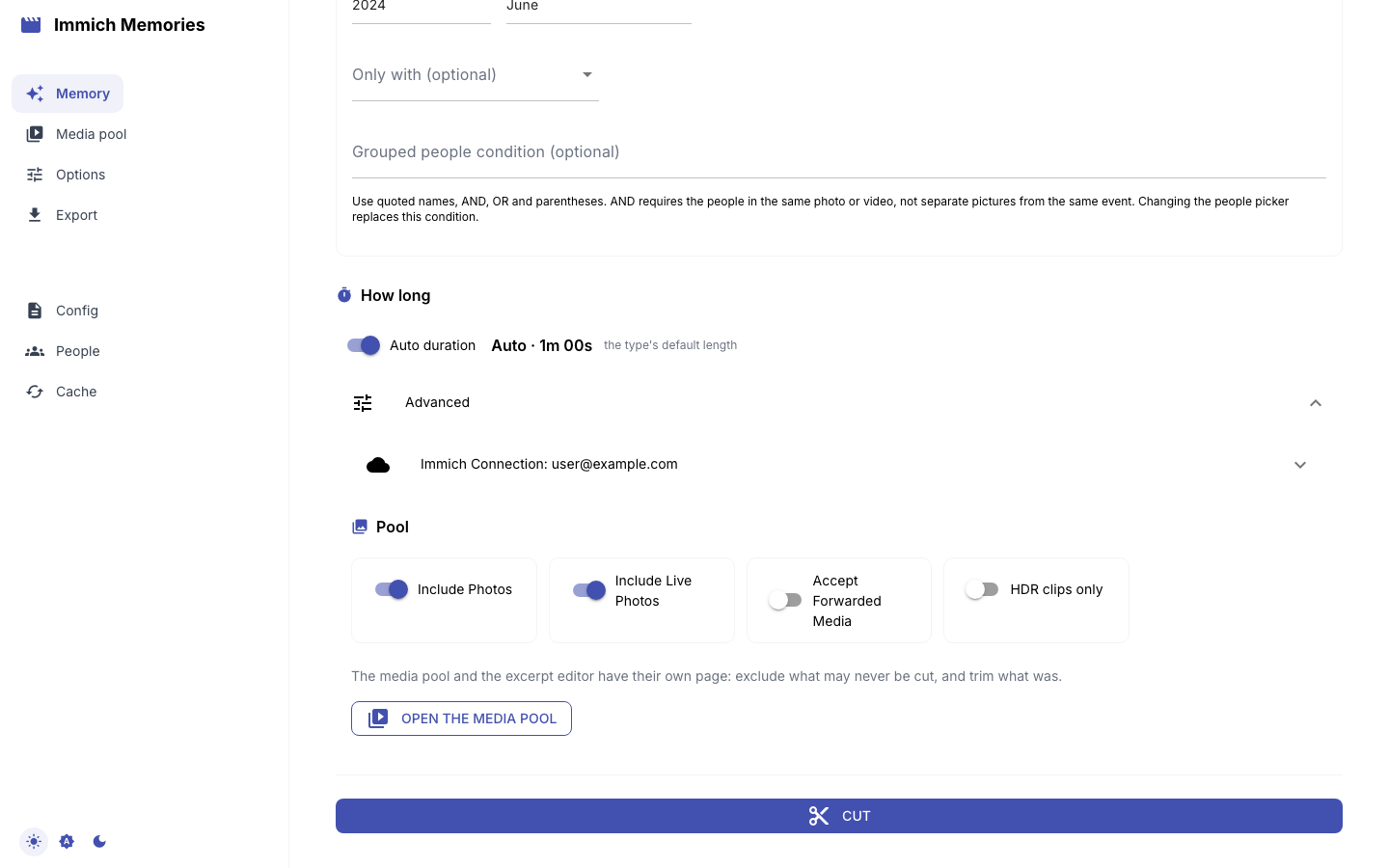
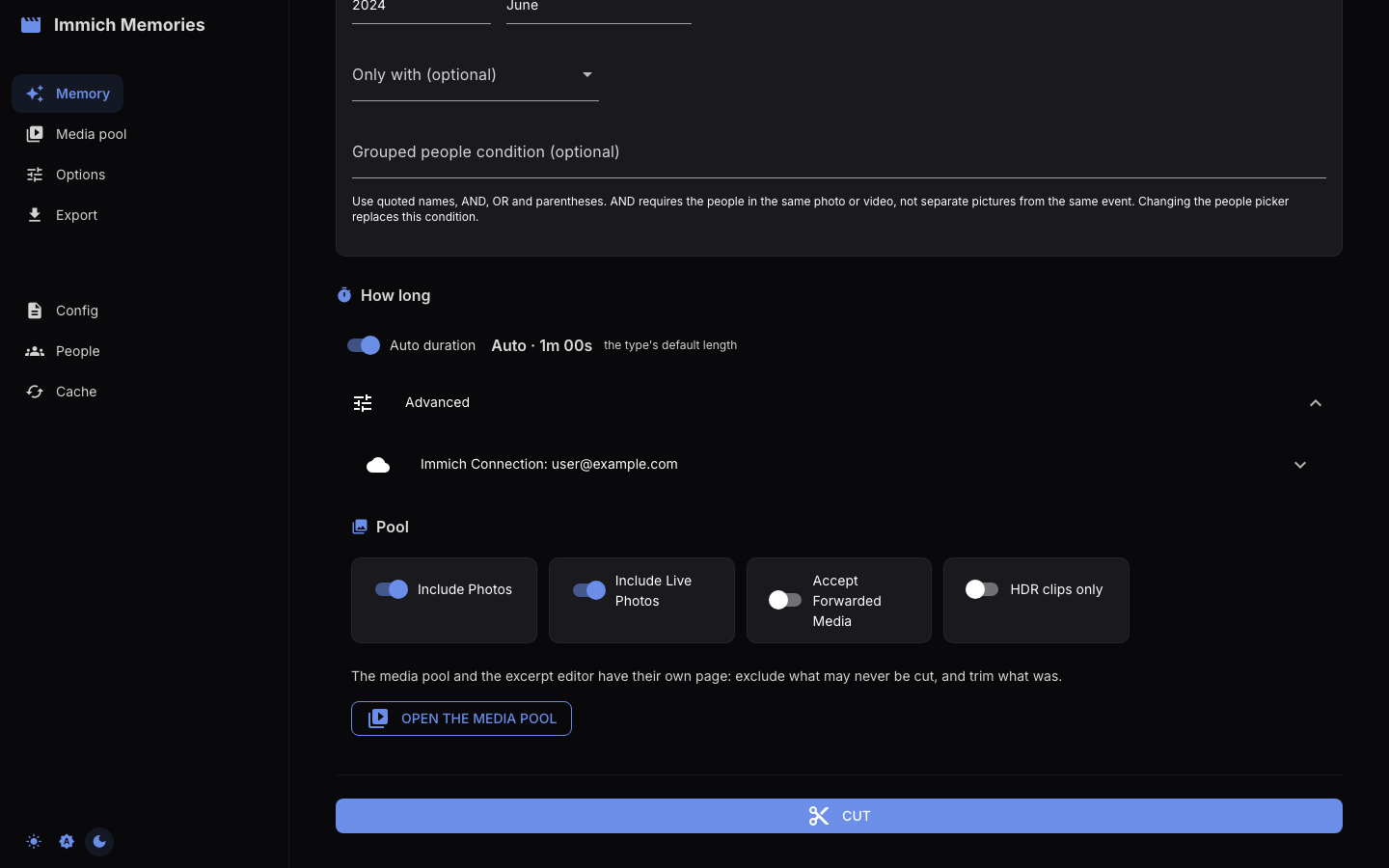
This is the page's own Advanced, at the bottom of the brief, not the Advanced people condition panel that belongs to the memory type's people picker above. It holds three things:
- the Immich connection panel (URL, API key, Test Connection, Save Config; read Settings before pressing Save);
- the pool switches the selection route reads: Include Photos, Include Live Photos (the editor may play a Live Photo's motion when it earns it), Accept Forwarded Media (keep WhatsApp and other received media in the pool), HDR clips only;
- Open the media pool, which goes to the Media pool page.
The media pool page
The pool is everything the brief found: videos, Live Photos and, with the switch on, photos, in one chronological grid with an Include checkbox each, twenty to a page with Previous page and Next page under the grid (only the page you are on is in the browser, so a pool of two thousand pictures costs no more than one of twenty). One line above the grid carries every number the page has: how many are in the pool (videos and photos), how many are ticked and, once a cut exists, how many it kept and for how long, the same figures the storyboard shows. Under it one sentence says what a tick means right now. In the compact grid a click on a picture flips its tick in place. Everything starts checked. Checked media is what the editor cuts from, so untick what may never be used: the accidental pocket recording, the screenshot you forwarded. Twins and bursts are the editor's to judge; nothing here pre-deselects them.
After a cut the same checkboxes show the cut: ticked means in it. Two moves are yours from there. Untick a picture the editor kept and Cut again leaves it out. Tick a picture the editor dropped and Cut again keeps it in, in its own story, at its capture time. The editor reads the period exactly as before and adds your picture afterwards; it is not argued about a second time. The one thing that still outranks your tick is the family-viewing gate: a picture it refuses stays out, and the run's owner-required-after-audience record names it. Start Over forgets the cut, so the checkboxes go back to meaning only "may be used".
The page has one primary button: Cut before a cut exists, Cut again after one. Both use the duration from the brief. After a cut, Trim the video clips opens the excerpt editor: one expansion per video in the cut (stills have no seconds to pick, so they are not listed), ten to a page, with an Include in compilation checkbox, a Select range slider for the excerpt (plus First 5s, Middle 5s, Last 5s, Full clip, Preview) and a Rotation select. A row loads its video preview when you open it and lets it go when you close it; only the first row starts open. Your edits are projected back onto the cut; the final duration updates as you trim.
Cut
Cut loads the pool for the brief, then runs the story-first selection over it. There is no review step in between: everything the brief found is eligible, and the editor decides. To keep something out first, open the media pool from Advanced, untick it, and start the run from that page.
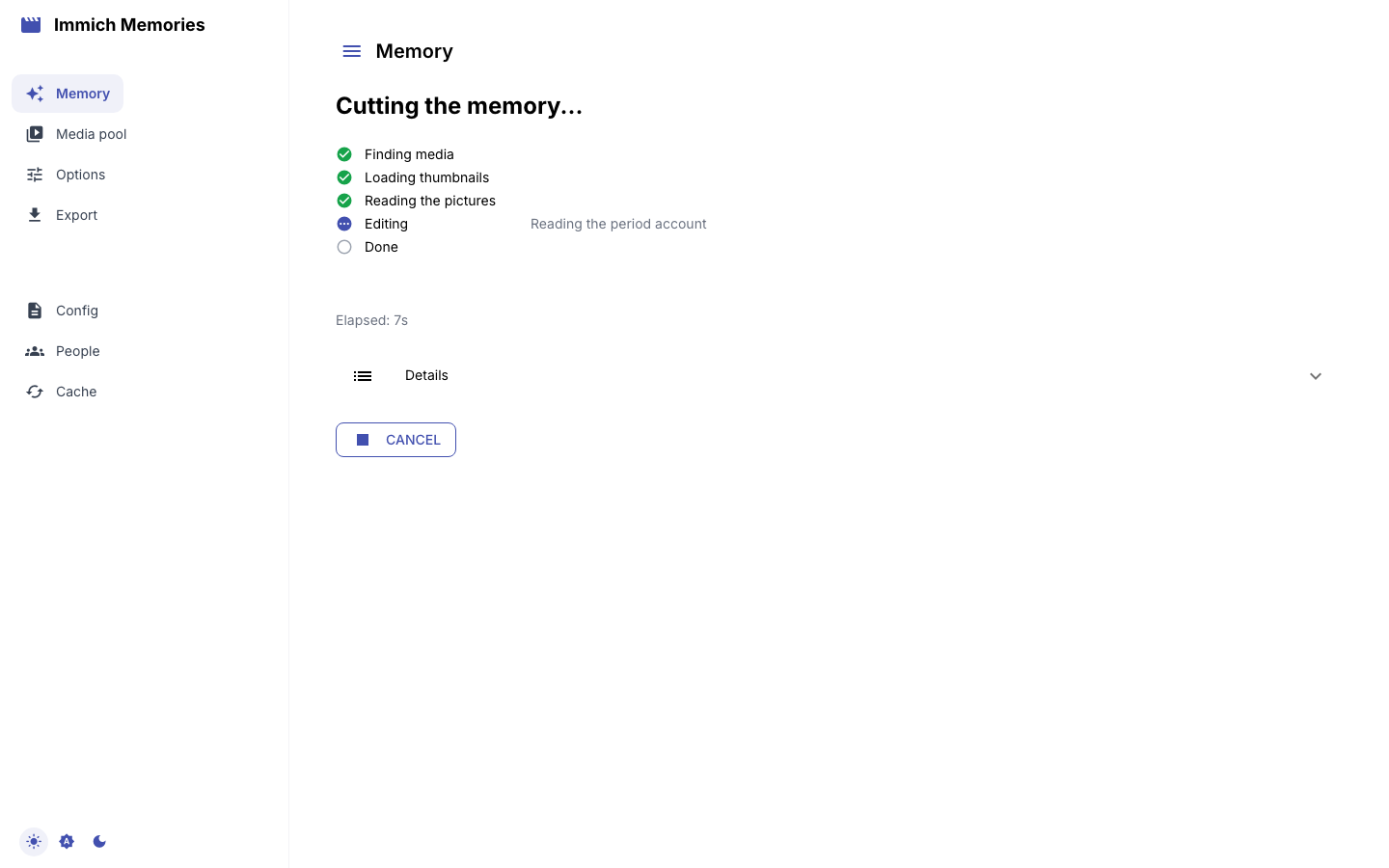
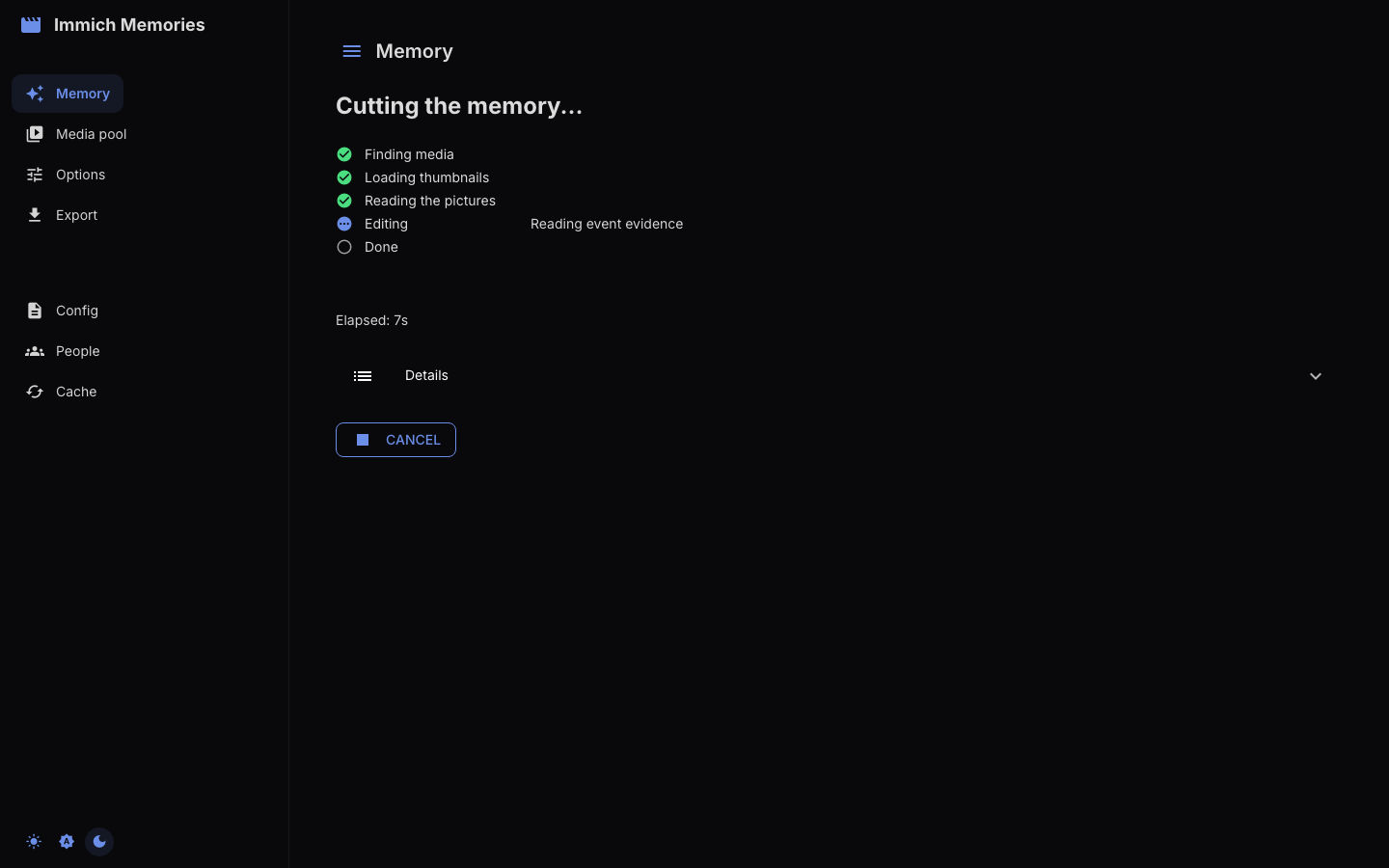
While it runs the page shows one row per phase (Finding media, Loading thumbnails, Reading the pictures, Editing, Done) with the run's own stage beside the active row, the elapsed time, and Cancel, which stops after the current stage. The stages a run reports, in order: Reading dates, places and people (annotation preparation; on a library that has never been read this is the slow one), then Reading event evidence: 3/12 (one count per request to the reader), Reading the period account: page 2, Building editorial cards, Editing the memory: 22 pictures into the audience gate (then the count into the picture review and after the duplicate review) and Validating selected source timing. What each does is in Pipeline Overview.
A stage that counts its work draws a bar with its count: the preparation passes (previews, pixel facts, the detectors) and the reader's requests. The preparation passes also show a strip of the last twelve pictures they finished; it goes away once the edit starts, since nothing new arrives then. If the reader stops answering, the Editing row says so at once: Waiting for the reader at omlx.local:9999: connection dropped, retry 1 of 3. The run retries three times, two then four seconds apart, and fails only after the third drop, so a server that is restarting survives and one that is off is named within a second. The rows, the bar and the CLI's progress line all read the one record the run writes per stage (phase, stage, done, total), so a reload rejoins the bar where it left it and the terminal shows the same position for the same cut. Details folds open the run's stage lines, newest last, the last few dozen of them; it stays closed, so the rows are what you see unless you ask.
One session runs one cut at a time: Cut and Cut again are refused while a cut is running, on either page. The run belongs to the session, not the tab. Reload the page mid-cut and it lands on the same rows: the page polls the attempt the run writes under the cache directory (editorial-runs/<key>/latest-attempt.private.json), and when the run finishes the story appears without a second run. A cut that was cancelled, failed, or interrupted (the process that ran it is gone, which the attempt's released lease tells apart from a slow live run) is reported on the page with Cut again. A cut that finished while the session held no result for it is read back from the attempt, and Re-load media to export fetches the pool again and rebuilds the selection from the attempt's projection so Export works.
The result: the storyboard, then the story
When the cut finishes the page opens on the Storyboard: the cut in the order the video plays it, read from the plan the run wrote and the intervals the renderer will hold.
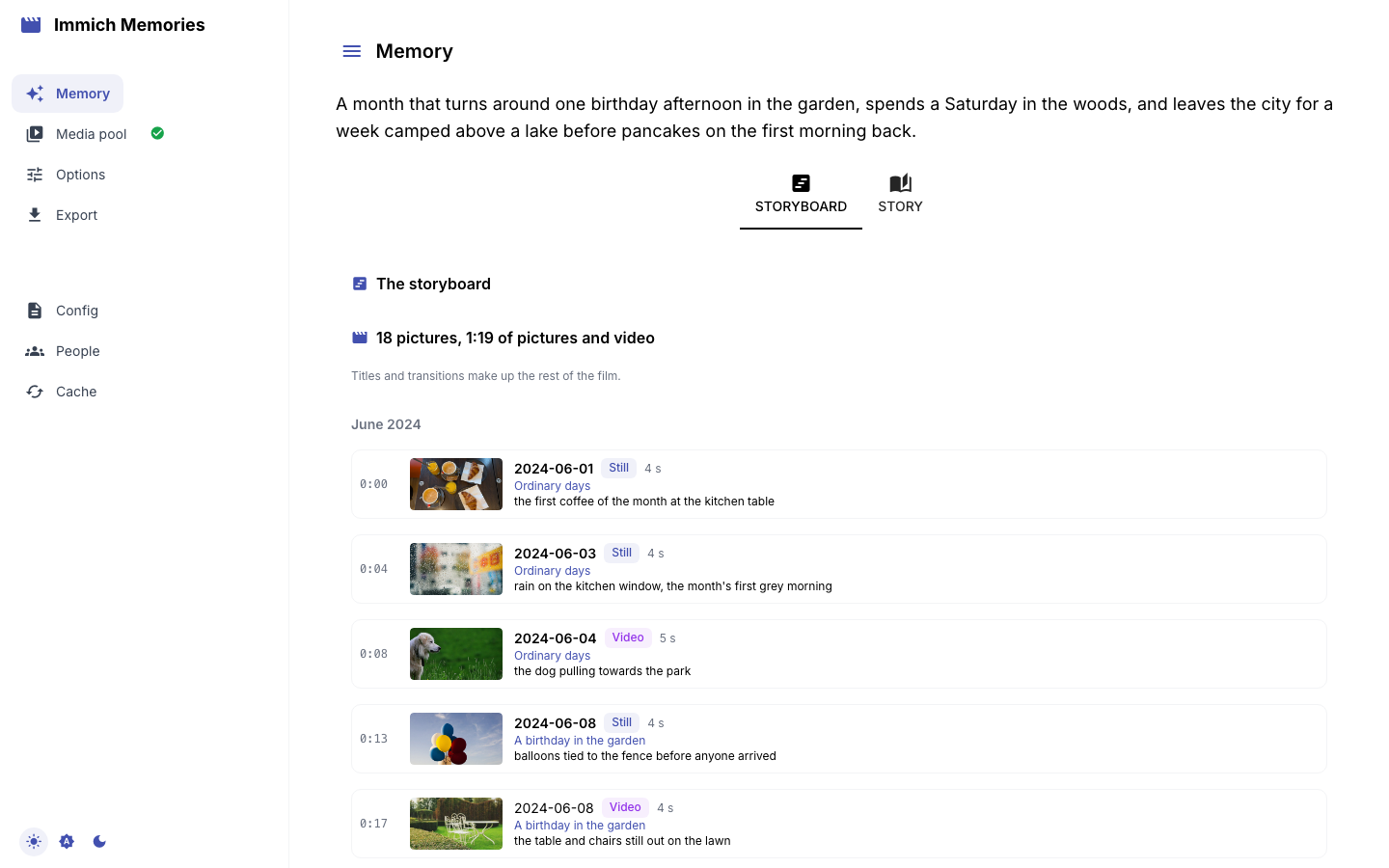
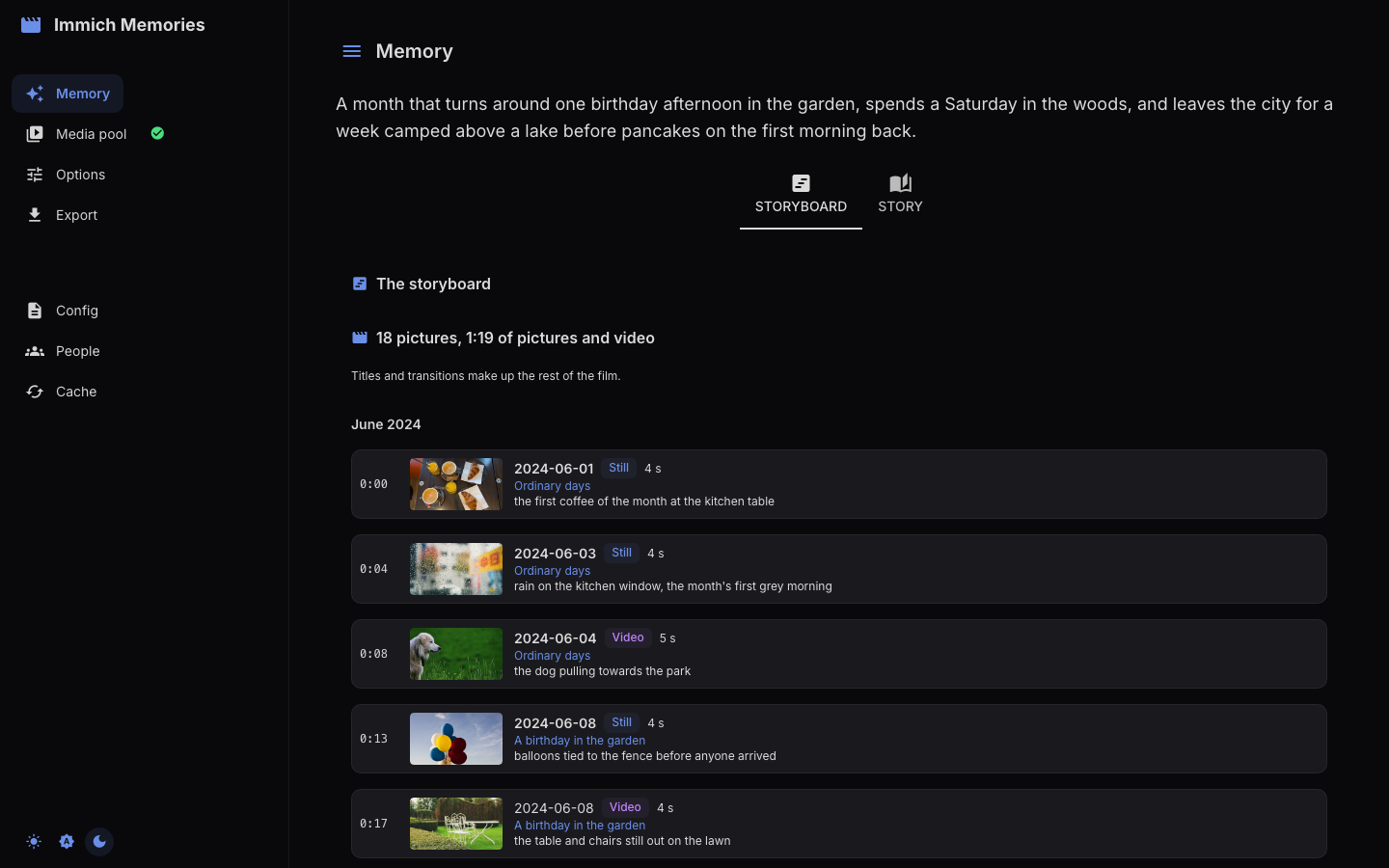
- the thesis, above both tabs: the editor's one-paragraph reading of the period;
- one line with the number of pictures and the seconds of pictures and video they add up to; titles and transitions make up the rest of the film;
- a chapter label each time the month changes, the way the finished video gets one divider per month shown;
- one row per picture, in capture order: the running timecode where it starts, a small thumbnail, the capture day (in bold when the day changes), a Video or Still badge, the seconds it holds, the story it was granted to, the moment it depicts when the editor recorded one, and the editor's one-line reason.
Read a story's day labels down the list. Two pictures under one story title on the same day is a moment; six pictures under one title across three bold days is a grouping that went loose, and this is where you see it.
The Story tab is the same cut the way the editor weighed it:
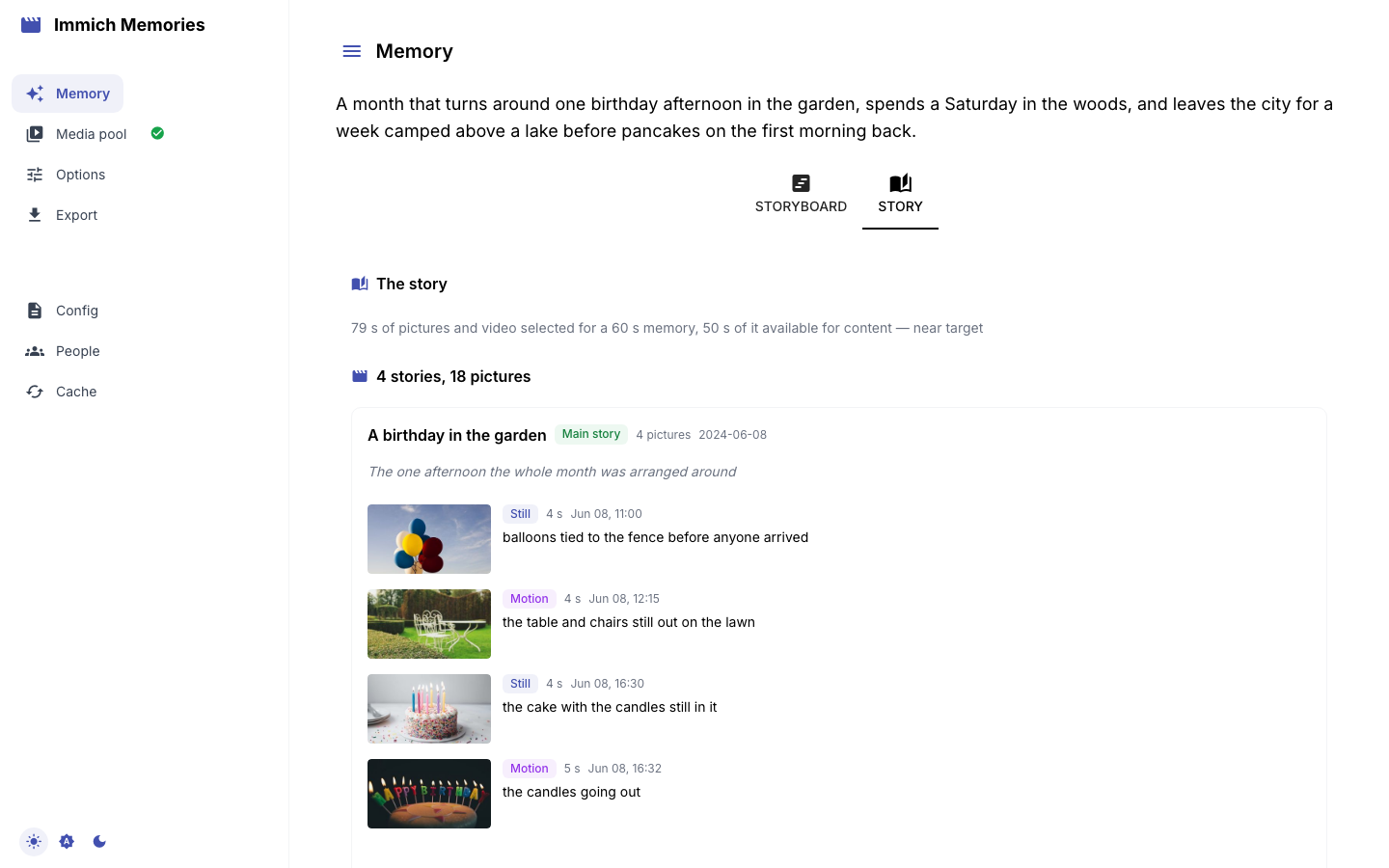
- one duration line: how many seconds of pictures and video were selected for the memory asked for, how much of that was available for content, and whether the cut landed near target or fell short;
- the stories, heaviest first (Main story, Important, Supporting, Small moment), each with its purpose and how many pictures it holds;
- under each story its pictures in capture order, with a Still or Motion badge (the final-cut rendering decision, or the source kind when none was made), the seconds it holds, when it was taken, and the editor's one-line reason;
- Details, under each story, opens the editor's own vocabulary for it: the weight it wrote (
dominant,major,minor,glimpse) and the standing it gave each picture (remarkable,maybe). The badges above are a reader-facing mapping of the same words: what is stored, and what the CLI and the plan file show, does not change.
A cut that left no plan behind shows its counts instead. Below both tabs, four buttons:
- Export: straight to Preview & Export, below.
- Review the pool: the media pool with the cut's picks; from there, Trim the video clips.
- Cut again: the editor runs again over the same pool, with your ticks: unticked pictures stay out, pictures you ticked back in are kept.
- Change the brief: back to an empty brief.
Export
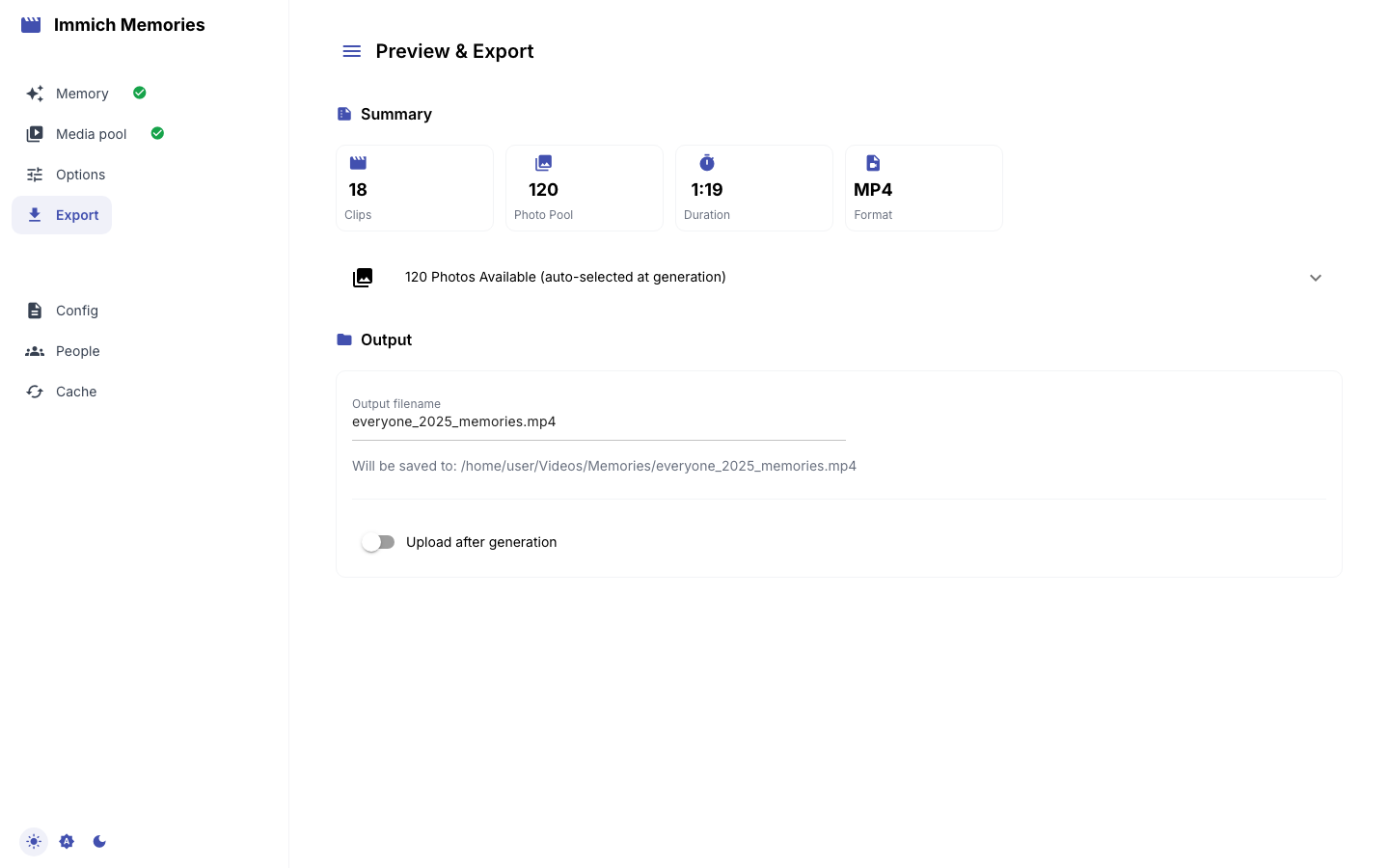
Preview & Export opens with stat cards (Clips, Photo Pool, Duration, Format) and the Output card: the Output filename (built from the type, the people and the range, as in everyone_jan-apr_2025_memories.mp4), the "Will be saved to" line (output.directory, ~/Videos/Memories by default; the file lands in a per-run subfolder there, <name>_<YYYYMMDD_HHMMSS_xxxx>/), and Upload after generation with an Album name (off by default); nothing in your library is modified either way.
Generate Video starts the render. A progress bar and status line follow the run (downloading and trimming the chosen segments, rendering photos, assembling with transitions and title screens, then "Applying music" or "Music disabled", "Uploading to Immich" or "Delivery not requested", "Complete"), and during assembly a preview frame updates as the video takes shape. Cancel stops after the current phase. When it finishes: "Your memory video is ready!", Saved to: path (size), an Immich delivery line and an inline player. There is no download button: open the path shown, or find the video in the album you chose.
The render keeps going on the server if the tab is reloaded or its connection drops. Reload the page and you get either "A generation started at HH:MM is still running (run …)", which re-checks every few seconds and switches to the result on its own; the Result header with the finished video; or a warning that the last run failed, with a pointer to the server log. Generating again is always allowed. Start New Project clears the session and returns to the brief.
Generation options
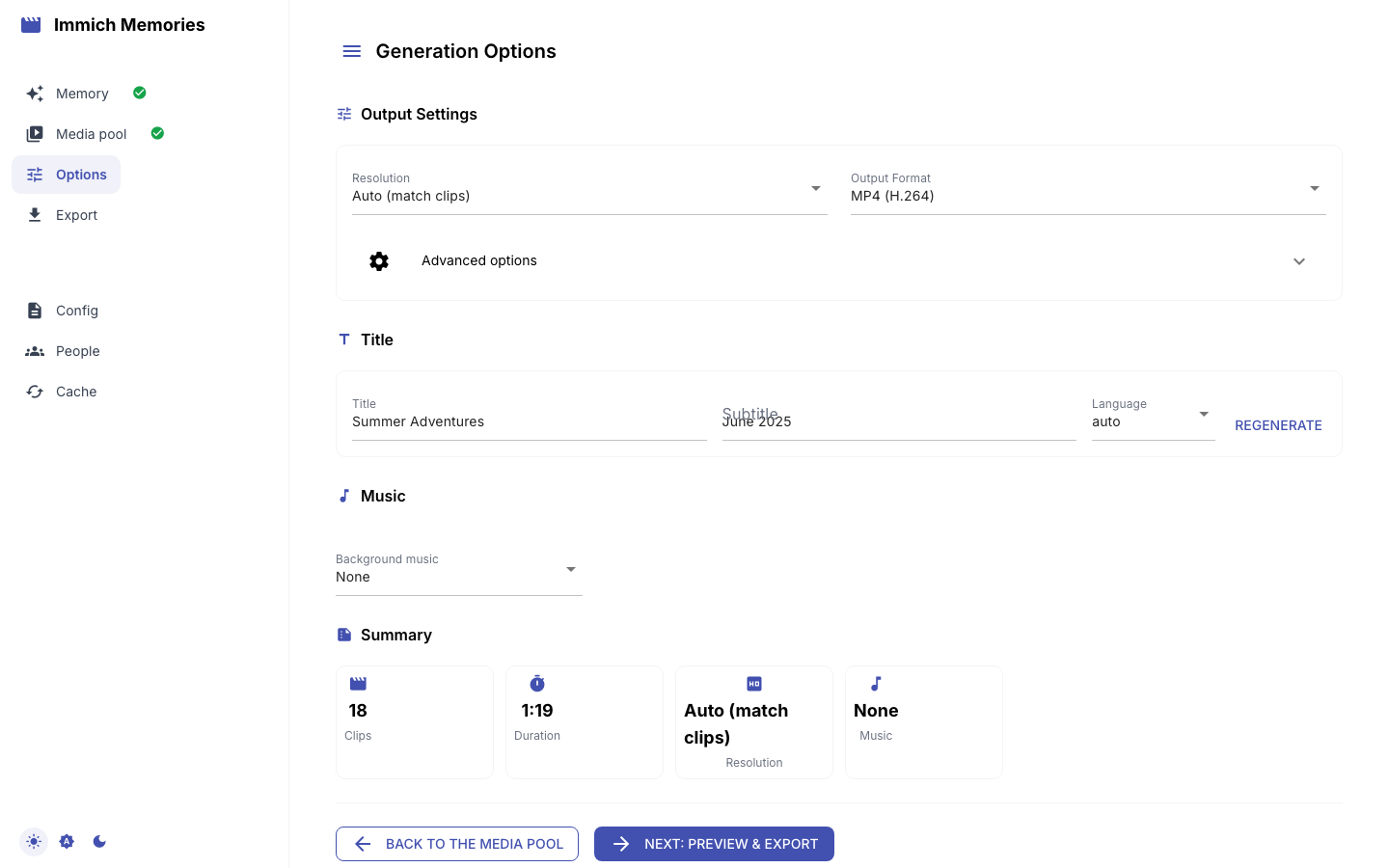
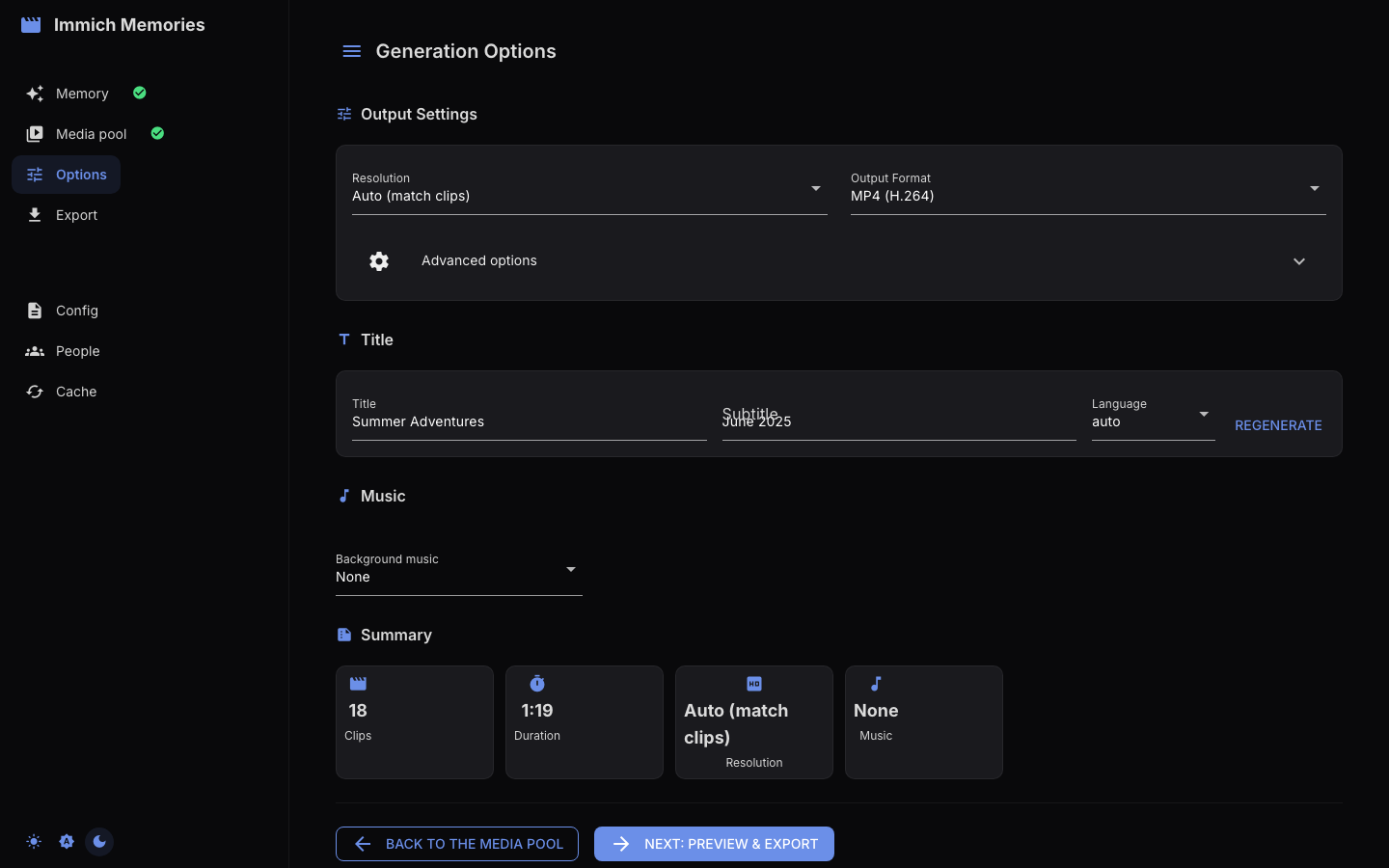
Back to Generation Options on the Export page opens the Options page; Next: Preview & Export brings you back. Nothing here changes the cut, only how it is rendered:
- Resolution (Auto (match clips) (default), 4K, 1080p, 720p) and Output Format (MP4 or MOV, H.264, H.265 or ProRes), defaulting to
output.codecandoutput.format. - Advanced options: Orientation (Auto, landscape, portrait, square; clips are never cropped, and the leftover space is filled with a blurred backdrop or letterboxed, per Scaling Mode below), Scaling Mode (blur background or letterbox), Transition Style (Smart picks per cut point: crossfade for slow scenes, hard cut for fast action), the date and place captions (
--add-date,--add-place), Keep intermediate files, and the Photo duration when photos are in the pool. - Title and Subtitle, pre-filled with the pipeline's suggestion, a Language select and Regenerate. Trip memories also show the detected trip and map mode. See Title Screens & Maps.
- Background music: None, Upload file (
.mp3,.m4a,.wav, with a volume slider), Bundled (a royalty-free track matched to the memory's mood, listed only when the music package is installed) or AI Generated (listed, and the default, only whenace_stepormusicgenis enabled; Generate Music lets you hear the track before rendering). See Audio & Music.
Hardware acceleration is not shown here; it is auto-detected at encode time. immich-memories hardware and immich-memories preflight say what your machine offers.