Authentication
Authentication is disabled by default. Keep the app on localhost until you enable a login provider.
Anyone who reaches it can use your Immich library through the app. Keep one UI replica.
Everyone who can sign in can change every setting, so with OIDC set an allow-list
(allowed_emails or allowed_domains).
For personal LAN access, start with Basic auth below. Use OIDC for your existing identity provider, or trusted headers when an authenticated proxy is the only route to the app. Proxy, TLS and bind-address setup is a separate operator guide.
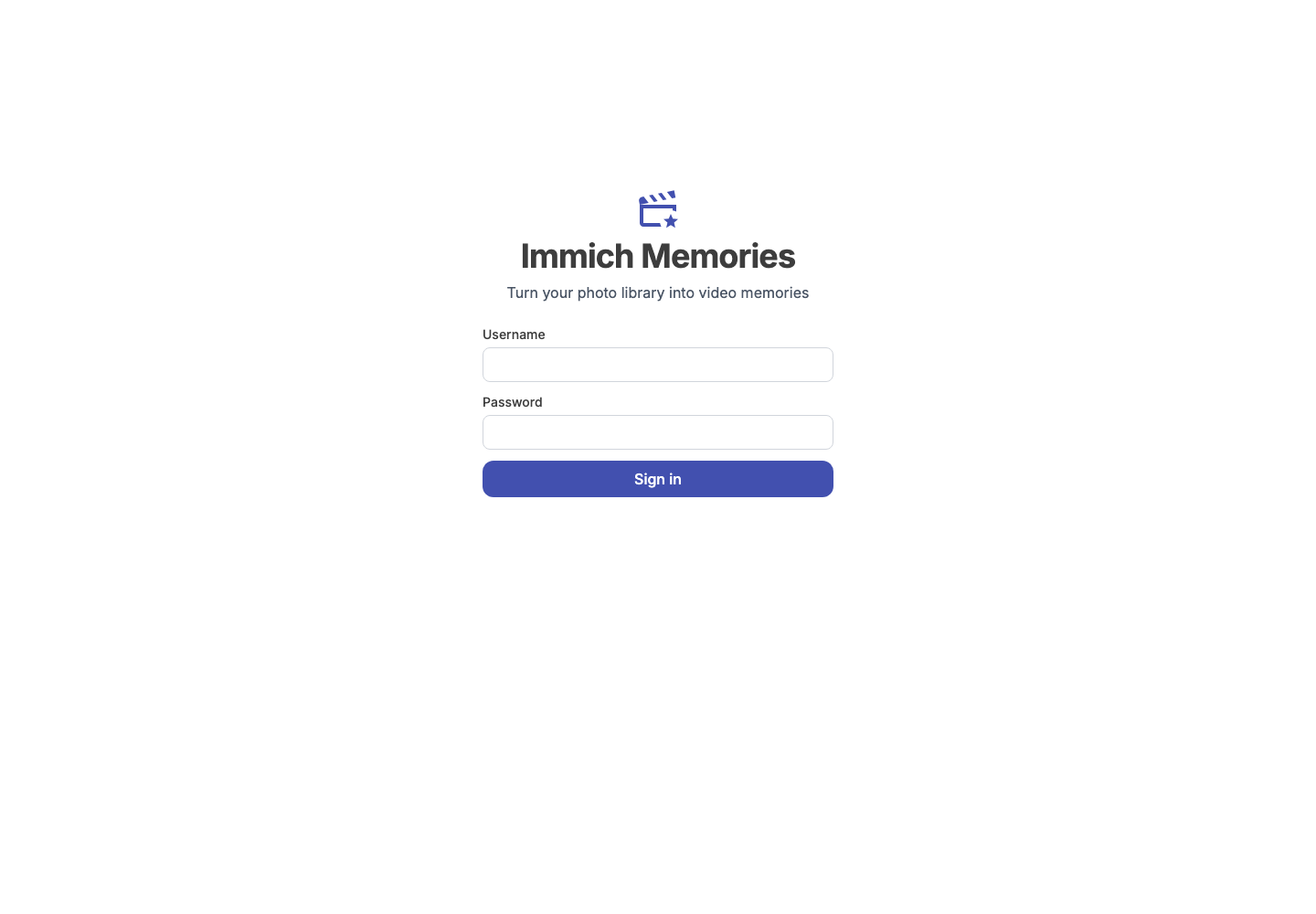
Basic auth
Two variables, in a .env beside docker-compose.yml or in the service's environment::
IMMICH_MEMORIES_AUTH_USERNAME=admin
IMMICH_MEMORIES_AUTH_PASSWORD=your-password-here
Set both; one alone is ignored, and setting both turns auth on with provider: basic. From a
shell each line needs export in front of it. A password under 12 characters works, but startup
and immich-memories preflight warn about it. The YAML form:
advanced:
  auth:
    enabled: true
    provider: basic
    username: admin
    password: ${MY_SECRET_PASSWORD}
OIDC / SSO
Any OpenID Connect provider, with PKCE, discovered from issuer_url/.well-known/openid-configuration.
Docker images ship authlib; a pip install needs immich-memories[auth].
advanced:
  auth:
    enabled: true
    provider: oidc
    issuer_url: https://your-idp.example.com
    client_id: immich-memories
    client_secret: ${OIDC_CLIENT_SECRET}  # empty for public clients
    public_url: https://memories.example.com  # the URL users reach you on
    allowed_emails: [me@example.com]
    allowed_domains: [example.com]        # exact: does not admit sub.example.com
    auto_launch: false                     # true: straight to the IdP, no login page
public_url pins the redirect_uri sent to the IdP, so it must match what you registered there,
and it is what makes callback-origin validation possible. Register the callback URL
https://your-host/auth/callback. The app does not send a post_logout_redirect_uri; registering
https://your-host/logout at the IdP does not make logout return there. Auth0: a Regular
Web Application. Keycloak: a client with client authentication enabled. Authelia: a client with
pkce_challenge_method: S256, scopes openid, email, profile, grant type
authorization_code. The rest of the auth keys are in the
config reference.
An expired sign-in or a reused callback returns you to the sign-in page with
"Sign-in expired. Try again." Click the SSO button to start a fresh sign-in.
This page waits for your click even with auto_launch: true.
With no allow-list, anyone your IdP authenticates becomes a full admin of this app, Immich API key
included. Fine for a personal tenant; wrong for a shared realm or an Auth0 tenant with social
sign-ups. Set allowed_emails or allowed_domains: either list admits, matching ignores case, and
once either is set the token must carry both email and the boolean email_verified: true.
Configure your provider to verify addresses and include that claim: a matching address the IdP has
not verified is refused, because on a tenant with open sign-ups anyone can type one. A refused
account gets a "Not authorised" page, not a redirect loop.
Trusted header (reverse proxy)
For a proxy that authenticates (Traefik + Authelia, nginx + oauth2-proxy) and forwards the user in a header.
advanced:
  auth:
    enabled: true
    provider: header
    user_header: Remote-User    # default
    email_header: Remote-Email  # default, optional
    trusted_proxies:
      - 172.20.0.2              # your proxy; prefer a /32 over a whole Docker network
    session_ttl_hours: 24
Headers are read only when the immediate peer is in trusted_proxies; from anyone else the request
is unauthenticated, and an empty trusted_proxies here fails validation at startup. The app strips
nothing, so a proxy that forwards the header from an untrusted source is your problem to fix.
Authelia forwards Remote-User and Remote-Email by default.
The header is read on every request: a different user in it switches the session to that user,
and a request without it is not signed in. Header auth uses trusted_proxies only. With
FORWARDED_ALLOW_IPS present, even if empty, the app refuses to start, since uvicorn would
replace the proxy's address with the visitor's before the check runs. Remove the variable
entirely and keep direct access restricted to the authenticating proxy.
Behind a reverse proxy with TLS
Network and security has the complete proxy recipe and the four settings that make HTTPS login work.
Sessions
A session is a signed cookie and lasts session_ttl_hours (24 by default). The key that signs it
is IMMICH_MEMORIES_STORAGE_SECRET, or else ~/.immich-memories/.storage_secret, generated on
first start, so logins survive a restart; change it and every session ends. A key you set must be
32 random characters or more, without placeholder words like change-me; anything shorter and
the app refuses to start. Generate one with openssl rand -hex 32.
Sign out in the top bar sends POST /logout and ends every session of that user, in every browser: a
copy of the cookie taken before the sign-out no longer opens the app. OIDC logout also ends the
IdP session when the IdP advertises end_session_endpoint; the app sends no return URL.
For header auth, app logout does not sign out of the proxy, which can authenticate the next
request again. Changing the password, the provider
or the OIDC allow-list ends every session of every user.
Auth is set in the environment or config.yaml only, and a change needs a restart.
Sign-in failures are counted per client address (IPv6 clients per /64), per username across all
addresses, and overall. Five failures from one address lock it out for ten minutes. A username
that keeps failing waits 30 seconds, then twice as long after each further failure, wherever the
guesses come from. A hundred failures in ten minutes pause every sign-in for a minute. Scripts authenticate to
the trigger endpoint with
server.trigger_token instead.
Sign-out only accepts POST. GET /logout returns 405 and leaves the session active.
Requests from another browser origin are refused before any session is ended.