Your first film
One month, start to finish, in the web UI, then the same thing on the CLI. A month is the right first cut: about a minute of film, and the slow part (reading each picture once) is bounded by what one month holds.
This page assumes the Quick start is done: the container is up and
models fetch has run. On pip, it's the same commands without the
docker compose exec immich-memories prefix: uv or pip.
Pick a month
Open http://localhost:8080. With IMMICH_URL and IMMICH_API_KEY set,
the page reads Immich on its own and shows the brief. If it doesn't, open Settings, fill in
Immich Connection and press Test Connection.
Skip Describe the film you want at the top: it needs a text model (A film from a sentence). Under Memory type, choose Monthly Highlights, a year and a month with a fair number of pictures and a few videos. Leave the length empty: it is fitted to what the month can fill.
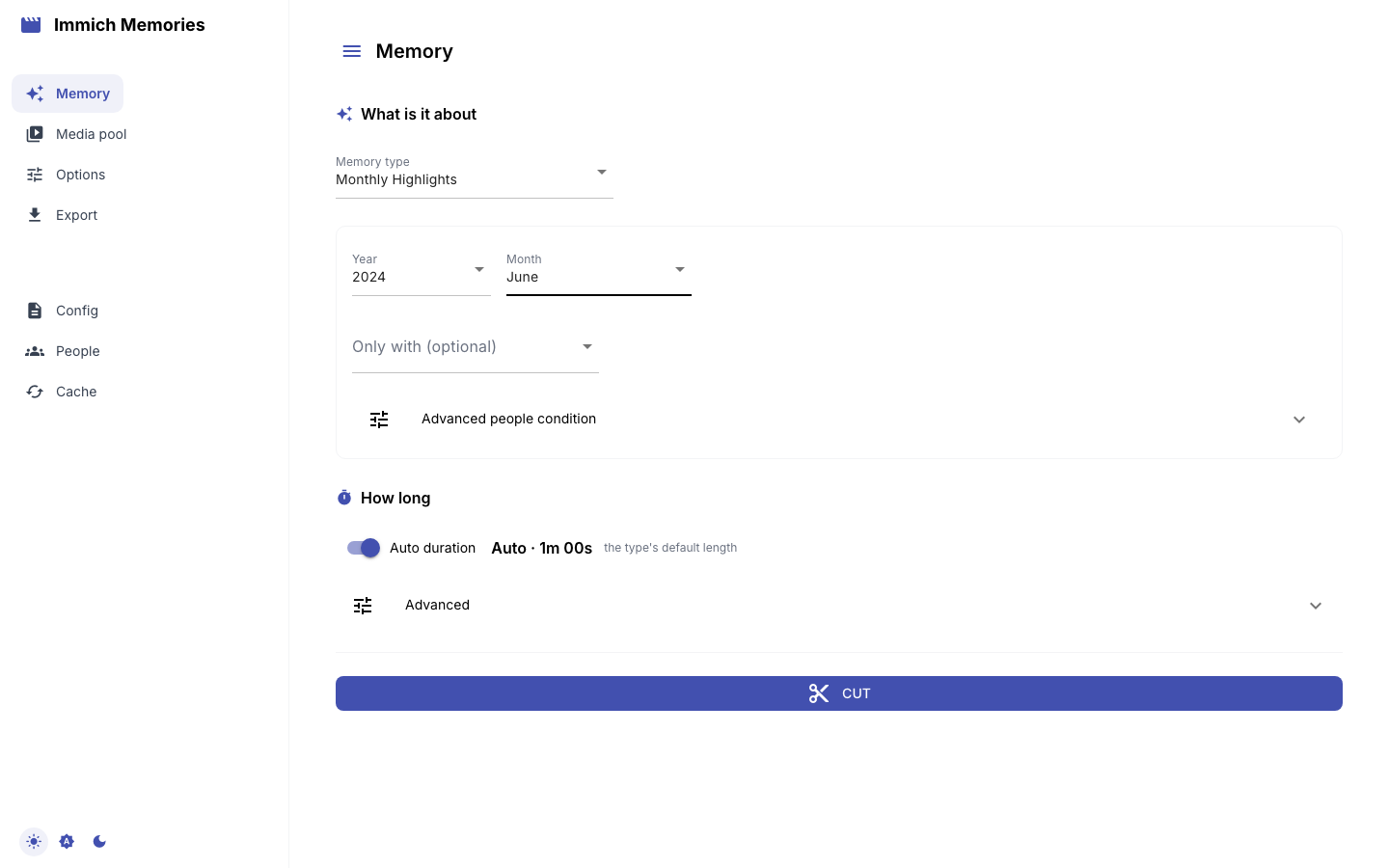
Cut
Press Cut. The panel follows the run: reading dates, places and people, then the pictures, then the edit. A stage that counts its work draws a bar with an estimate, and the last pictures it read go past underneath. The cut runs on the server, so reloading the page mid-cut picks it back up.
If immich-memories models fetch has not run on this host, the cut does not start and nothing is
asked of Immich. The panel shows the command's own last lines, which name the missing model and
the command to run (Run immich-memories models fetch), and they stay there after a reload.
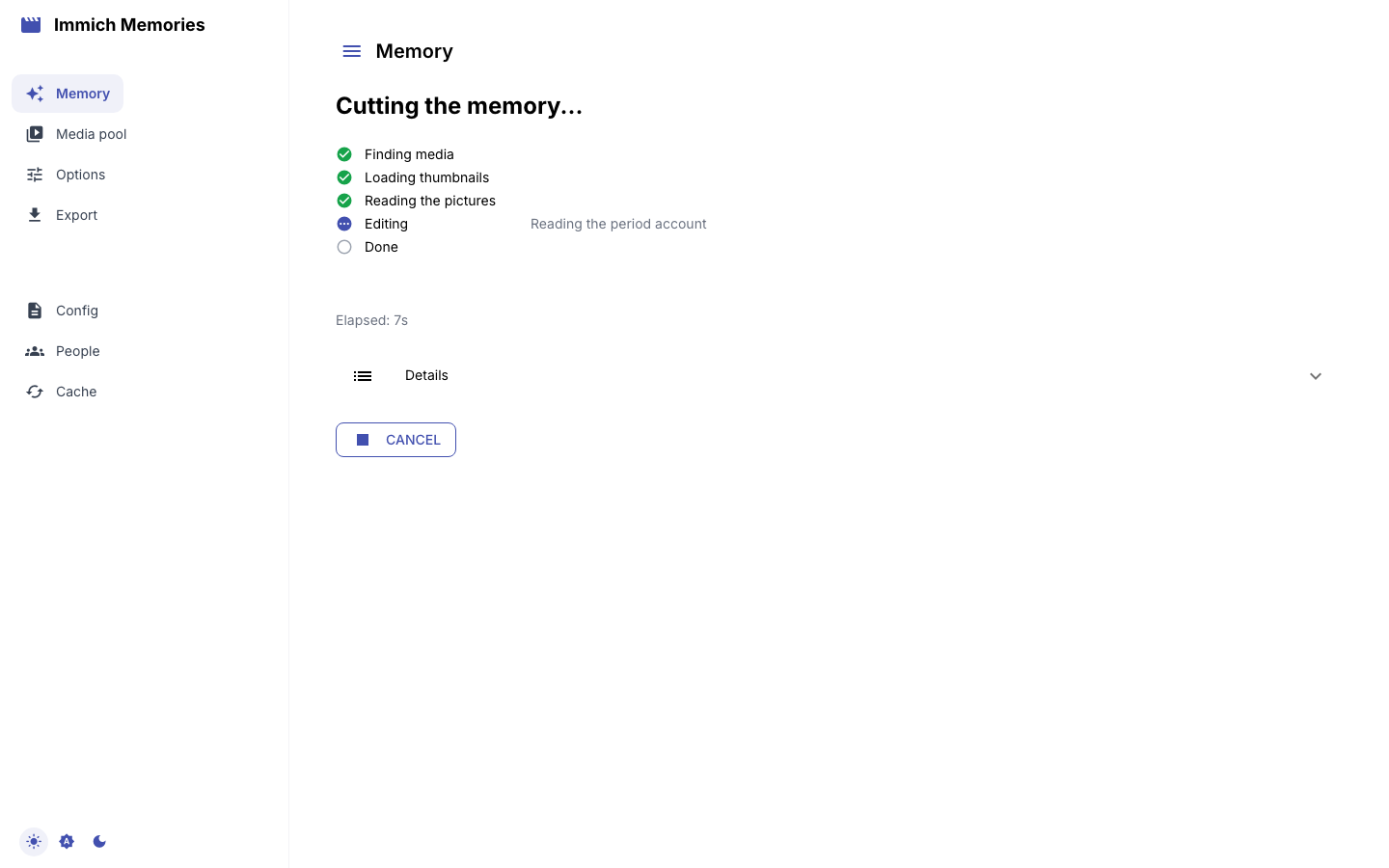
The first cut reads every picture the film can reach: the month's pictures, their Live Photo clips and the bursts around them. Each one goes through the eight context heads and the two detectors once, and the answers are banked. The second cut of the same month reads nothing again.
Read the cut
When the cut finishes, its review opens as a contact sheet in playback order. Open a picture to see it larger and the reason it stayed; a video plays the stretch the film uses. Stories shows the same cut the way the editor weighed it, heaviest story first.
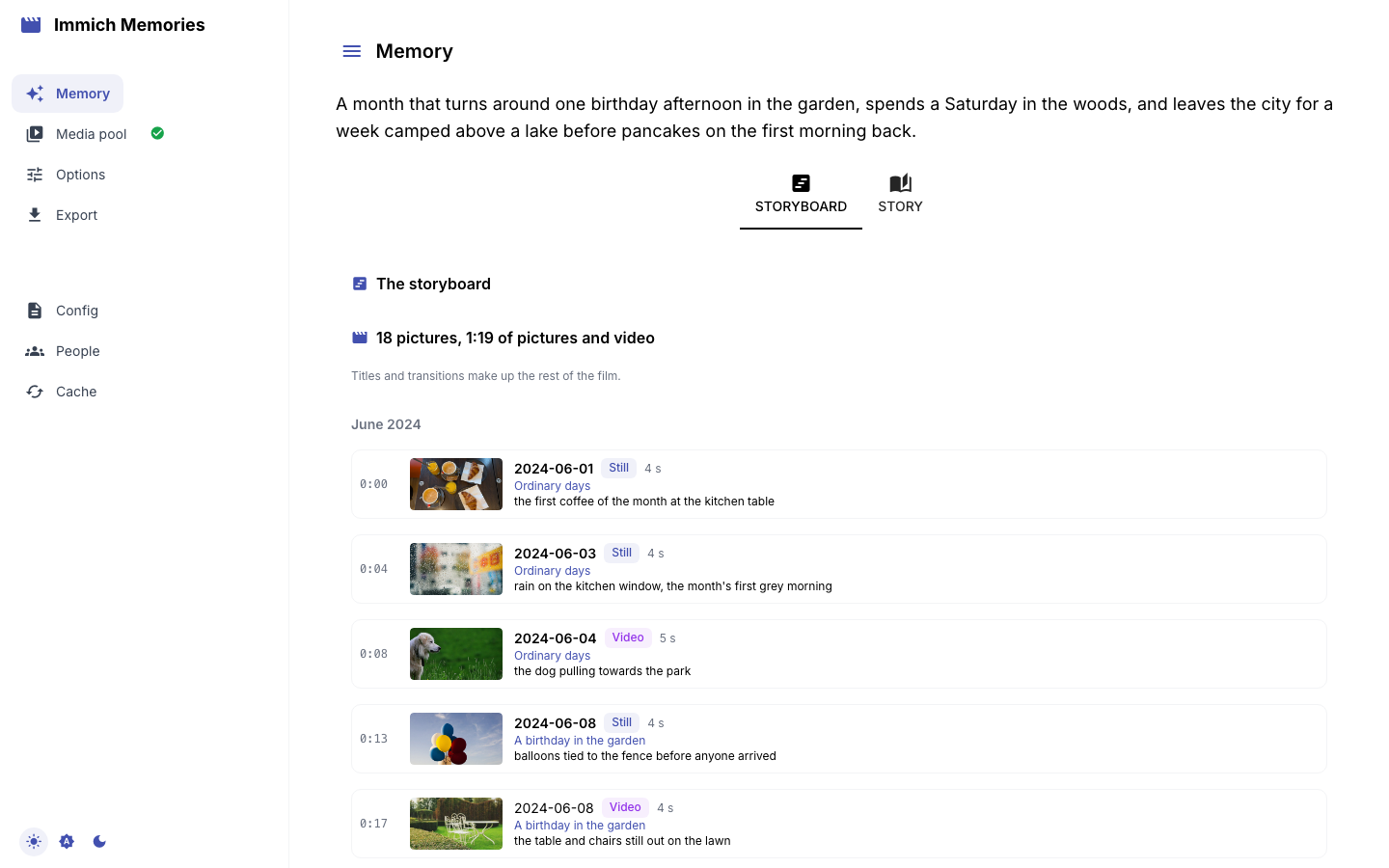
A few things to look for on a first cut:
- It's chronological. Always. A film never jumps back in time.
- Favourites come first. A picture you starred in Immich wins its moment over the others.
- Videos lead. When a video carries a moment, it beats a still of the same moment.
- Quiet weeks can be empty. A week at home with no favourite, no video, no close family and no unusually busy day gets no shot. The film goes short rather than fill it with a guess.
Why each rule exists, and every number behind it, is on How it chooses.
Fix it
Two ways, depending on what's wrong.
A shot is wrong: edit it in place. In the inspector, Remove from this cut, trim a video with Start here and End here, or Use this picture instead on another picture of the same moment. Save revision keeps the edits; nothing is re-selected.
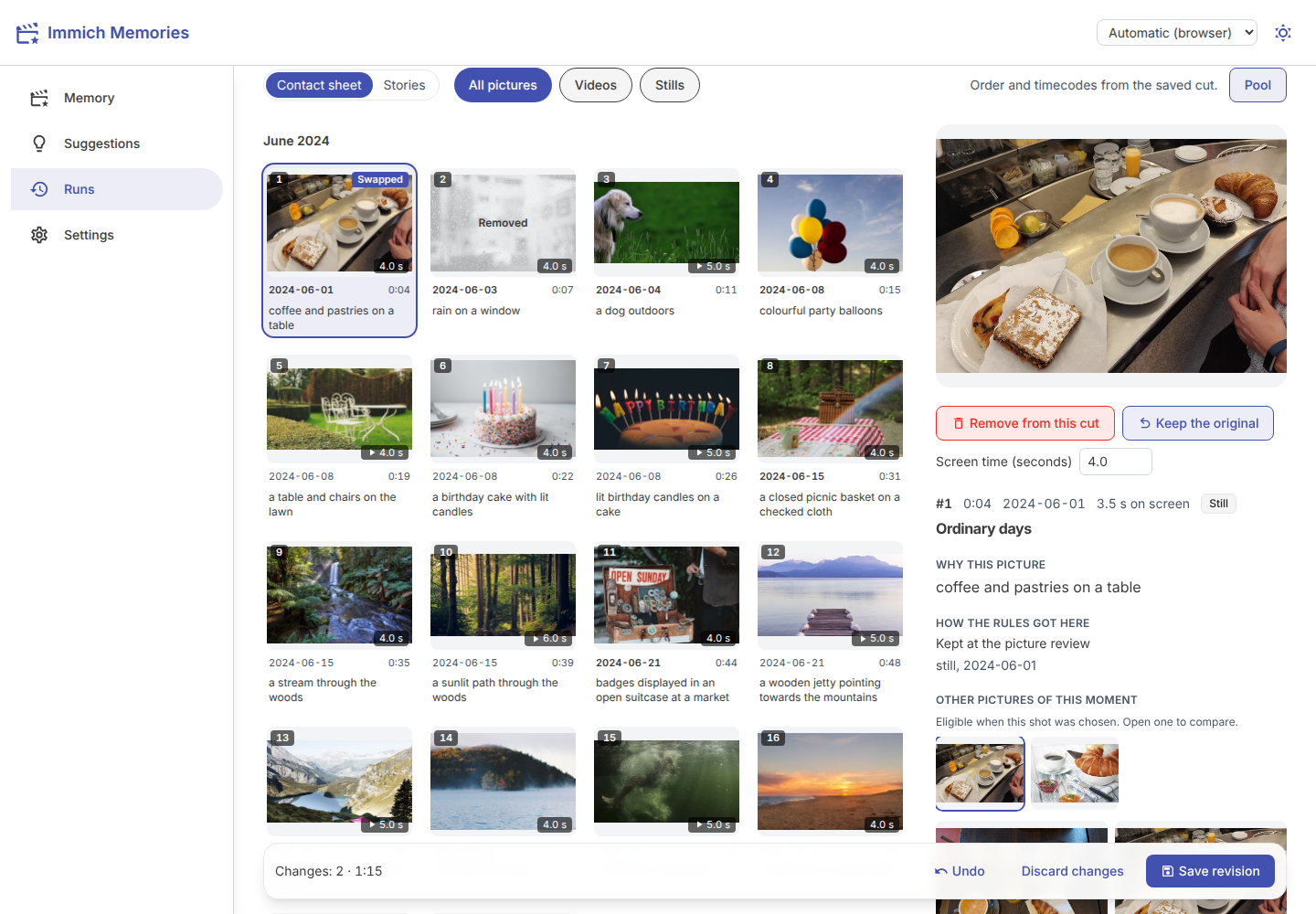
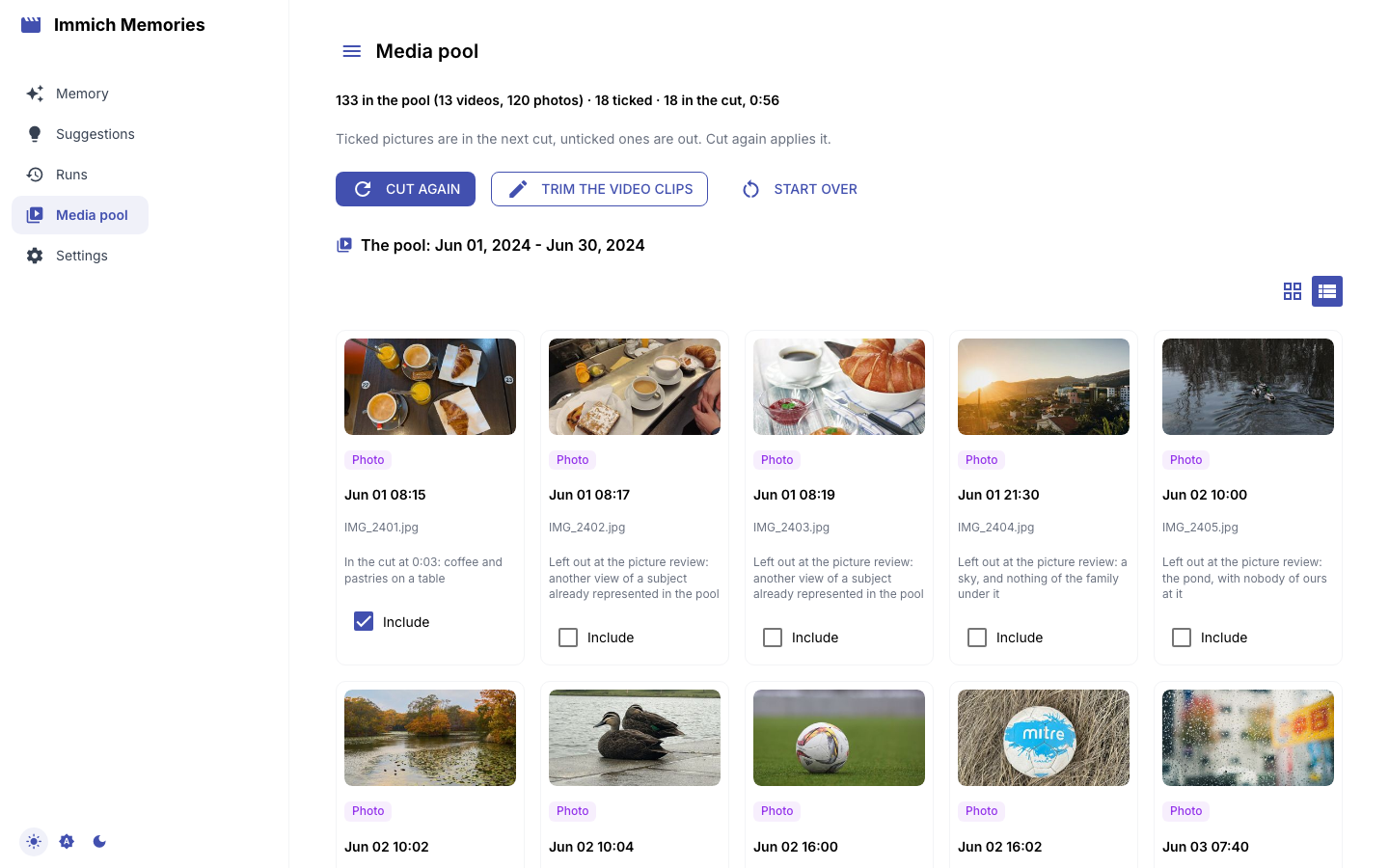
A picture is missing: open Pool. It shows every picture the cut saw, ticked if the cut kept it. Untick one and it's out; tick one and it's in, at the time it was taken. Press Preview with these choices: your ticks become a revision of the same cut, played as you left them, even past the length or a hold. Never use is for what you would never show anyone, in any film.
More ways to steer it (stars, people, runs why) are on
Overrule it.
Render and watch
Scroll to Render. Pick the cut or a saved revision under What to render, and press Render. Resolution, title and music are all there, each defaulting to your configuration; the defaults are fine for a first film. The panel walks through downloading the clips, assembling with titles and transitions, the music, and delivery.
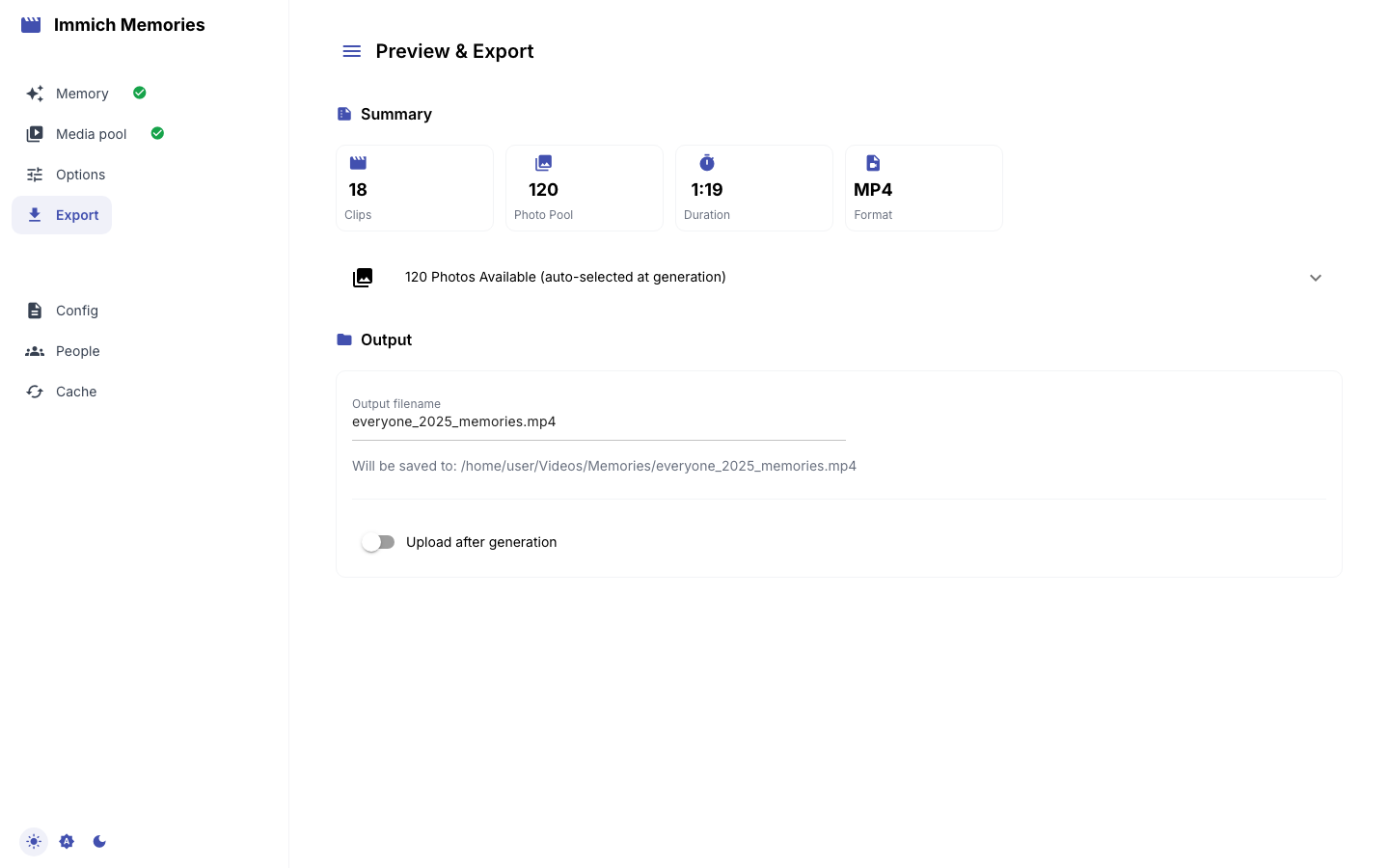
The film plays on the page when it's done. It's in ./output beside your compose file on Docker,
~/Videos/Memories on pip, one folder per run. With Upload the film to Immich ticked, the film
also goes to the Immich album you named, tagged as this app's own so a later run never films it
again.
The same on the CLI
alias im='docker compose exec immich-memories immich-memories'
im generate --memory-type monthly_highlights --year 2025 --month 6
im runs story        # the storyboard of the last run, in the terminal
im runs why <asset-id>   # what the run decided about one picture, and why
generate prepares, cuts and renders in one go. To read a bigger window ahead of time (a whole
year, overnight on a NAS), run im prepare --year 2025: it reads and banks, and cuts nothing.
Every cut inside that year then starts warm. All flags: generate,
prepare.
Next
- Teach it your family: home base and who's who. Without them a holiday is three weekly stories and the people who matter most get no guaranteed seat.
- Memory types: trips (need GPS), a person's film (needs faces named in Immich), a year.
- Automate it: one film a day, with no cron.