Overrule it
The editor's choices are defaults, and you have the last word on most of them. Star the pictures
that matter in Immich before you cut. After a cut, untick what you don't want in the media pool,
tick what you do, and preview: the film plays what you kept. Tell the app who your family is and
where home is. When a choice still puzzles you, runs why says which rule made it.
A pool tick is final, even on a picture the family-viewing gate held: you looked at it. On a new cut
(--include), the gate still judges it; clearing the hold lets it through there. Never use
keeps a picture out for good.
Where each lever acts
Star it in Immich
A favourite is the strongest signal you can give, and it costs nothing. What a star guarantees:
- it wins its moment over every other frame, and always stands on its own;
- its story counts as present, so it gets at least a
minorweight; three favourites make itmajor; - the duplicate review keeps it over a look-alike you didn't star. Two near-identical favourites taken within 2 days of each other are one moment: the best of them stays (a video, then more faces, then the sharper, then the earlier) and the other's slot is refilled;
- the model's vote never removes it, and a polish refill picks it first inside its moment;
- a shot nothing vouches for never takes its place: not when the place bound refuses it, not in the trim.
What it doesn't guarantee: a place in the film. The gate, the five-minute spacing and the length still apply.
Tick and untick
On a cut's review page, Pool shows every picture the cut saw, what the cut did with it, and an In the film checkbox (The web UI). The ticks are the last pass over that cut: Preview with these choices saves them as a revision and nothing is chosen again.
- Untick a picture and it comes out of the film.
- Tick a picture the cut left out and it goes in at the time it was taken, prepared to play like the cut's own shots. No detector, hold or length check stands in the way: the film grows or shrinks to what you kept.
To steer a new cut instead, generate takes --include ASSET_ID and --exclude ASSET_ID, both
repeatable. An excluded picture is never a source. An included one goes in after the draft and the
model polish, the trim and the duplicate review never remove it, and the family-viewing gate still
judges it: a refusal is named in derived-decisions/owner-required-after-audience.private.json.
Pick who it's for
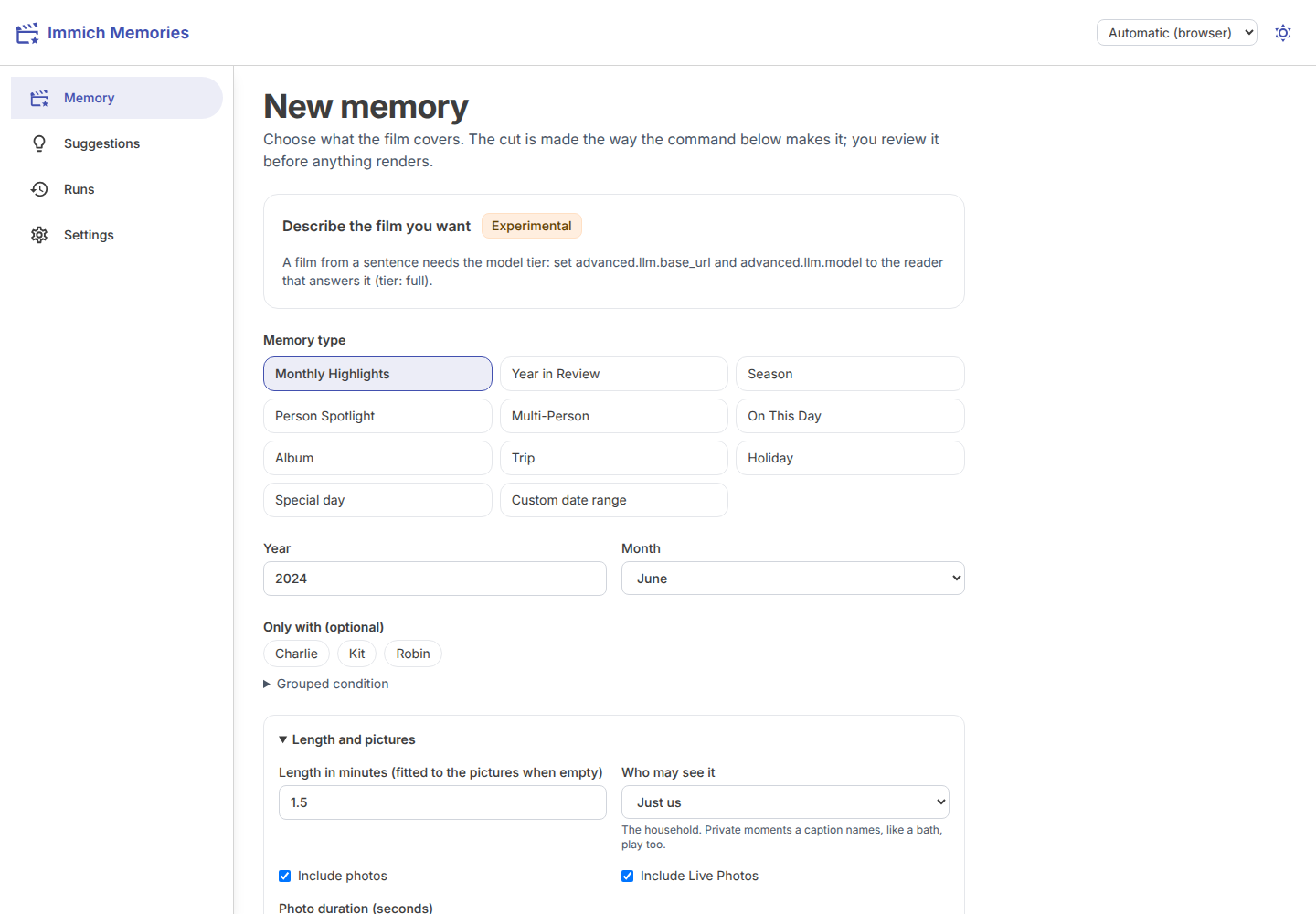
Each film is cut for one sharing level: Who may see it in the brief, generate --sharing, and
defaults.sharing for the rest (family unless you change it).
- Just us: the household. A bath or a nappy change the caption names plays too.
- Family: the default. Those private moments stay out; everything the family may see plays.
- Shareable: anyone. Only what nothing held back plays: no detector flag, no private moment, and on a NAS nothing the detectors didn't read as clean.
Details: Sharing levels.
Your word on a picture
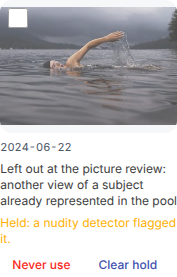
Some pictures are held by the family-viewing gate: a nudity detector flagged the picture or its Live clip, or an earlier cut read a private moment in its caption. Detectors miss both ways, and a swim in a lake looks a lot like what they're trained to catch. Holds only ever lean cautious, so a held picture you know is fine is yours to clear. And some pictures you just never want in a film. Both are on each picture in a cut's pool.
A held picture says why, in plain words, with Clear hold under it:
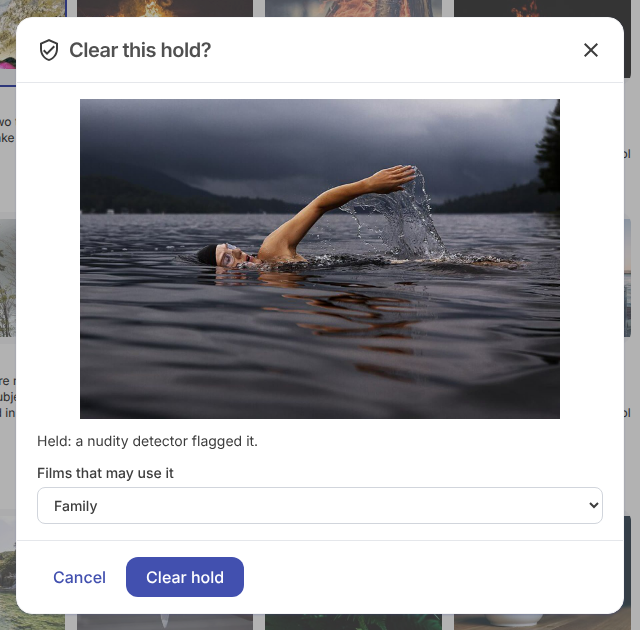
Clear hold asks first, and shows you the picture while it does. It also asks how far the picture may go: Just us (only films for the household), Family (the default: family films too) or Anyone (shareable films too). The app never clears a hold on its own, and there's no bulk clear.
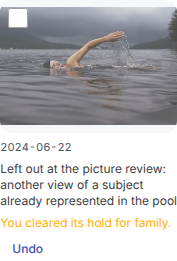
Once cleared, the card says so, and Undo is there if you change your mind:
Never use keeps a picture out of every film from the next cut on. Undo forgets the decision. To take a picture out of one film only, remove it from that cut in the review instead.
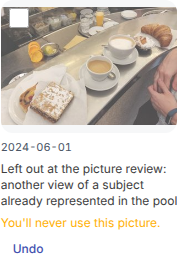
What each answer does, film by film:
Nothing is re-asked once you've cleared a picture, on any tier. A carrier rule isn't a hold: a screenshot or a document is refused for what it is, and clearing doesn't change that.
Unlike a tick, your decisions last: they're kept with the library, not the session, every tier reads them, and the web page and the terminal see each other's. A Live Photo is one picture, so a decision covers its clip too. The terminal does the same:
immich-memories pictures show 3f1c9a2e-...        # what holds it, and what you decided
immich-memories pictures clear-hold 3f1c9a2e-... --level family  # asks first; --yes skips it
immich-memories pictures never-use 3f1c9a2e-...
immich-memories pictures undo 3f1c9a2e-...
immich-memories pictures list                     # every decision you've made
The rules behind it are on Family, audience and duplicates.
Tell it who's who
Roles in the people registry (Settings > People) are what the editor reads as close family: partner or spouse, child, parent. Only what you confirmed counts, never the scan's guesses. They drive the family seat, big stories, the strangers-only cap, and the polish never dropping a close relative's only shot. Siblings and grandparents are family and don't trigger these rules. Setup: Teach it your family.
trips.homebase_latitude and homebase_longitude decide what "away" means: without them no story is
away from home.
The keys
| Key | Default | Turn it when |
|---|---|---|
advanced.editorial.people.seat_min_pictures | 20 | a close relative on fewer pictures should still be owed a shot |
advanced.editorial.people.seat_min_share | 0.05 | the same, as a share of the period |
advanced.editorial.people.big_story_density | 2.0 | busy family days should weigh major sooner, or later |
advanced.editorial.people.big_story_family_share | 0.3 | the share of close-family pictures a big story needs |
photos.burst_window_seconds | 300 | bursts should merge over a shorter or longer span; 0 turns it off |
photos.burst_hash_threshold | 8 | frames of a burst must look closer, or may differ more |
tier | auto | you want the no-model film even with a model configured: gpu (or nas). The tier sets the reader, and an explicit advanced.editorial.reader is ignored with a warning |
advanced.editorial.thin_model_layer | true | you want the model to plan every film whole: false |
Everything else in selection is a measured constant in the code, named on the page that describes it, and listed in the config reference when it is a key.
What you can't change
- A detector's hold, in bulk. Nothing lifts holds for you, or many at once. You clear them one picture at a time.
- A carrier rule. A screenshot, a document or a face close-up is refused by what it is, not by who
may see it, and clearing a hold doesn't change that.
do_not_showfrom a caption reading is a hold, and you can clear it.
Read why
immich-memories runs why 3f1c9a2e-...   # one picture: every pass, the one that dropped it, and why
immich-memories runs story              # the storyboard of the latest cut, story by story
immich-memories runs show 20260913_08   # a run, with its count of broken promises
The pool shows the same answer under every thumbnail. More in runs.